Short answer: MCP servers become shadow IT when teams add tool access faster than they add approval, logging, and ownership. Audit every server by data access, write permissions, maintainer trust, and rollback path before connecting it to an agent.
Verdict: MCP is moving from developer convenience to enterprise control plane. That is useful, but it changes the risk model. The dangerous part is not the Model Context Protocol itself. The dangerous part is a production-facing MCP server that quietly gives agents the ability to read customer data, call internal APIs, update workflows, or trigger downstream systems without the same approval, logging, and rollback discipline applied to normal integrations.
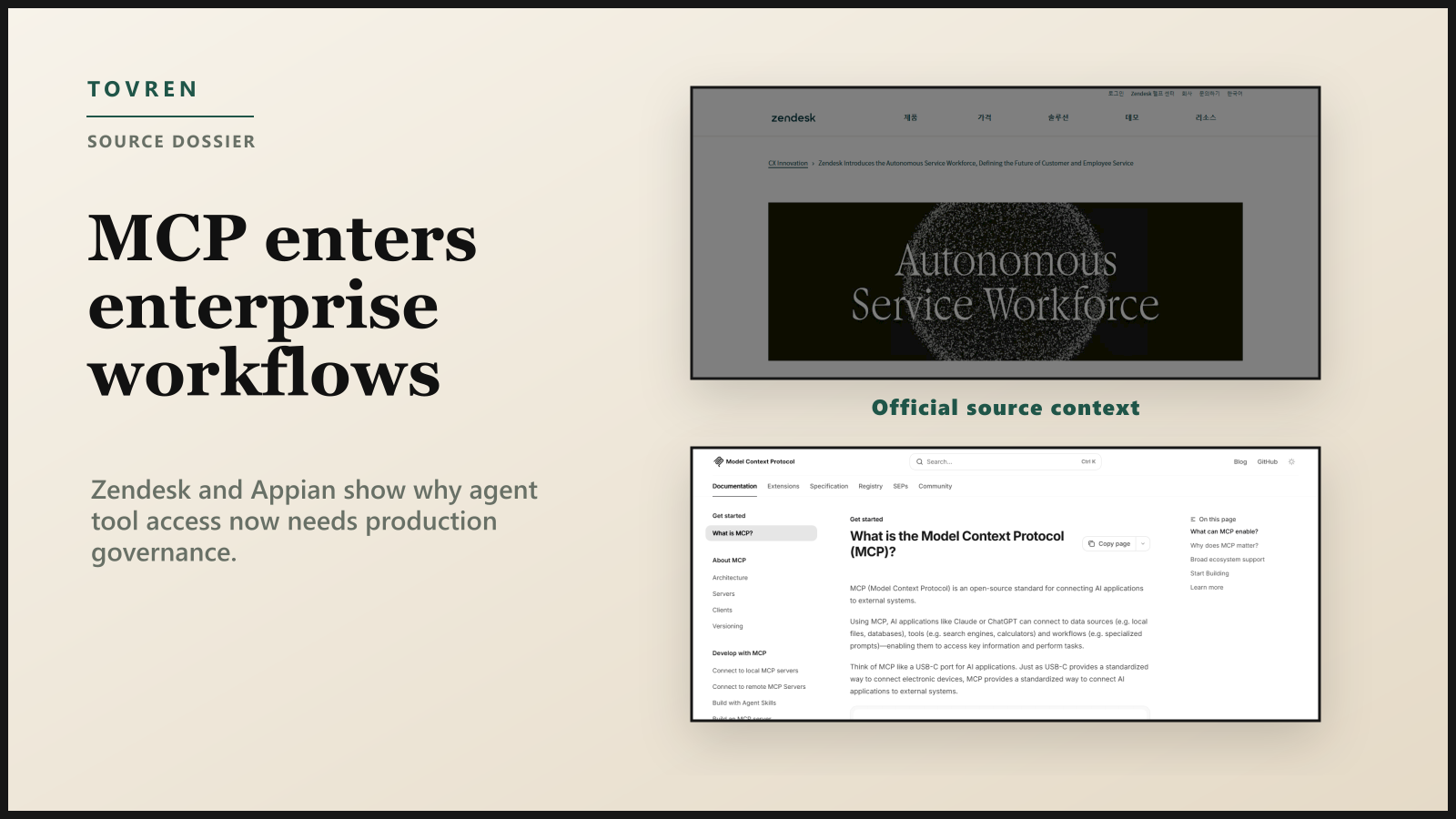
Zendesk and Appian have now put MCP into the enterprise agent conversation. Zendesk announced MCP client and server experiences around its Resolution Platform at Relate 2026. Appian announced MCP integration for agents, including access to its data fabric and developer MCP servers for application modernization. Add broad ecosystem support across agent clients and developer tools, and MCP stops being a lab feature. It becomes a new access layer that security, platform, and operations teams need to inventory now.
Why MCP Became Hot Again
MCP gives AI applications a standardized way to connect to external systems: data sources, tools, prompts, and workflows. The official MCP documentation describes MCP as a USB-C style interface for AI applications, but the more useful enterprise translation is this: MCP turns scattered integrations into discoverable agent capabilities.
In the MCP architecture, a host such as an AI assistant or coding tool connects to one or more MCP servers. Those servers can expose tools, resources, and prompts. Tools are executable functions: API calls, database queries, file operations, workflow actions. A client can discover available tools, register them with the model, and route tool calls back to the appropriate server. That is powerful because the agent does not need bespoke glue for every system. It is risky because a new tool can become an action path into production.
| Enterprise access pattern | Before MCP | With MCP | Audit question |
|---|---|---|---|
| Integration design | App-by-app API integration | Reusable server exposes many tools to agents | Who owns the full tool surface? |
| Tool discovery | Hard-coded endpoint or workflow | Client can list available tools dynamically | Can new tools appear without change approval? |
| Permission boundary | Usually tied to app role or service account | Tied to client, user, token, server, and tool scope | Are permissions enforced at every layer? |
| Failure mode | Broken integration fails in one product path | Agent may retry, choose another tool, or act with stale context | What happens when the server, API, or model misfires? |
What Zendesk And Appian Actually Announced
Zendesk’s Relate 2026 announcement, published May 19, 2026, framed the company’s roadmap around an Autonomous Service Workforce and the Zendesk Resolution Platform. The relevant MCP detail is specific: Zendesk announced support for MCP, including client and server experiences. Its MCP Client is intended to let Zendesk AI Agents and Agent Copilot connect to external systems once and expand capabilities as new MCP tools are added. Its MCP Server, expected in early access in summer 2026, is designed to connect Zendesk tickets, knowledge, and other data to external AI systems in a governed way.
Zendesk’s product blog makes the operational direction clearer: AI agents need knowledge, actions, and data; Action Flows for AI Agents are meant to automate workflows across systems; and MCP is the integration layer that lets agents select tools for the job.
Appian’s April 28, 2026 announcement is similarly important. Appian said MCP integration would allow Appian agents to interface securely with external enterprise systems, and said third-party AI agents would have access to Appian tools such as data fabric, which provides unified read-write access to enterprise data. Appian also announced developer MCP servers so teams can use tools such as Claude Code or Kiro to build and update Appian applications.
| Vendor | MCP direction | Enterprise upside | Governance implication |
|---|---|---|---|
| Zendesk | MCP Client for external tools; MCP Server for Zendesk data exposed to external AI systems | Service agents can use more systems and answer in more channels | Audit ticket, customer, knowledge, and workflow actions as agent-accessible assets |
| Appian | MCP integration for agents; MCP-enabled data fabric and developer servers | Agents can operate inside governed processes and modernization workflows | Separate read-only analysis from write-capable process and data changes |
| Broader MCP ecosystem | Clients and developer tools can connect to many servers | Build once, reuse across agents and workflows | Prevent unapproved servers from becoming de facto integration middleware |
Why MCP Can Become Shadow IT
Classic shadow IT was an employee buying an unsanctioned SaaS tool. MCP shadow IT is subtler: a team exposes internal systems through an MCP server, connects it to an agent, and suddenly the agent has a parallel route into production. The dashboard may look approved. The agent platform may be enterprise licensed. The problem is that the access path was not reviewed like a production integration.
Community discussions on Reddit are useful as early signal, not proof of incidents. Practitioners are already worried about agents getting broad production access, MCP servers acting as thin API wrappers, too many tools exposed to one agent, unclear production boundaries, and security models that depend on broad API keys. Those concerns line up with the official MCP security guidance: token passthrough, over-broad scopes, local server compromise, session hijacking, and SSRF are real design risks that operators need to address before deployment.
| Shadow pattern | What it looks like | Why it breaks production | Control |
|---|---|---|---|
| API wrapper sprawl | Every internal REST endpoint becomes a tool | Agents call low-level operations in the wrong order | Expose task-level tools, not raw endpoint catalogs |
| Broad service tokens | One token grants read/write access across systems | Compromise or model error has a large blast radius | Use progressive, least-privilege scopes |
| Local MCP servers | Developer machine runs server with production credentials | Local compromise becomes production access | Ban production credentials in local servers |
| Dynamic tool changes | Server adds or changes tools after approval | Agent capability changes without release review | Version tools and require change tickets for high-risk actions |
| Invisible retries | Agent repeats failed calls or chooses adjacent tools | Duplicate orders, duplicate refunds, or workflow corruption | Idempotency keys, circuit breakers, and human approval for mutations |
Permission Model Checklist
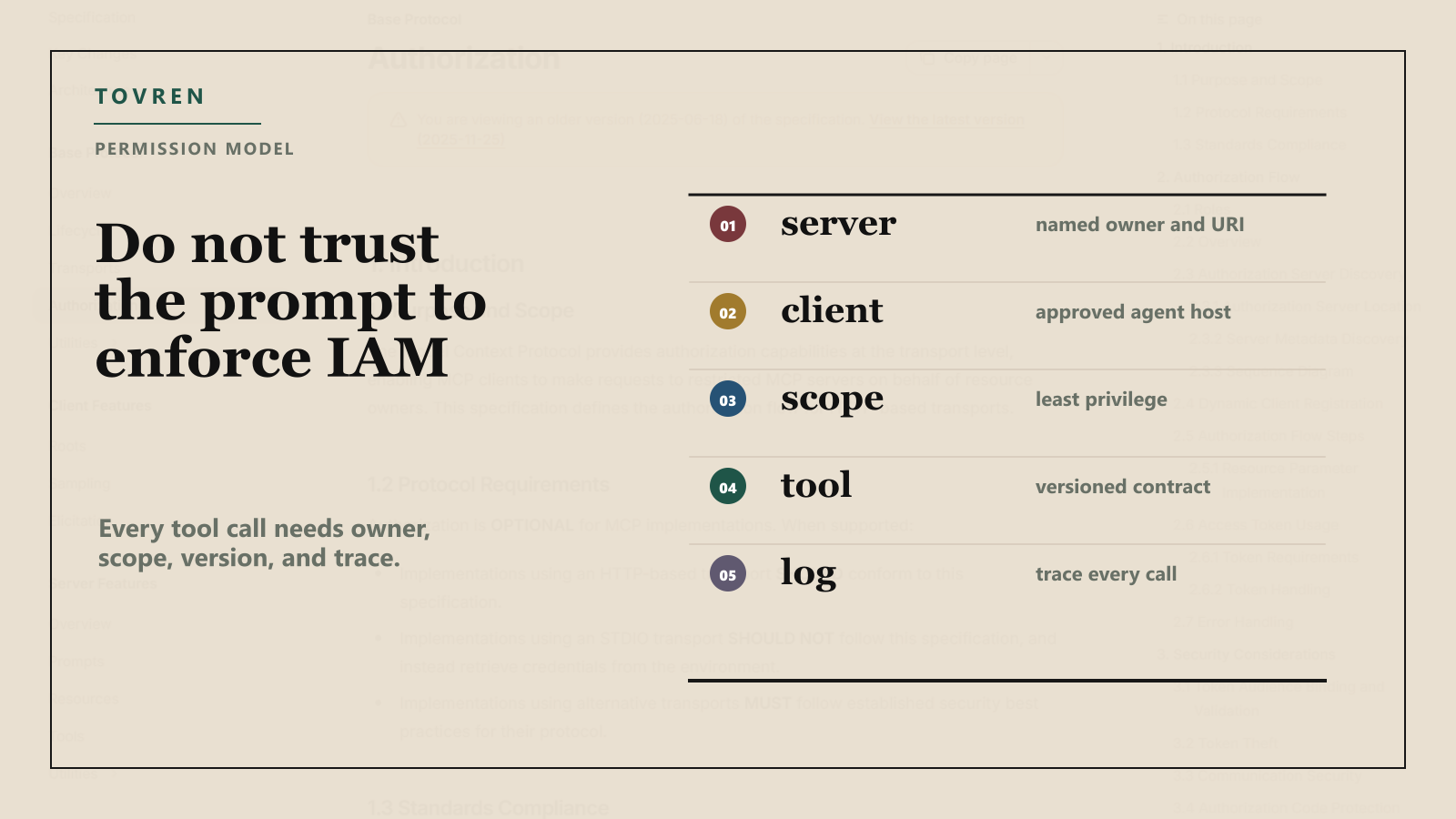
Start with the official MCP authorization model: HTTP-based authorization is optional, but when it is supported, the spec aligns with OAuth 2.1 patterns. Protected MCP servers act as resource servers, clients make requests on behalf of resource owners, and authorization servers issue access tokens. The spec also says access tokens must not be placed in URI query strings, tokens should be audience-bound to the MCP server, and invalid or expired tokens should receive 401 responses.
| Permission check | Required standard | Minimum enterprise implementation |
|---|---|---|
| Server identity | Every MCP server has a canonical URI and owner | Register server name, environment, owner, data classification, and approved clients |
| Token audience | Tokens are issued for the intended MCP server | Reject token passthrough and validate audience on every request |
| Scope design | No wildcard or omnibus scopes | Use baseline read/discovery scopes, then step-up scopes for privileged actions |
| Consent | Per-client consent for proxy flows | Show client name, requested scopes, redirect URI, and high-risk permissions |
| Mutation approval | Write actions require extra control | Require human approval or policy approval for refunds, deletes, credential changes, and customer-impacting updates |
| Environment separation | Dev, staging, and production never share credentials | Block production tokens from local and experimental MCP servers |
| Logging | Authorization and elevation events are auditable | Log client ID, user, server, tool, scope, decision, correlation ID, and result without storing secrets |
Production Readiness Checklist
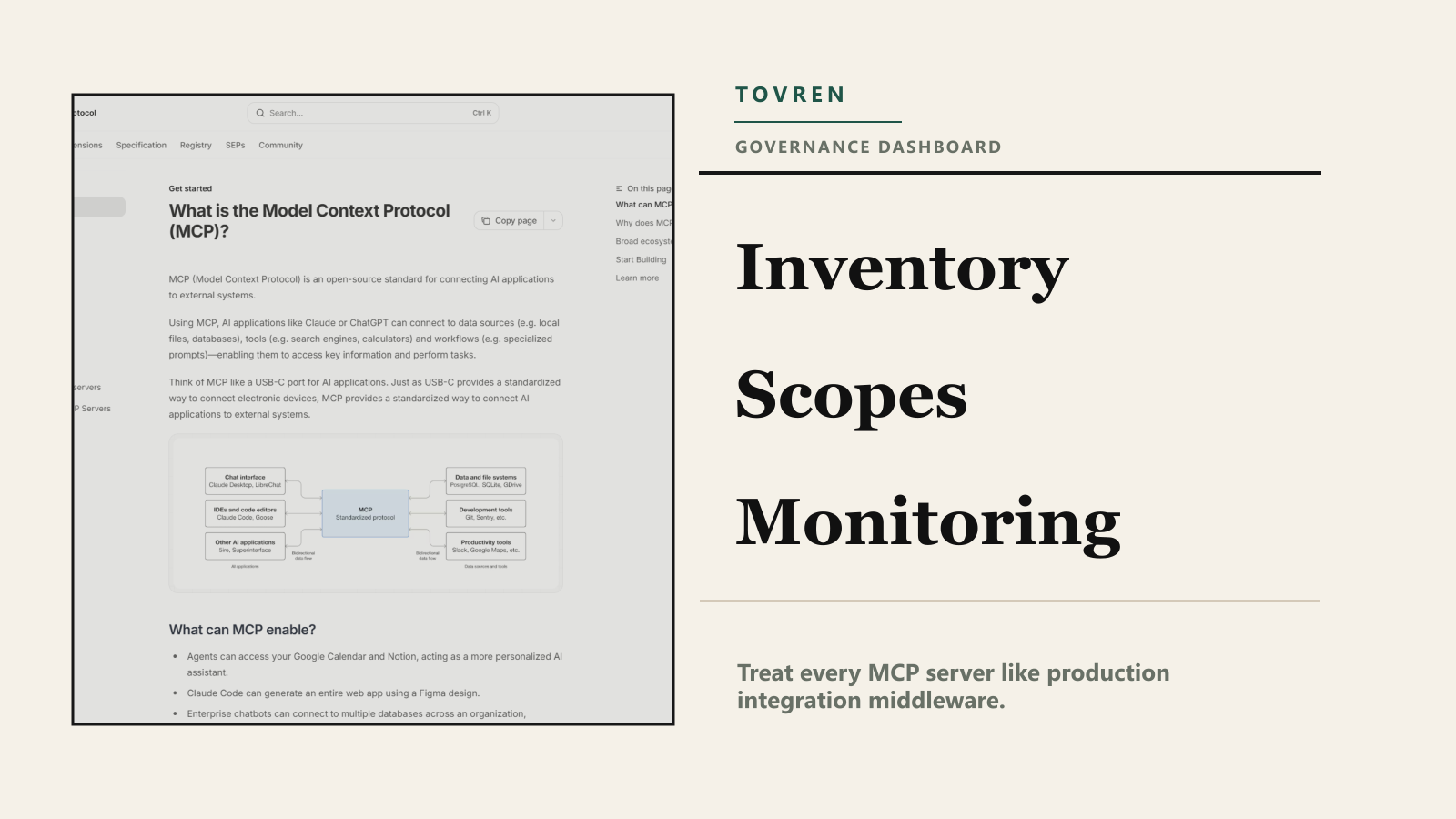
Do not approve an MCP server because a demo works. Approve it when the server behaves like production integration middleware. For a broader agent procurement view, use Tovren’s enterprise buying checklist for self-evolving AI agents; for developer ecosystem context, see our guide to Anthropic, Stainless, SDKs, and MCP for agent developers.
| Readiness area | Pass condition | Fail condition |
|---|---|---|
| Tool contract | Each tool has a stable name, description, input schema, output schema, owner, and version | Tool description is vague, prompt-like, or silently changed |
| Action design | Tools represent safe business tasks with validation | Raw API endpoints are exposed as agent tools |
| Idempotency | Write operations use idempotency keys and duplicate detection | Retries can create duplicate production changes |
| Rate limits | Per-user, per-agent, per-tool, and per-downstream limits exist | Agent loops can overwhelm APIs |
| Fallback | Read-only mode, human handoff, and kill switch are tested | Only rollback plan is to turn off the agent |
| Data handling | Inputs and outputs are classified, minimized, and redacted | Secrets, tokens, or unnecessary PII can enter prompts or logs |
| Release control | High-risk tool changes require approval and staged rollout | Server deploys new tools directly to production agents |
Monitoring And Outage Handling
MCP monitoring should answer one question fast: did an agent use the right tool, with the right permission, against the right system, for the right user, and did it produce the expected business result?
At minimum, log every tool call with timestamp, user or service identity, agent identity, MCP client, MCP server, tool name, tool version, requested scope, granted scope, input classification, downstream system, response class, latency, cost if available, correlation ID, and approval state. Do not log bearer tokens, raw secrets, full customer records, or unnecessary prompt contents.
| Alert trigger | Likely meaning | First response | Owner |
|---|---|---|---|
| Spike in 401 or 403 responses | Expired tokens, scope drift, or unauthorized client | Freeze new grants and inspect authorization logs | Security engineering |
| Spike in tool errors | Broken downstream API or schema mismatch | Disable affected tool and route agent to fallback | Platform owner |
| New high-risk tool discovered | Unapproved capability reached production | Remove from registry and open change review | AI governance lead |
| Unusual write volume | Agent loop, abuse, or bad prompt | Trip circuit breaker and require human approval | Operations |
| Unexpected external destination | Potential SSRF or misconfigured metadata discovery | Block egress and inspect OAuth discovery chain | Security operations |
Outage handling should be boring. Every production MCP server needs a kill switch by tool, not only by server. Read-only degradation should be possible for customer support, analytics, and knowledge lookup use cases. Write tools should have circuit breakers, idempotency, and post-incident reconciliation. If an agent can update tickets, refunds, entitlements, orders, invoices, claims, or deployments, the incident plan must include downstream cleanup.
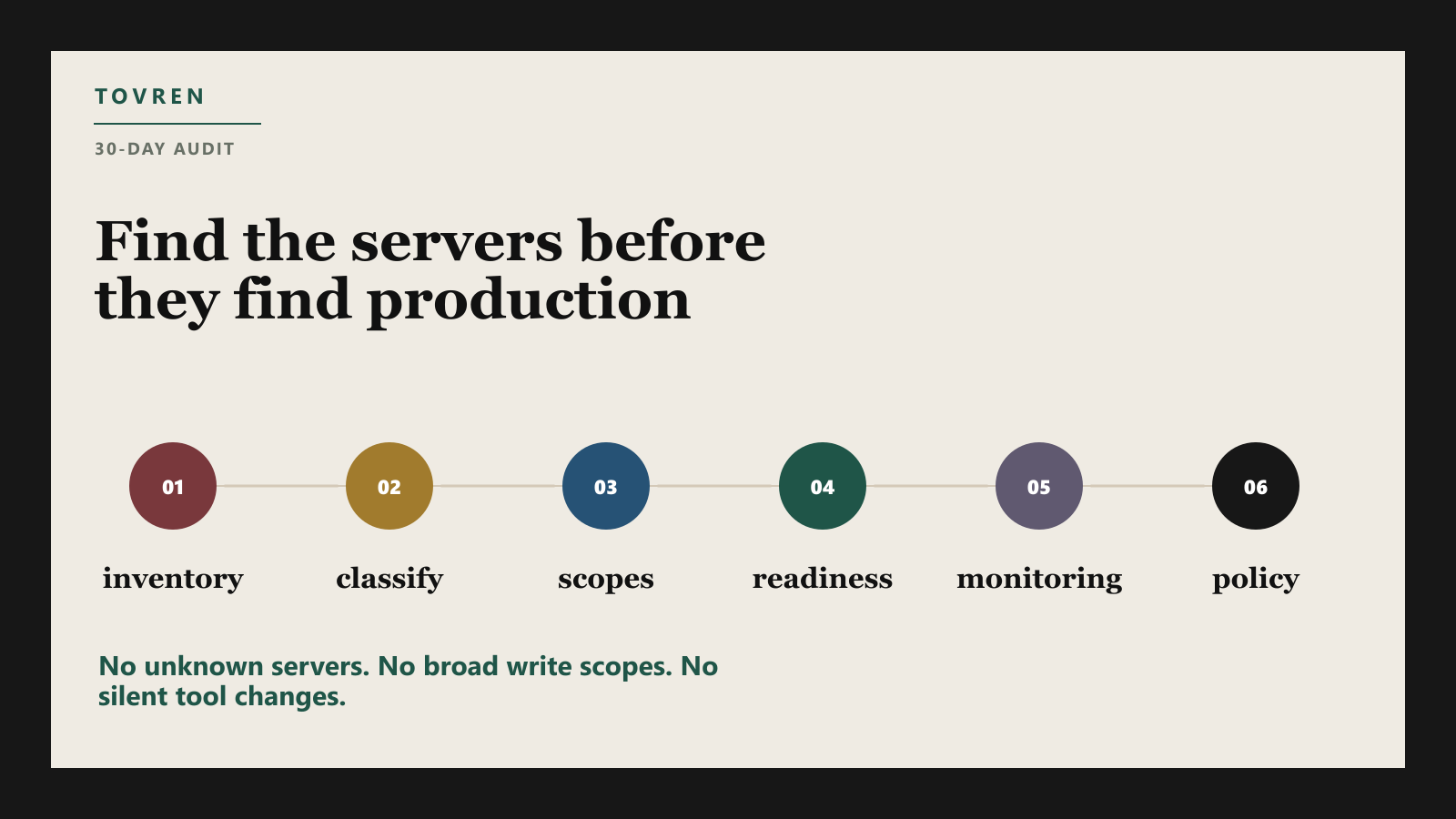
30-Day MCP Audit Plan
| Days | Workstream | Deliverable |
|---|---|---|
| 1-5 | Inventory all MCP servers, clients, owners, environments, and connected systems | Central MCP register with production/non-production labels |
| 6-10 | Classify every tool as read, write, destructive, external, customer-impacting, or privileged | Risk-tiered tool catalog |
| 11-15 | Review tokens, scopes, consent, redirect URIs, service accounts, and local credentials | Permission gap report and remediation queue |
| 16-20 | Test production readiness: schemas, idempotency, rate limits, fallback, rollback, and staging parity | Go/no-go checklist per MCP server |
| 21-25 | Add monitoring, alerts, egress rules, correlation IDs, and incident runbooks | Operational dashboard and outage playbook |
| 26-30 | Approve, restrict, or retire servers; publish policy for new MCP tools | Board-ready risk summary and durable governance process |
The policy should be blunt: no unknown MCP servers in production; no production credentials in local servers; no broad write scopes by default; no unversioned high-risk tools; no token passthrough; no tool changes without owner approval; and no agent action that cannot be traced to a user, policy, ticket, or service account.
MCP will probably keep spreading because it solves a real integration problem for agents. The right response is not to ban it. The right response is to treat MCP servers as production access infrastructure. That means asset inventory, least privilege, change control, monitoring, and outage handling before the first autonomous workflow touches a customer record. For teams experimenting with browser agents and tool-heavy workflows, Tovren’s AI browser agent prompt pack is a useful reminder: once an agent can act across systems, prompts are only one layer of control. The real safety boundary is the tool access model.
FAQ
Why are MCP servers a shadow IT risk?
They can give agents access to files, tools, accounts, and data before security or operations teams have reviewed the permission boundary.
What should be audited first?
Audit data access, write permissions, maintainer trust, logging, update behavior, and rollback options.
Who should own MCP governance?
The team that owns the connected data or workflow should own approval, monitoring, and removal rules.