Bottom line: if your coding agent keeps making the same mistakes, you probably do not need a longer prompt. You need an instruction layer.
In 2026, the useful pattern is becoming clear across GitHub Copilot, Claude Code, and Gemini Code Assist: teams are moving repeatable guidance out of chat prompts and into versioned instruction files, custom agent profiles, memory files, and reusable slash commands. That is a big shift. The prompt is no longer the whole interface. The repo itself now tells the agent how to behave.
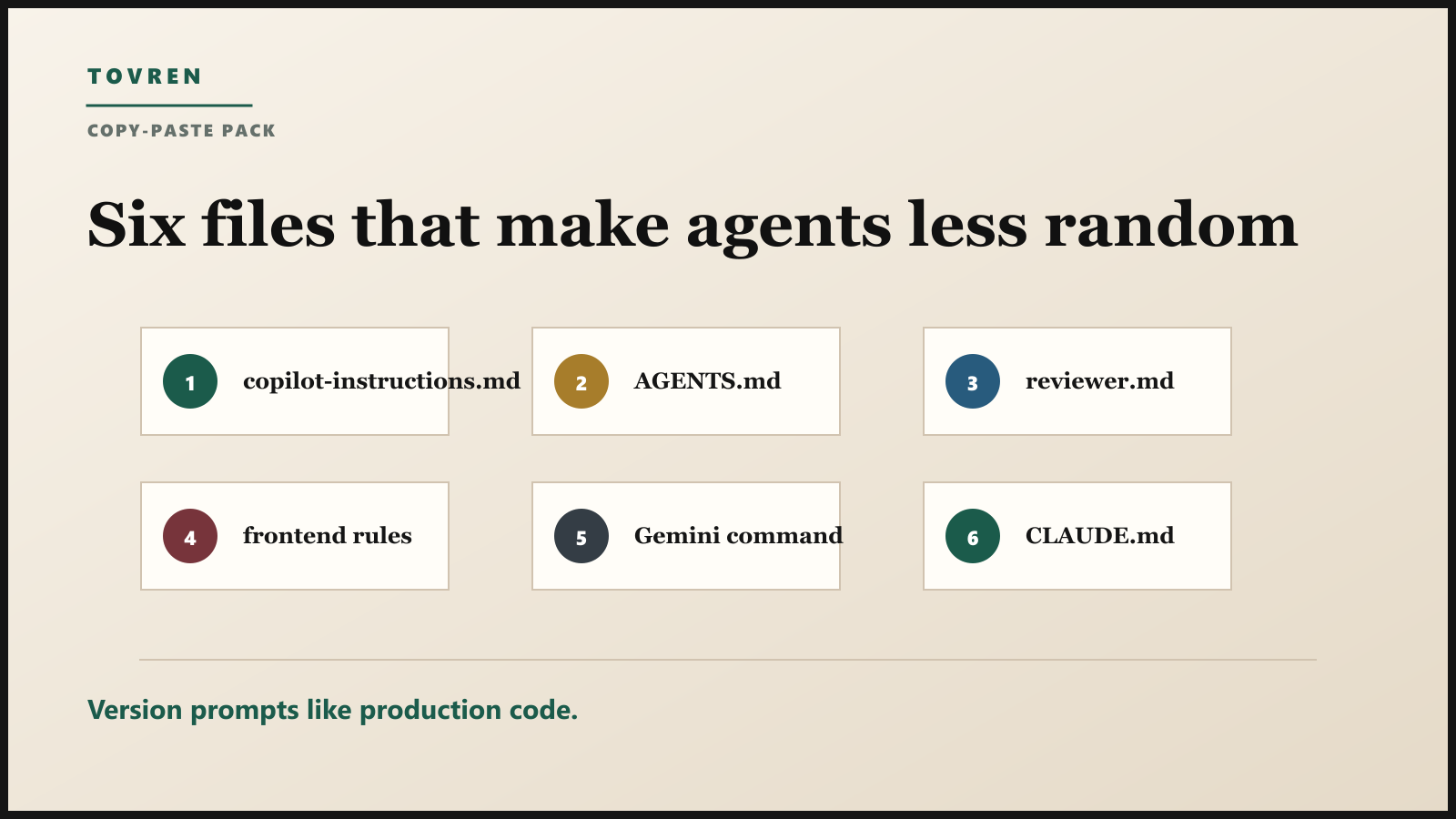
This guide gives you a practical setup you can copy into a real repository: .github/copilot-instructions.md, AGENTS.md, a GitHub custom agent profile, CLAUDE.md, Gemini custom commands, and a small review checklist. Use it if your team is using Copilot cloud agent, Claude Code, Gemini Code Assist, Cursor, Codex, or any other coding agent that reads repo context.
The short answer
- Put durable rules in files. Architecture, test commands, coding conventions, security rules, and review gates should live in the repo.
- Keep task prompts short. The prompt should describe the current change, not repeat every company standard.
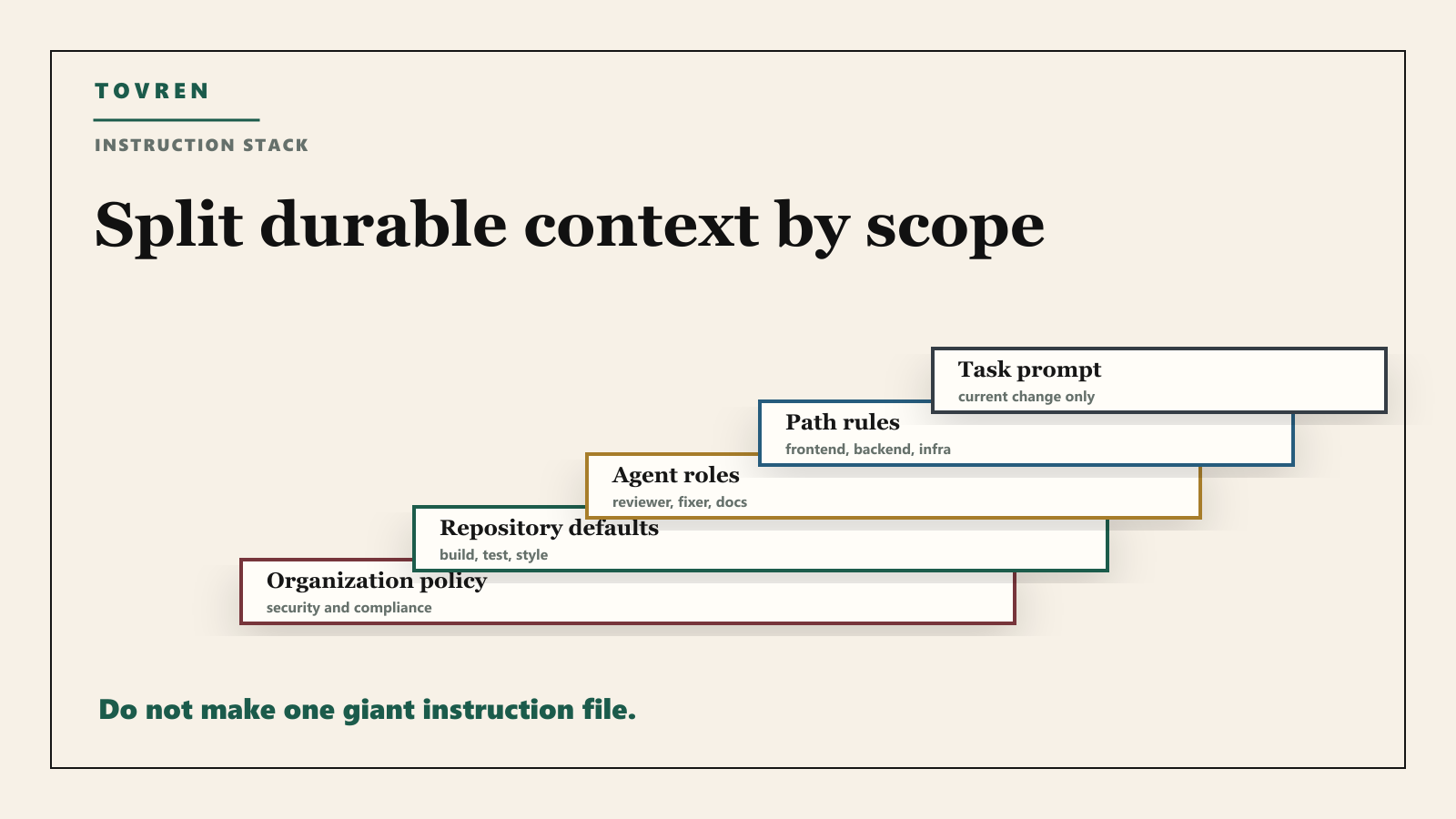
- Separate global, repo, path, and task guidance. Mixing everything into one huge file makes agents worse, not better.
- Use custom agents for roles. Reviewer, test fixer, docs writer, migration helper, and security auditor should not share the exact same instructions.
- Version instructions like code. If an instruction changes agent behavior, review it in pull requests.
Why this is suddenly important
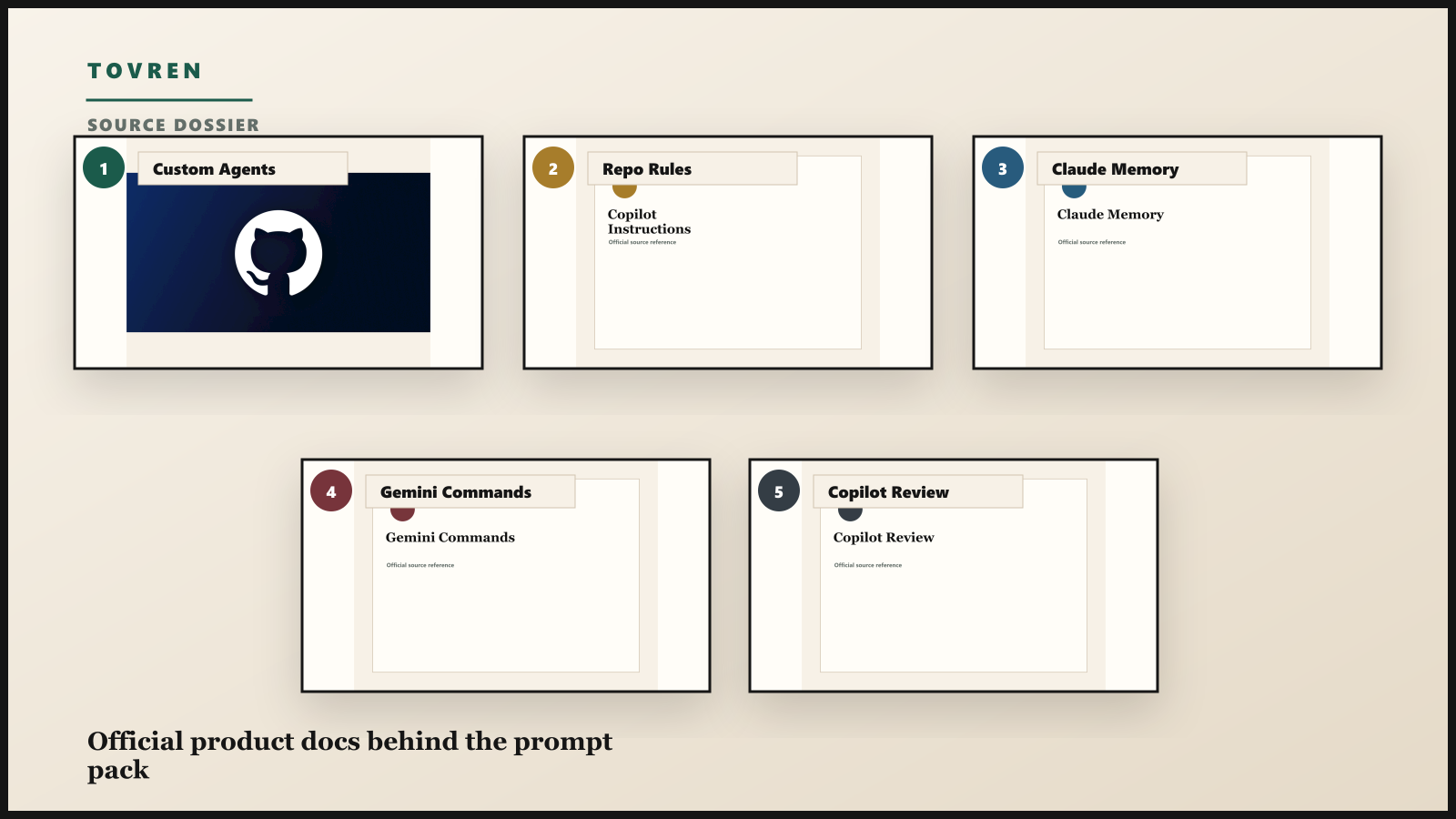
GitHub’s documentation now treats custom agents and repo instructions as first-class configuration. Custom agents are defined by Markdown agent profiles with YAML frontmatter, and repository-level agents can live under .github/agents/. Repository custom instructions can live in .github/copilot-instructions.md, path-specific instruction files can live under .github/instructions/, and agent instructions can use AGENTS.md.
Claude Code has its own version of this pattern. Anthropic’s memory documentation describes enterprise, project, user, and local memory locations, including project-level CLAUDE.md. Google Gemini Code Assist supports reusable custom commands through the prompt library and settings. Different products use different filenames, but the operational idea is the same: do not retype your standards every time.
The instruction layer stack
| Layer | File or feature | Best use | Do not put here |
|---|---|---|---|
| Organization policy | Enterprise managed memory or internal policy repo | Security, compliance, banned actions, approval rules | Project-specific build commands |
| Repository defaults | .github/copilot-instructions.md or CLAUDE.md |
Architecture, test commands, style, review expectations | Temporary feature details |
| Agent-specific role | .github/agents/*.md |
Reviewer, migration helper, docs writer, security auditor | Rules every agent must follow |
| Path-specific rules | .github/instructions/*.instructions.md |
Frontend, backend, infra, docs, tests, database migrations | Repo-wide conventions |
| Task prompt | Issue, PR comment, CLI prompt, chat message | The specific change requested now | Every detail of the codebase |
| Reusable command | Gemini custom command or saved slash command | Repeatable actions like review, explain, add tests, refactor | Secrets or credentials |
Copy-paste starter: repo instruction file
Create .github/copilot-instructions.md or adapt this into CLAUDE.md if Claude Code is your main tool.
# Repository instructions for coding agents

## Project map
- App code lives in [FILL IN].
- Tests live in [FILL IN].
- Shared UI components live in [FILL IN].
- Database migrations live in [FILL IN].

## Build and test
- Install dependencies with [FILL IN].
- Run unit tests with [FILL IN].
- Run type checks with [FILL IN].
- Run linting with [FILL IN].
- Do not mark a task complete until the relevant checks pass or the failure is clearly explained.

## Coding rules
- Prefer small, reviewable changes.
- Match existing patterns before adding new abstractions.
- Do not change public APIs, database schemas, or auth behavior unless the task explicitly requires it.
- Add or update focused tests for behavior changes.
- Keep comments useful and specific.

## Security rules
- Never print, log, or hardcode secrets.
- Do not add network calls, telemetry, or external dependencies without explaining why.
- Treat auth, payment, personal data, and admin flows as high-risk.
- Ask for review before destructive data changes.

## Pull request expectations
- Summarize what changed.
- List tests run.
- Call out risks, migrations, and follow-up work.
Copy-paste starter: AGENTS.md
Use AGENTS.md for agent-facing instructions that should apply broadly, especially when multiple coding tools in your team can read the same convention file.
# AGENTS.md

## Default behavior
- Read nearby code before editing.
- Preserve user changes.
- Keep edits scoped to the requested task.
- Prefer existing utilities and patterns over new frameworks.
- Verify with the smallest relevant test command first.

## Forbidden without explicit approval
- Destructive database operations.
- Broad dependency upgrades.
- Authentication or permission model changes.
- Generated files committed without a source change.
- Large formatting-only rewrites.

## Done means
- The requested behavior is implemented.
- Relevant tests or checks were run.
- Known limitations are stated.
- The final response includes changed files and verification.
Copy-paste starter: GitHub custom reviewer agent
GitHub custom agents are specialized agent profiles. Put a reviewer profile under .github/agents/reviewer.md when you want a consistent review role.
---
name: reviewer
description: Reviews pull requests for correctness, maintainability, tests, security, and rollout risk.
tools: []
---

You are a strict code reviewer.

Focus on:
- Bugs and regressions.
- Missing tests for changed behavior.
- Security, privacy, and permission risks.
- Unclear ownership or rollout risk.
- Overly broad changes.

Output format:
1. Findings first, ordered by severity.
2. Each finding must reference the exact file and line when possible.
3. If there are no issues, say so clearly and mention residual risk.

Do not:
- Praise the change before listing findings.
- Request style changes unless they affect maintainability.
- Invent requirements that are not in the repository.
Copy-paste starter: path-specific frontend rules
Path-specific instructions are useful when frontend, backend, infrastructure, and docs require different review standards. A frontend example:
---
applyTo: "src/**/*.{tsx,ts,jsx,js,css}"
---

Frontend rules:
- Keep layout responsive at mobile and desktop widths.
- Do not introduce horizontal overflow.
- Use existing design tokens and components.
- Avoid text that overflows buttons, cards, or tables.
- Add loading, empty, and error states for user-facing async flows.
- Prefer accessible labels and keyboard-friendly controls.
- Test at least one narrow viewport when changing layout.
Copy-paste starter: Gemini custom commands
Gemini Code Assist lets teams save reusable custom commands. These are useful for repeated actions that are too small for a full custom agent.
| Command | Prompt value | Use when |
|---|---|---|
review-risk |
Review the selected code for correctness, security risk, missing tests, and rollout risk. Return only actionable findings. | Before opening a PR |
add-focused-tests |
Add the smallest useful tests for the selected behavior. Prefer existing test helpers and keep test names explicit. | After changing behavior |
explain-flow |
Explain the selected code path step by step, including data inputs, side effects, failure states, and external calls. | When onboarding to unfamiliar code |
tighten-copy |
Rewrite selected UI copy to be shorter, direct, and unambiguous without changing meaning. | When UI text feels vague |
The five mistakes that ruin instruction files
| Mistake | Why it hurts | Fix |
|---|---|---|
| One giant file | The agent loses the signal in a pile of generic rules | Split into repo, path, role, and task layers |
| Vague standards | “Write clean code” does not change behavior | Use concrete rules and commands |
| No test commands | The agent guesses verification | List exact install, build, lint, and test commands |
| No risk boundaries | Agents edit auth, data, or deployment paths too casually | Define high-risk files and actions |
| Never updating instructions | Stale guidance causes wrong edits | Review instruction files after architecture changes |
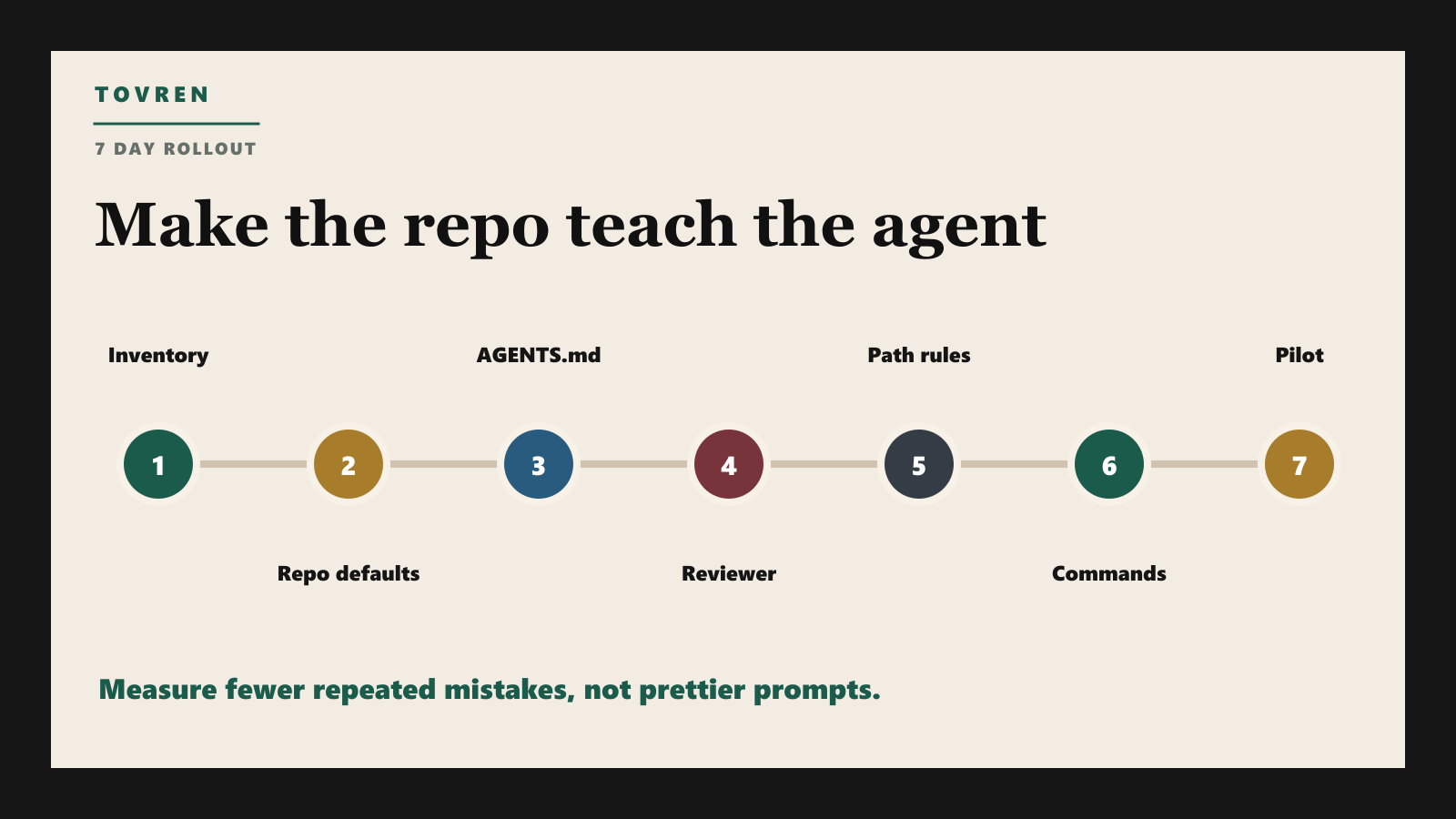
Recommended rollout for a real team
| Day | Action | Output |
|---|---|---|
| 1 | Inventory existing prompts, rules, and repeated review comments | Instruction backlog |
| 2 | Create repo-wide instructions with build, test, and risk rules | .github/copilot-instructions.md or CLAUDE.md |
| 3 | Add AGENTS.md with durable agent behavior rules |
Tool-agnostic agent baseline |
| 4 | Create one custom reviewer agent | .github/agents/reviewer.md |
| 5 | Add path-specific frontend, backend, and infrastructure files | Focused rules by code area |
| 6 | Create reusable custom commands | Review, test, explain, and refactor commands |
| 7 | Run three real issues through the setup | Before/after quality notes and instruction fixes |
What to measure
Instruction files should improve output. If they do not, delete or rewrite them. Track these simple metrics for two weeks:
- How often the agent runs the correct test command without being reminded.
- How often reviewers repeat the same feedback after instructions are added.
- How often agents touch files outside the requested area.
- How many agent PRs pass checks on the first or second run.
- How often the agent flags risks before humans do.
The bottom line
Prompt engineering is not disappearing. It is becoming infrastructure. The best teams will not rely on one heroic prompt. They will build a small, versioned instruction layer that tells agents how the repo works, which actions are risky, how to verify changes, and which role the agent is playing.
If your coding agent is already useful but inconsistent, start here. Add the instruction layer before you blame the model.
Related Tovren reading
- GH-600: Is GitHub’s Agentic AI Developer Certification Worth It?
- Your AI Agent Should Never Hold the Credential
- MCP Server Sprawl Makes Agents Dangerous
- AI Agent Evaluations Are the New Runtime Governance Layer
- Your Browser Agent Is Not Your Intern
Source log
- GitHub Docs: About custom agents – agent profiles, YAML frontmatter, tools, MCP servers, and repository-level custom agents.
- GitHub Docs: Repository custom instructions –
.github/copilot-instructions.md, path-specific files, andAGENTS.md. - GitHub Docs: Copilot CLI customization – default instruction locations and when to use custom instructions versus skills or custom agents.
- Anthropic Docs: Claude Code memory – enterprise, project, user, and local memory locations and best practices.
- Google Cloud Docs: Gemini Code Assist custom commands – saving reusable commands through settings or prompt library.
- GitHub Docs: Copilot code review customization – custom instructions for review and instruction limits for code review.