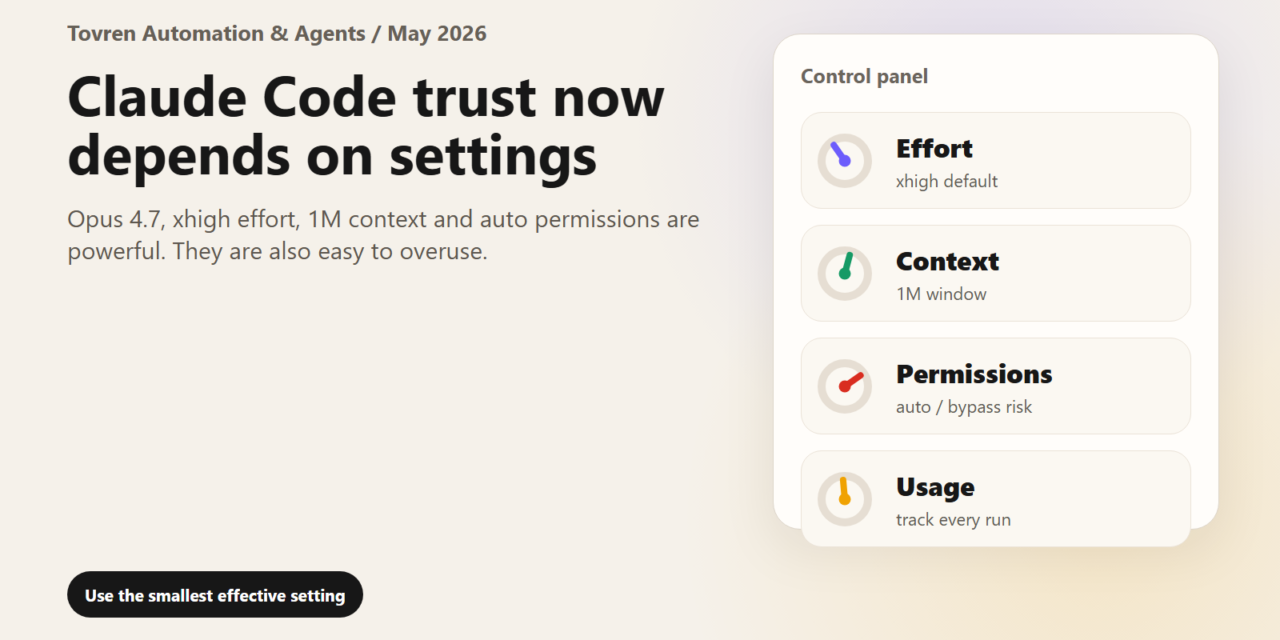
Short answer: Claude Code model selection should follow task difficulty. Use cheaper or automatic modes for routine edits, reserve Opus-level settings for hard codebase reasoning, and track cost before letting agents run long sessions.
Verdict: Opus 4.7 is not automatically bad. The risky pattern is running Opus 4.7 with xhigh effort, 1M context, and auto or bypass-style permissions as a default for ordinary work. That setup can create long, expensive, hard-to-audit sessions where the agent explores too much, spends too many tokens, and makes decisions faster than a developer can verify. Most teams should default to high or medium for routine tickets, reserve xhigh for architecture, thorny debugging, migration planning, and major refactors, use plan mode before edits, and keep auto/bypass permissions tightly controlled.
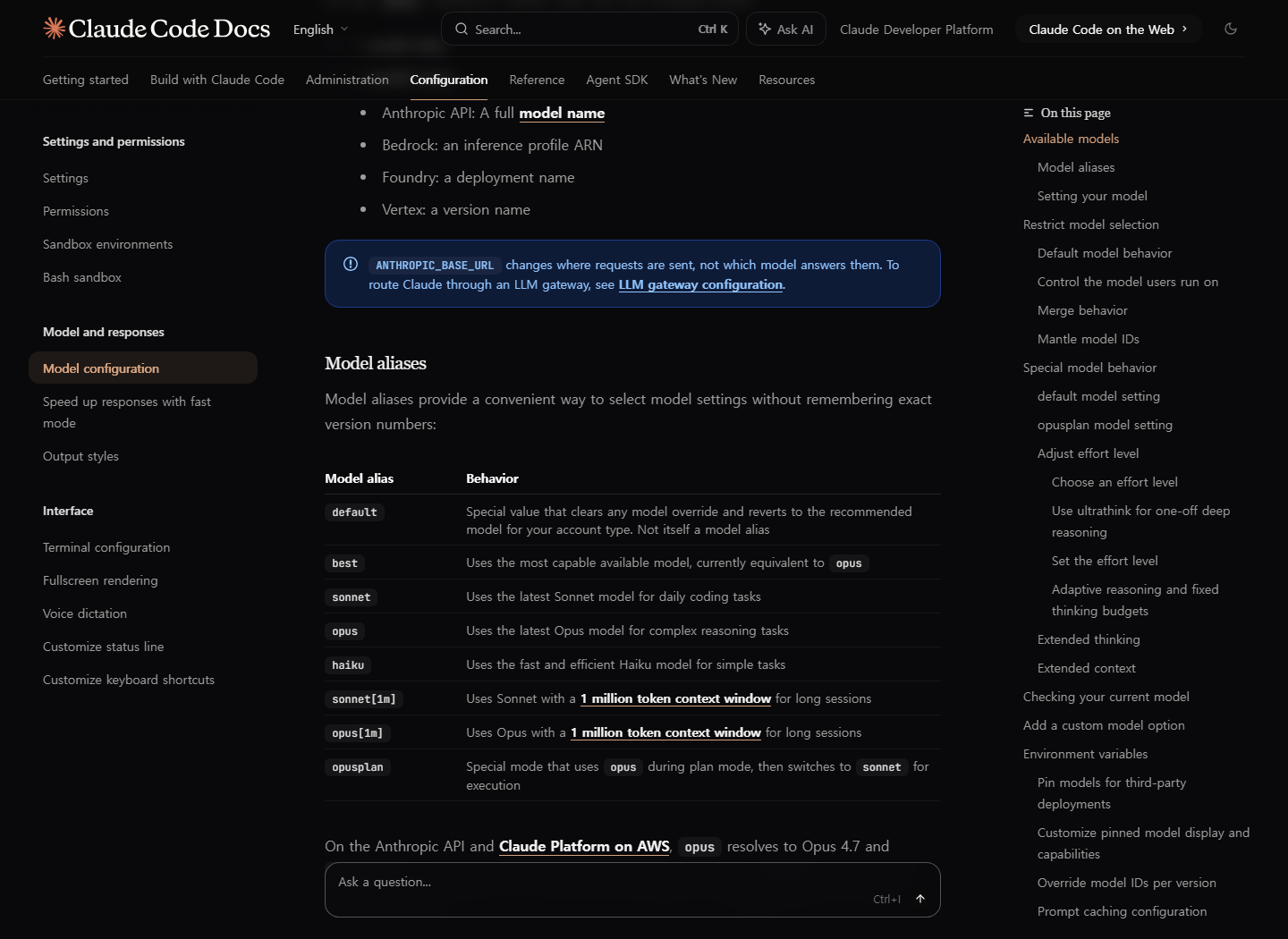
The trust problem is not just “model quality”. It is configuration opacity. Anthropic’s docs say Opus 4.7 supports low, medium, high, xhigh, and max effort; in Claude Code v2.1.117 and later, Opus 4.7 defaults to xhigh. Claude Code can also expose a 1M token context window on supported paid plans, while permission modes range from normal approval prompts to plan, auto, dontAsk, and bypassPermissions. Those are power tools. Used casually, they make developers feel as if Claude has become unpredictable, even when the actual failure is a bad default for the job.
There is also a timing problem. Anthropic has recently acknowledged earlier Claude Code quality reports and says those issues were resolved, while the newer Opus 4.7 launch material argues the model is stronger at long-running coding tasks. At the same time, public developer communities are again full of complaints about cost, drift, and verification burden. Tovren’s position: do not flatten all of this into “Claude is nerfed” or “users are prompting badly”. Treat it as an operational question: what settings make good developers trust the tool less?
Community heat check
| Signal | What users are reporting | How to treat it |
|---|---|---|
| r/ClaudeCode, May 21, 2026 | Reports of Opus 4.7 with 1M context and xhigh taking unrequested actions, exploring unrelated repo areas, and needing more verification. | User-reported. Strong early signal, not proof of a platform-wide regression. |
| r/ClaudeAI, May 14, 2026 | Debate comparing GPT-5.5 Codex through Cursor with Opus 4.7 Claude Code, mostly around value, cost, and architecture-heavy tasks. | Useful buyer sentiment. Do not present as a benchmark. |
| r/Anthropic, May 18, 2026 | Complaints that Opus 4.7 feels worse or like a cost-saving release; replies disagree on whether Opus 4.6 is still available in some workflows. | Volatile sentiment. Quote only as anecdotal community reaction. |
| X, Threads, YouTube, DCInside | Search surfaces showed related chatter about xhigh, token use, auto mode, and Opus 4.7. | Checked, but not used as hard evidence unless a real title and URL were verified. |
Confirmed facts vs claims vs Tovren analysis
| Bucket | What belongs here | Editorial handling |
|---|---|---|
| Confirmed facts | Opus 4.7 has xhigh; Claude Code defaults Opus 4.7 to xhigh; effort can be set with /effort, –effort, CLAUDE_CODE_EFFORT_LEVEL, settings, skills, or subagents; supported plans can use 1M context; /usage helps track token usage; plan mode reads and explores without editing. | State directly and source to official docs. |
| User-reported claims | Quality drops, unnecessary exploration, lazy repo reading, higher verification burden, and cost frustration. | Frame as community reports, not established model facts. |
| Tovren analysis | xhigh plus huge context plus permissive execution increases supervision cost. The best default for many teams is not “maximum intelligence”; it is the lowest setting that reliably completes the task. | Make practical recommendations and invite teams to test. |
The effort-level decision table
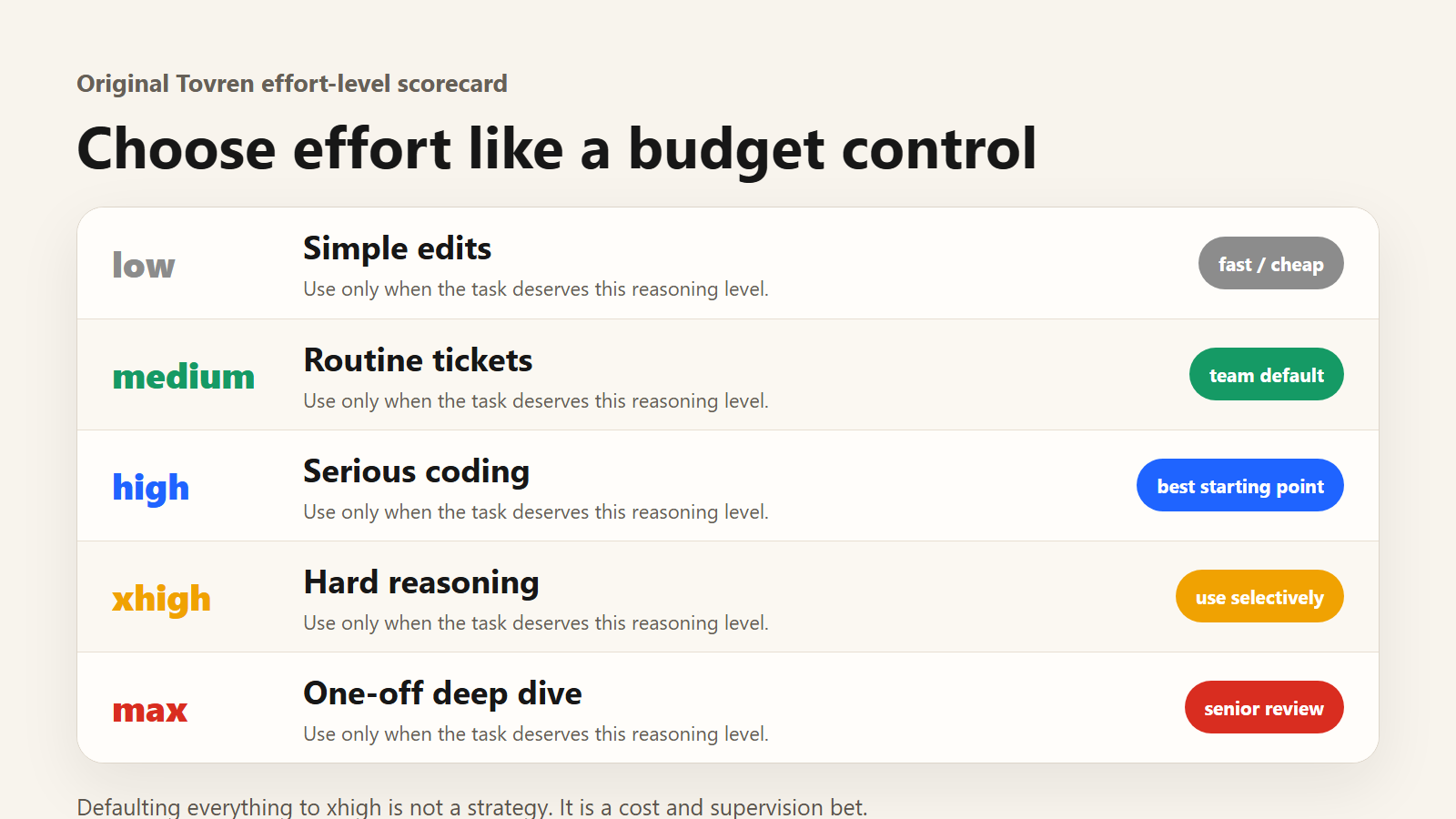
| Effort | Use it for | Avoid it when |
|---|---|---|
| low | Small edits, simple grep-style questions, formatting, low-risk docs cleanup. | The task requires judgment, multi-file reasoning, or security-sensitive changes. |
| medium | Routine tickets, small bug fixes, test updates, predictable refactors, cost-sensitive team work. | You need deep architectural reasoning or the agent is missing hidden dependencies. |
| high | Most serious coding work: feature slices, PR review, migration prep, debugging with bounded scope. | The repo is unfamiliar and the request is broad enough to invite wandering. |
| xhigh | Hard architecture tradeoffs, cross-cutting refactors, complex debugging, ambiguous failures, agentic tasks where extra reasoning matters. | You are doing routine edits, running long sessions without checkpoints, or paying usage credits without a cap. |
| max | One-off deep investigations where cost and latency are acceptable and the outcome is worth senior review. | You want a team default. Max can overthink and is too easy to normalize accidentally. |
The safer Claude Code workflow
For routine engineering, start with a bounded instruction, high or medium effort, and plan mode. Ask Claude to inspect only the files needed for the task, produce a plan, and wait before edits. Then switch into edits only after the plan is specific enough to review.
/effort high # For harder architecture/debugging only: /effort xhigh claude --model claude-opus-4-7 --effort high export CLAUDE_CODE_EFFORT_LEVEL=high { "model": "claude-opus-4-7", "effortLevel": "high", "permissions": { "defaultMode": "plan" } }
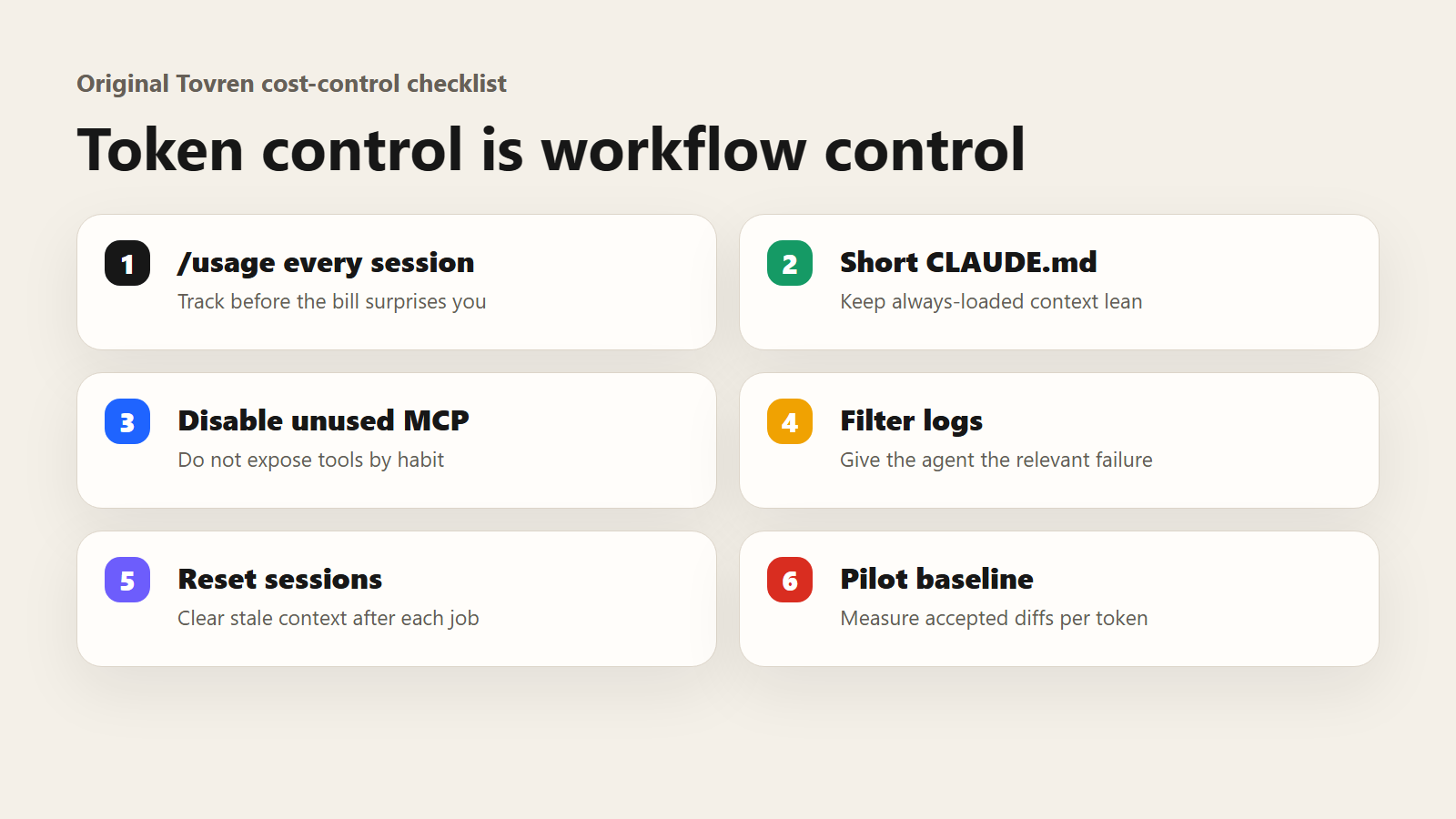
Use /usage during the session. Treat the dollar estimate as a local estimate, not final billing, especially on Pro or Max subscription usage. For paid-plan users with usage credits enabled, check whether the session has moved from included usage into credit-billed usage. For API teams, track cost through workspace reporting and rate limits.
Cost-control checklist
- Start new sessions for unrelated work; stale context taxes every later turn.
- Use
/clearafter a finished task and/renamebefore clearing if you need to find it later. - Use Sonnet or medium/high effort for routine implementation; reserve Opus xhigh for work that needs it.
- Keep
CLAUDE.mdshort. Move specialised instructions into skills so they load only when needed. - Disable unused MCP servers and prefer CLI tools where they provide cleaner, shorter outputs.
- Filter logs and test output before Claude reads them. Do not feed a 10,000-line failure dump when 100 lines would do.
- Record baseline tokens per ticket during a pilot before buying more seats or enabling unlimited credits.
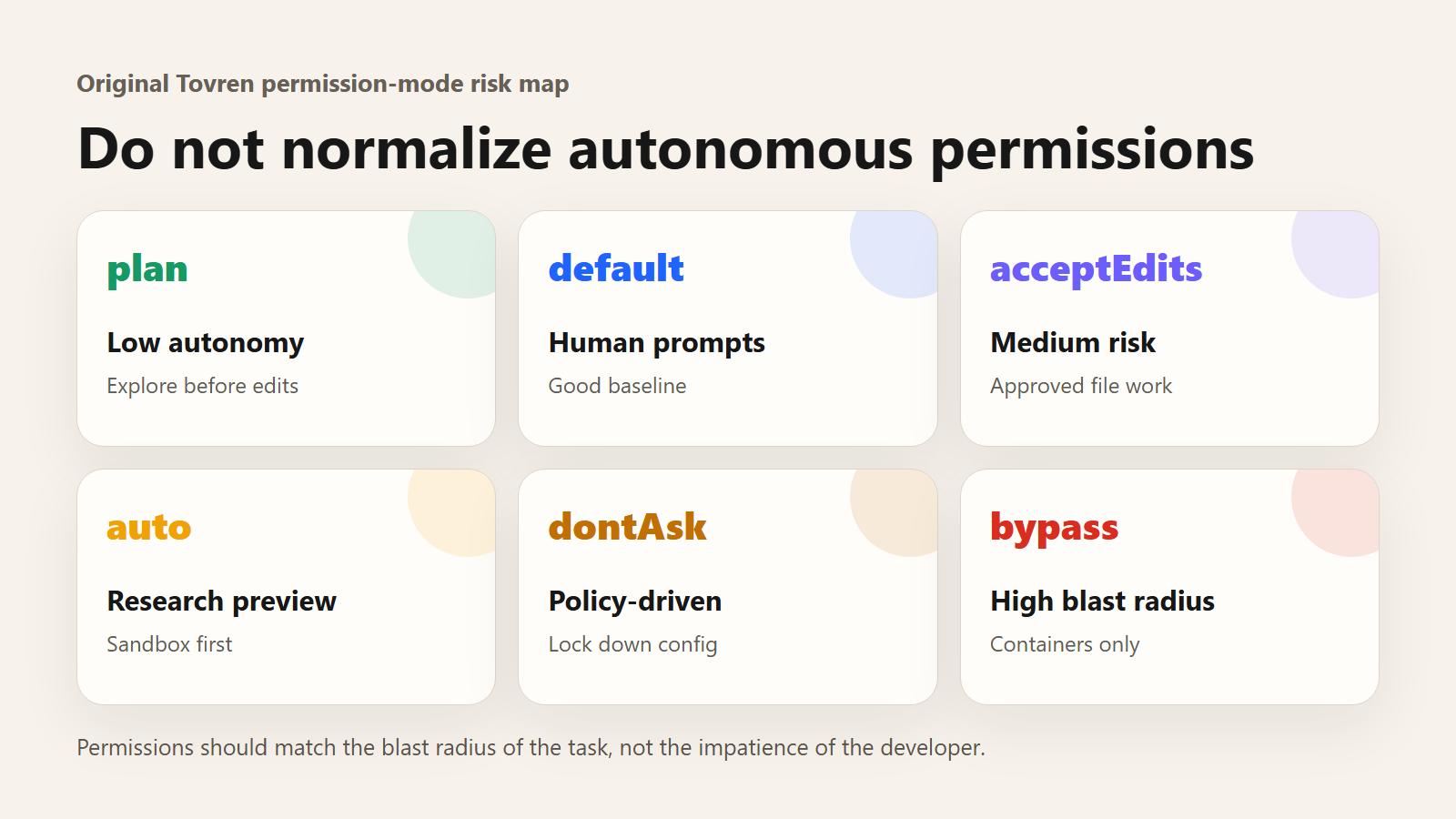
Permission-mode risk map
| Mode | Risk | Recommended use |
|---|---|---|
| default | Low to medium | Good baseline for individual developers who want prompts before risky actions. |
| acceptEdits | Medium | Useful for local file work after the plan is approved. |
| plan | Low | Best first step: exploration without source edits. |
| auto | Medium to high | Research-preview automation for low-stakes tasks where approval fatigue is worse than classifier risk. |
| dontAsk | Low if configured well | Good for locked-down environments with pre-approved tools. |
| bypassPermissions | High | Use only inside isolated containers or VMs. Block it in managed settings for most teams. |
A 7-day team pilot
| Day | Test | Decision |
|---|---|---|
| 1 | Run three real tickets at medium, high, and xhigh. | Pick a default based on accepted PRs, not vibes. |
| 2 | Force plan mode before edits. | Reject plans that do not name files, tests, and rollback path. |
| 3 | Measure /usage on typical tasks. | Set per-task token expectations. |
| 4 | Try 1M context only on a large-repo task. | Decide whether it improves outcome or just expands search. |
| 5 | Test auto mode in a sandbox. | Keep, limit, or disable based on blocked and allowed actions. |
| 6 | Compare Claude Code with Codex, Cursor, Gemini/Antigravity, or Grok Build on one narrow task. | Use as buyer context, not a universal benchmark. |
| 7 | Write the team policy. | Default effort, allowed modes, cost caps, and red-flag escalation. |
Codex, Cursor, Gemini/Antigravity, and Grok Build matter here only as context. Developers are not comparing abstract model scores; they are comparing how much usable work they get before limits, drift, or repair cycles eat the day. A good pilot therefore compares one real ticket across tools with the same acceptance criteria, not cherry-picked screenshots or community leaderboard claims.
Red flags that mean your settings are wrong
- Claude reads unrelated directories before naming the files that matter.
- The plan says “I understand the repo” but cites only one file or fragment.
- Simple tickets consume xhigh-level time and token volume.
- Claude proposes broad rewrites when a surgical fix would do.
- Auto mode attempts pushes, deletes, deploys, or secret-touching operations without explicit instruction.
- Developers spend more time verifying the agent than doing the work themselves.
FAQ
Is Opus 4.7 bad?
No. Official launch material and partner quotes describe strong gains in coding and agentic work. The practical issue is that teams can over-apply the most expensive and most autonomous settings to ordinary tasks.
Should I turn off xhigh?
Not permanently. Make high or medium your routine default, then switch to xhigh when the task is difficult enough to justify deeper reasoning.
Is 1M context always better?
No. Larger context can help with big codebases and long sessions, but it can also encourage broad exploration. Use it when the task genuinely needs it.
Is auto mode safe?
Safer than skipping permissions entirely, but not a replacement for human review on high-stakes infrastructure. Treat it as a controlled workflow, not a blanket default.
What should engineering managers standardise?
Default to plan mode, high or medium effort, measured usage, clear permission rules, and sandbox-only experiments for auto or bypass-style execution.
Bottom line: Developer trust returns when the agent is boringly controllable. Opus 4.7 may be powerful, but power is not a workflow. The workflow is choosing the smallest effective effort level, scoping context, forcing a plan, measuring usage, and refusing to let autonomous permissions become the team’s default coping mechanism.
Source Log
- Claude Code Docs: Model configuration — accessed May 22, 2026. Supports Opus 4.7 effort controls, xhigh default, model aliases and effort-setting methods.
- Claude Code Docs: Permissions — accessed May 22, 2026. Supports plan, auto, dontAsk and bypassPermissions behavior.
- Claude Help Center: Context window on paid plans — accessed May 22, 2026. Supports paid-plan context and Claude Code 1M context notes.
- Claude Code Docs: Manage costs effectively — accessed May 22, 2026. Supports /usage, usage variation and enterprise cost examples.
- Claude Code Docs: Configure auto mode — accessed May 22, 2026. Supports auto-mode controls and classifier framing.
- Anthropic Engineering: Claude Code auto mode — accessed May 22, 2026. Supports auto mode as a safer permission workflow with remaining caveats.
- Reddit r/ClaudeCode discussion — community signal only. Used as user-reported sentiment, not as proof of a platform-wide regression.
Refresh Triggers
- Anthropic changes Opus 4.7 default effort behavior or Claude Code effort-level docs.
- Claude Code 1M context or usage-credit requirements change for Pro, Max, Team or Enterprise plans.
- Auto mode exits research preview or changes permission behavior.
- Anthropic publishes a new Claude Code quality update or postmortem.
- Codex, Cursor, Gemini/Antigravity or Grok Build ship a major coding-agent release that changes buyer comparisons.