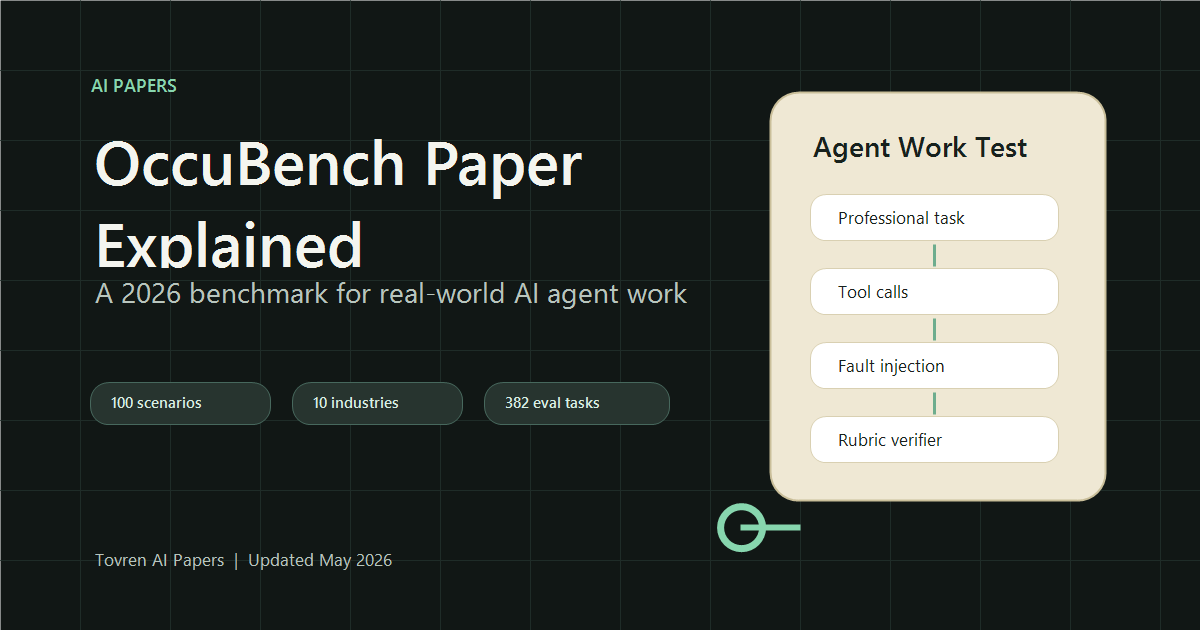
Short answer: OccuBench is useful because it asks whether agents can complete real occupational work, not just short benchmark prompts. Use it to pressure-test claims about workplace automation, then compare the benchmark setup with your own tasks before buying or deploying an agent.
Updated May 12, 2026. OccuBench is one of the most useful recent AI-agent papers because it moves evaluation away from toy prompts and toward professional work: claims processing, DevOps recovery, prescription verification, wildfire evacuation, cargo loading, astronomy scheduling, and other tool-heavy tasks where an agent has to act inside an environment.
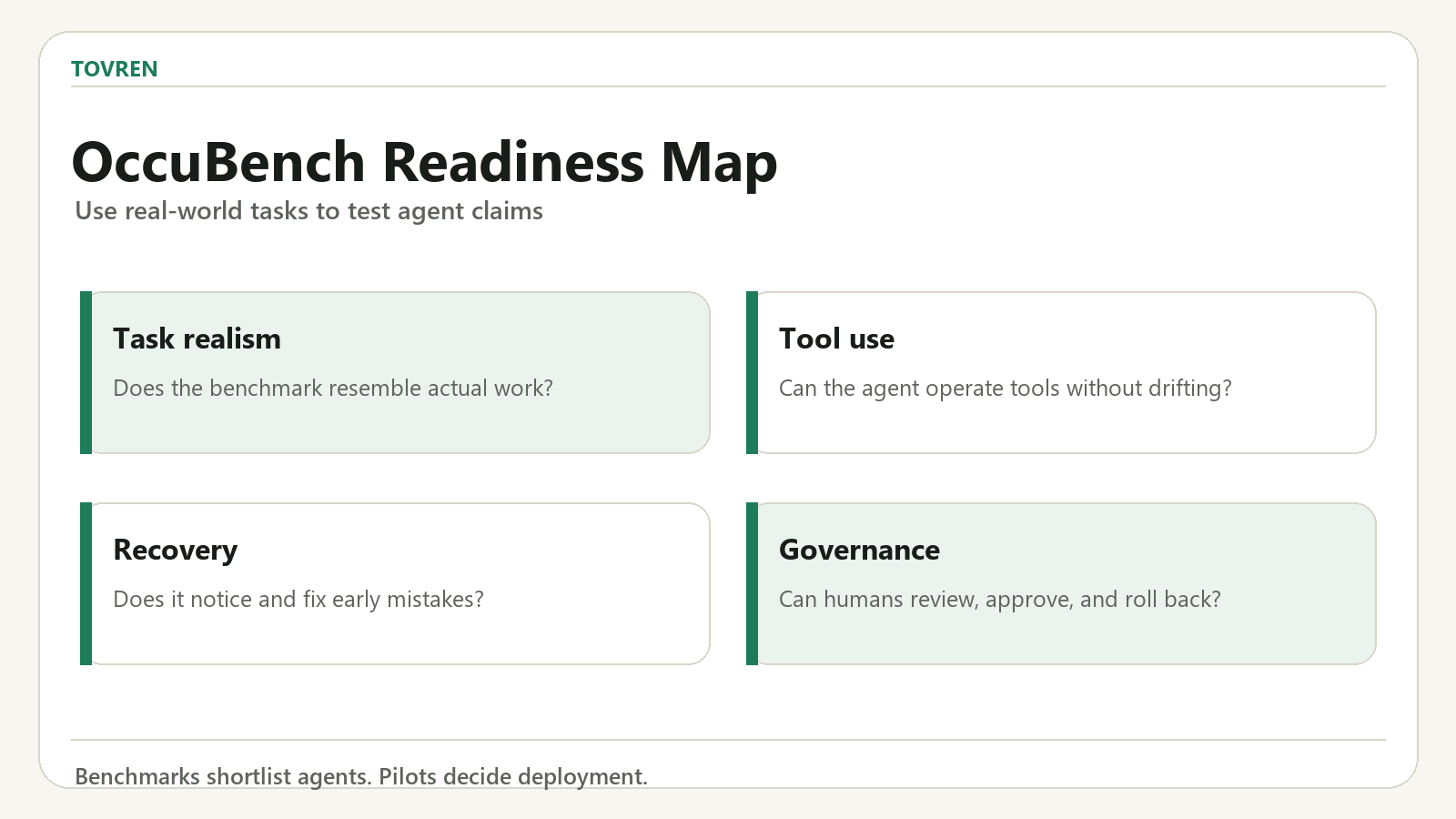
The important idea is simple: if you want to know whether an AI agent is ready for real work, do not only ask whether it can answer a question. Test whether it can use tools, recover from bad data, follow operational constraints, and reach a verifiable final state.
Quick Verdict
- Paper: OccuBench: Evaluating AI Agents on Real-World Professional Tasks via Language Environment Simulation.
- Why it matters: it benchmarks agents across 100 professional task scenarios, 10 industry categories, and 65 specialized domains.
- Best practical takeaway: silent data problems are harder than obvious tool failures, so agent tests must include missing fields, stale records, and truncated information.
- Who should read it: founders, AI product teams, automation builders, MLOps teams, and anyone deploying agents into workflows with tools or APIs.
Why This Paper Is Important Now
Most AI-agent demos still show the clean path: the tool works, the data is complete, and the agent receives enough information to make a confident decision. Real workplaces are messier. APIs time out, records are incomplete, policies conflict, user instructions omit context, and the agent can appear fluent while silently missing the failure.
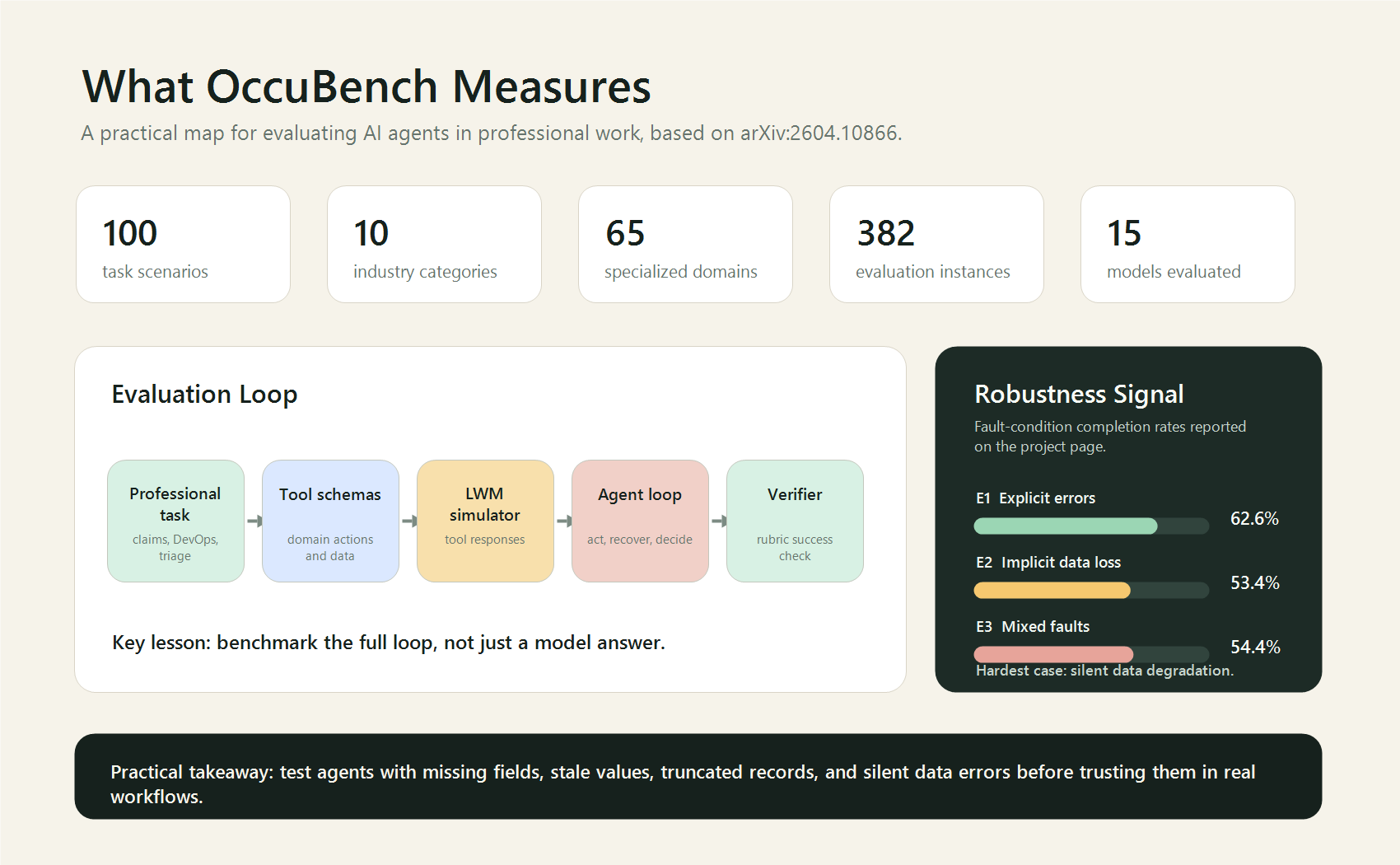
OccuBench is important because it tries to evaluate the whole operating loop. The paper reports a benchmark with 382 evaluation instances built from 100 task scenarios. The project page also highlights 15 models evaluated and four key findings: no single model dominates every industry, implicit faults are hardest, scaling and reasoning effort help, and strong agents are not automatically strong environment simulators.
What OccuBench Actually Tests
OccuBench uses Language Environment Simulators, or LESs, to create domain-specific environments where an agent can call tools and receive simulated responses. This matters because a serious agent is not just a chatbot. It is a decision loop:
- Read the task objective and constraints.
- Select the right tool or API action.
- Interpret the returned observation.
- Recover when the environment is incomplete or faulty.
- Finish with a final state that can be checked.
The public repository describes a clean standalone implementation with benchmark data and a framework-agnostic interface. It also documents four environment modes: E0 for clean environments, E1 for explicit faults such as HTTP errors and timeouts, E2 for implicit faults such as missing fields and stale values, and E3 for mixed faults.
The Most Useful Result
The most practical result is not that one model is best. It is that implicit faults are dangerous. According to the project page, implicit data degradation had a lower completion rate than explicit errors. That is exactly what teams see in production: an obvious 500 error is easier to catch than a response that looks valid but is missing a crucial field.
| Finding | What It Means | Practical Action |
|---|---|---|
| No single model dominates | Agent performance varies by industry and task type. | Evaluate models on your own workflow, not only public leaderboards. |
| Implicit faults are hardest | Missing or stale data can fool fluent agents. | Add hidden data-quality tests before production deployment. |
| Reasoning effort helps | More reasoning can improve task completion on harder workflows. | Use higher reasoning selectively for high-value or high-risk steps. |
| Agent and simulator quality differ | A model that acts well may not simulate environments well. | Separate agent testing from environment simulation quality checks. |
How Builders Can Use This Paper
You do not need to recreate all of OccuBench to benefit from it. The useful move is to build a small version for your own product or internal process.
1. Pick one real workflow
Choose a workflow where an agent must use tools, not just write text. Good examples include support ticket resolution, refund approval, CRM enrichment, spreadsheet cleanup, compliance review, DevOps incident triage, or appointment scheduling.
2. Define the success state
A vague score is not enough. Write a rubric that checks the final state. For example: the ticket is assigned to the right queue, the refund amount follows policy, the incident is rolled back to the stable version, or the patient-safety check records the required rationale.
3. Create four evaluation modes
| Mode | Test Condition | Example |
|---|---|---|
| Clean | All tools and records behave normally. | The API returns complete customer data. |
| Explicit fault | The failure is obvious. | Timeout, 500 error, connection refused. |
| Implicit fault | The response looks normal but is degraded. | Missing field, stale status, truncated document. |
| Mixed fault | Both obvious and silent failures appear. | A timeout followed by a partial record. |
4. Log every tool call
For each run, save the instruction, tool calls, tool responses, final answer, and verifier result. This turns agent evaluation from vibes into an audit trail. It also helps diagnose whether the problem is tool selection, planning, recovery, or final verification.
5. Compare cost against risk
The paper notes that larger models, newer generations, and higher reasoning effort consistently improve performance. That does not mean every step should use maximum reasoning. Use stronger reasoning where errors are expensive: compliance, money movement, safety, production infrastructure, medical workflows, or irreversible user actions.
What Not To Overclaim
OccuBench is a strong evaluation idea, but it is not a final answer to agent reliability. The environments are simulated, so simulator quality matters. The GitHub repository also notes that the internal evaluation system from the paper is not fully public because of commercial restrictions, while a clean standalone reimplementation is provided for researchers and builders.
That means the right conclusion is not “agents are ready for every job.” The right conclusion is: agent evaluation should look much more like workflow testing, fault injection, and operational verification.
Practical Checklist Before Deploying an Agent
- Test the agent on at least 20 real workflow cases before launch.
- Include at least five silent data-quality failures, not only obvious API errors.
- Require the agent to cite which tool result supports the final action.
- Keep a human approval step for irreversible actions.
- Track success by final workflow state, not by answer quality alone.
- Run the same test set across multiple models and reasoning settings.
- Store tool-call traces so failures can be replayed and fixed.
Bottom Line
OccuBench is a useful paper because it gives teams a better question to ask. Instead of “Which model is smartest?”, ask “Which agent can complete this workflow when the environment is messy?” That is the question that matters for real AI automation in 2026.
Source Log
- arXiv: OccuBench paper page
- OccuBench project page and leaderboard notes
- OccuBench GitHub repository
- OccuBench Hugging Face dataset
FAQ
What does OccuBench test?
OccuBench focuses on whether AI agents can complete realistic occupational tasks that require planning, tool use, and judgment.
Can OccuBench prove an agent is ready for work?
No. It is a useful signal, but teams still need workflow-specific pilots, logging, approvals, and failure testing.
Who should care about OccuBench?
AI buyers, agent builders, operations teams, and analysts evaluating workplace automation claims should care.