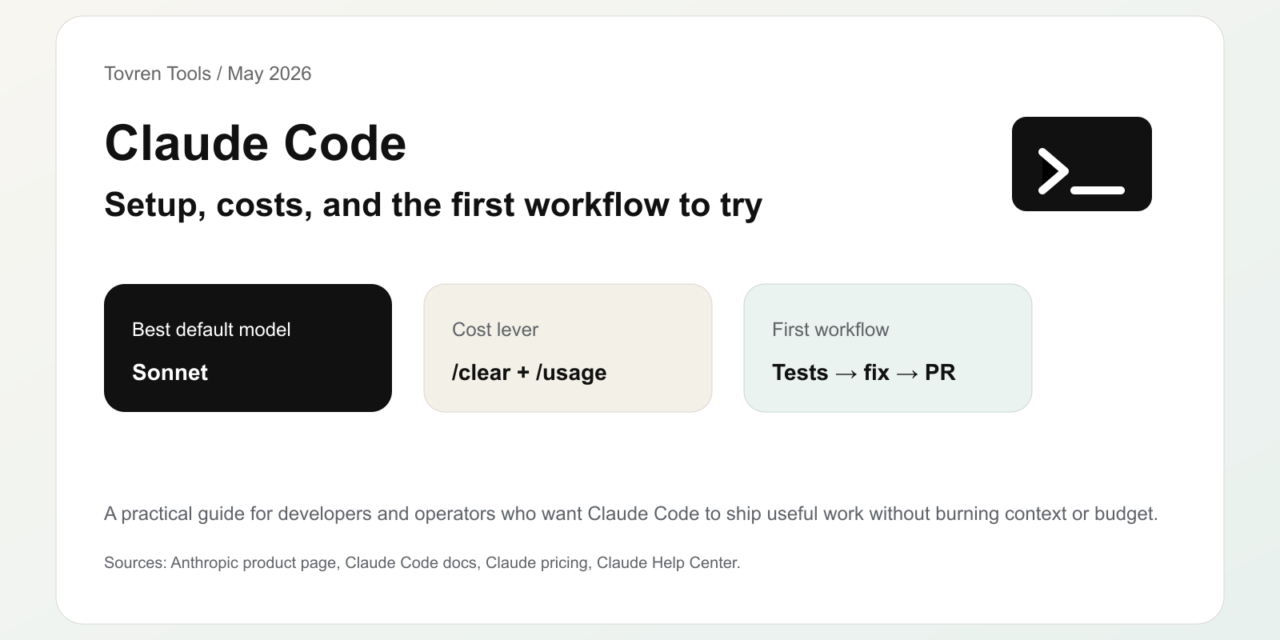
Short answer: Claude Code is worth testing if you have real repository tasks and can control costs. Start with one bounded workflow, track usage, and keep human review on every generated diff.
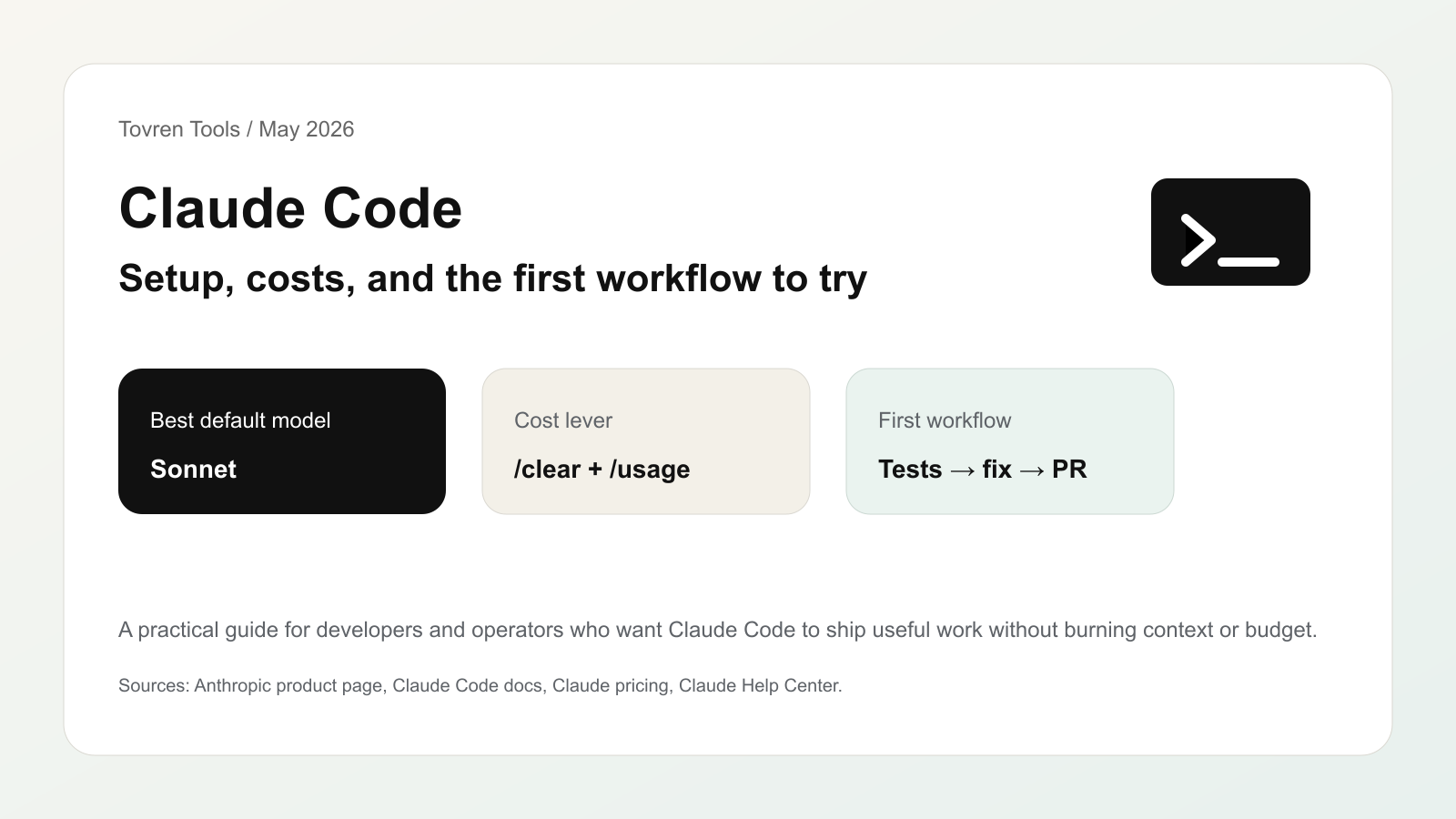
Updated May 14, 2026, Asia/Seoul. If you want to try Claude Code in 2026, start with one small engineering workflow: install it, open a real repository, ask it to write or fix tests, review the diff, and clear the session before moving to the next task. That pattern teaches you the tool without burning context, usage, or trust.
Claude Code is no longer just a terminal toy for advanced developers. Anthropic describes Claude Code as an agentic coding system that can read a codebase, make changes across files, run tests, and deliver committed code. The useful question is not “is it powerful?” The useful question is: which tasks should you give it first, and how do you keep costs under control?
Quick Verdict
Use Claude Code if you want an agent to work inside an existing codebase, write tests, fix bugs, update dependencies, explain diffs, prepare commits, or automate repeated engineering chores. Do not start with Claude Code for vague product ideas, huge migrations, unreviewed production changes, or tasks where you cannot run tests and inspect the output.
Demand Snapshot
| Search query | Intent | Reader outcome | Tovren angle |
|---|---|---|---|
| Claude Code setup | Tutorial | Install and run the first session | Give a low-risk first workflow |
| Claude Code pricing | Commercial | Pick Pro, Max, Team, Enterprise, or API | Explain billing paths and cost controls |
| Claude Code usage limits | Troubleshooting | Avoid hitting limits early | Show context hygiene and model choice |
| Claude Code tutorial | How-to | Ship a real reviewed change | Focus on tests, diffs, and review habits |
What Claude Code Is
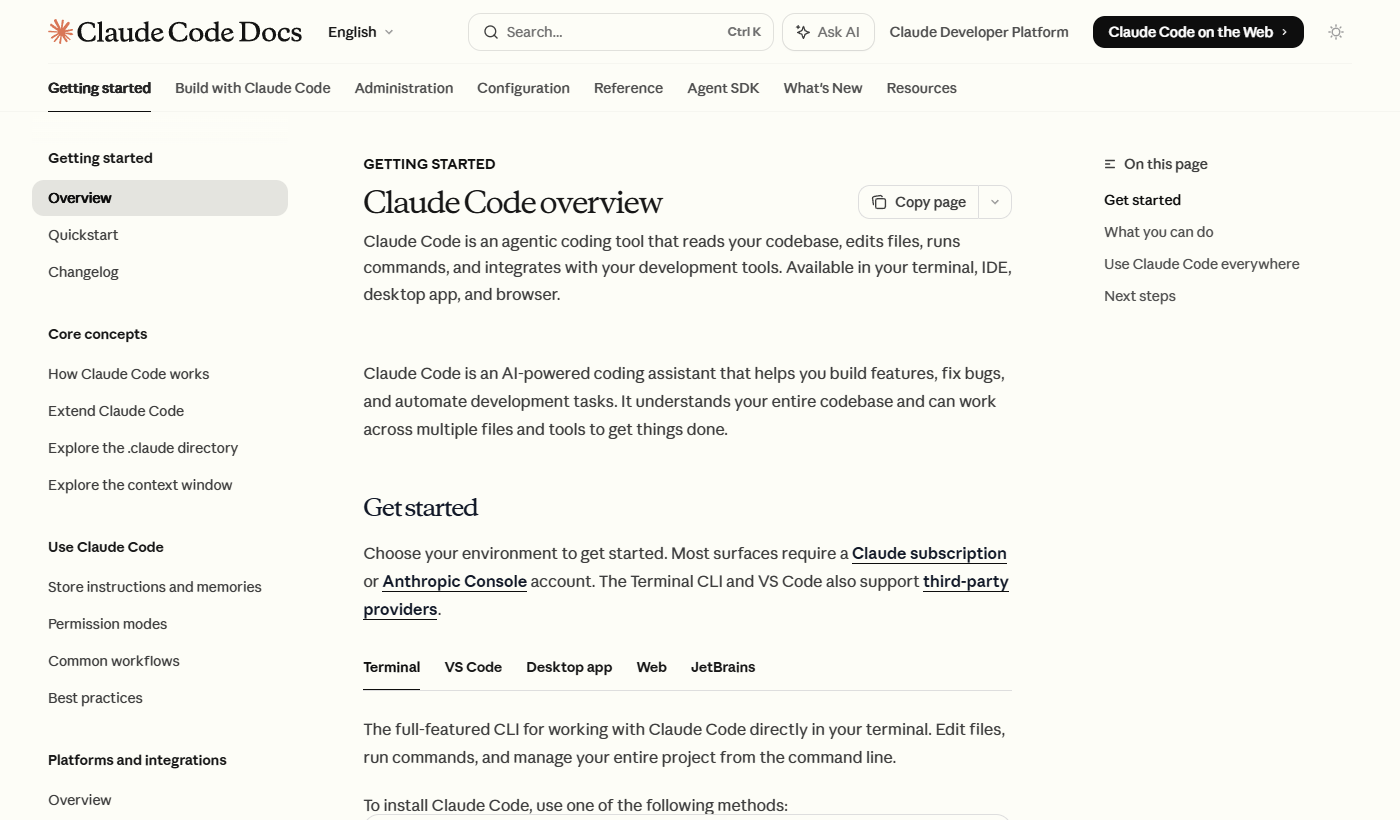
According to the official Claude Code overview, Claude Code reads your codebase, edits files, runs commands, and works across development tools. The docs list terminal, VS Code, desktop, web, and JetBrains surfaces. For most teams, the terminal or IDE version is the best first test because it sits close to the repository, the test runner, and git.
Install It The Boring Way
Use the official install path for your operating system and avoid third-party repackaged installers. As of the current Claude Code docs, the native install commands include:
# macOS, Linux, WSL
curl -fsSL https://claude.ai/install.sh | bash

# Windows PowerShell
irm https://claude.ai/install.ps1 | iex

# Homebrew
brew install --cask claude-code

# WinGet
winget install Anthropic.ClaudeCode
After installation, open a repository and start with a scoped task. Do not begin with “refactor the whole app.” Begin with a task that has a clear pass/fail check.
The First 60-Minute Workflow
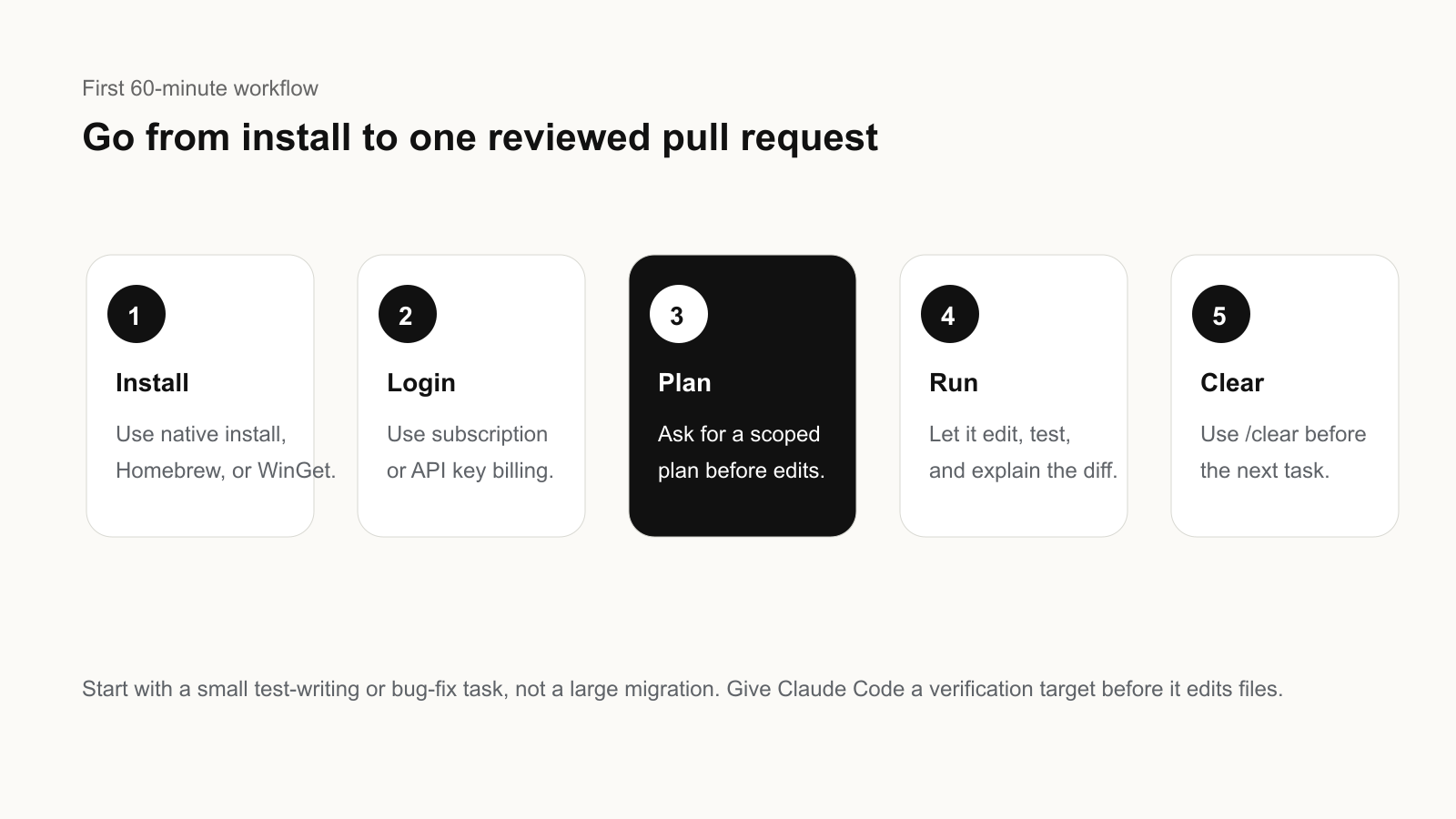
- Pick a small repository task. Good starters: write tests for one module, fix one failing test, update one dependency, or explain and clean one confusing function.
- Give Claude Code a verification target. Include the exact test command, expected behavior, and files it should inspect first.
- Ask for a plan before edits. The first prompt should request a short plan, affected files, and risks.
- Let it edit, then run tests. Review every changed file. The agent can be useful and still make wrong assumptions.
- Commit only after human review. If the change is good, ask for a concise commit message or pull request summary.
Example starter prompt:
You are in a real repository. First inspect the test setup and auth module.
Goal: add missing tests for the password reset flow.
Constraints: do not change production behavior unless a test exposes a bug.
Before editing, give me a short plan, files to inspect, and the command you will run to verify.
Which Model Should You Use?
Anthropic’s Claude Code usage guide says Sonnet is the default and the right choice for the large majority of coding work. Opus is for harder problems such as large cross-cutting refactors, difficult debugging, and architectural decisions. Haiku is the fast, cheap option for quick lookups, simple edits, or high-volume scripted runs.
| Task | Start with | Why |
|---|---|---|
| Write tests, fix lint, update docs | Sonnet | Good capability/cost balance |
| Large refactor or deep debugging | Plan with Opus, execute with Sonnet | Use deeper reasoning only where it helps |
| Simple lookup or scripted batch run | Haiku where available | Lower-cost high-volume work |
| Security-sensitive code review | Sonnet or Opus plus human review | Do not treat model output as approval |
Pricing And Billing: What To Check First
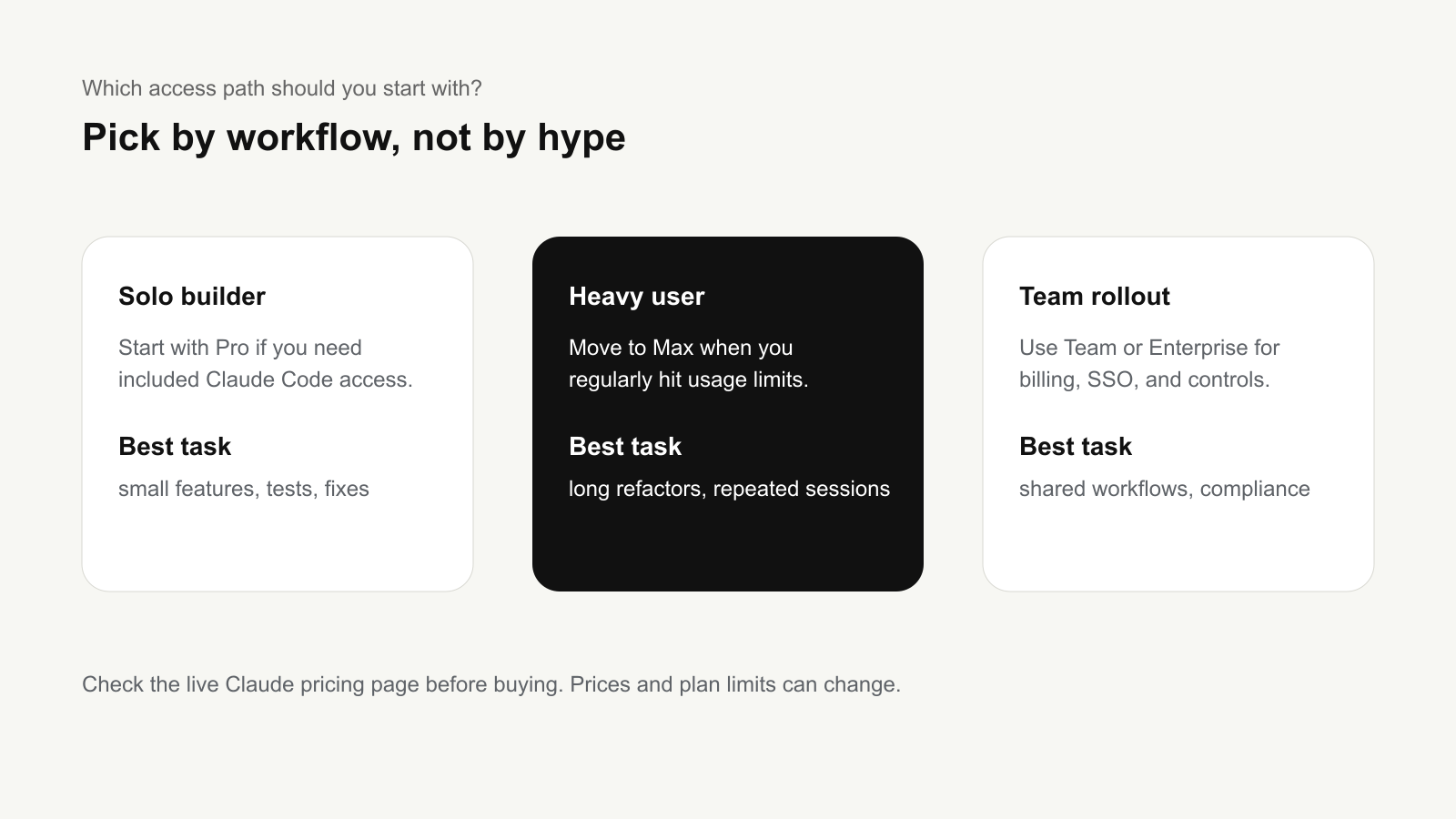
The safest way to think about Claude Code pricing is to separate subscription access from API/token billing. The official Claude pricing page lists Pro at $17 per month with annual billing, or $20 if billed monthly, and says Pro includes Claude Code. Max starts from $100 per month and provides higher usage. Team plans include standard and premium seats, while Enterprise combines a seat price with usage at API rates.
For API-key usage, Anthropic’s Claude Code cost docs say Claude Code charges by API token consumption and recommends tracking usage through commands and Console billing pages. The same docs report that enterprise deployments average around $13 per developer per active day and $150-250 per developer per month, with 90% of users staying below $30 per active day. Treat those as planning ranges, not a guarantee for your codebase.
How To Avoid Burning Through Usage
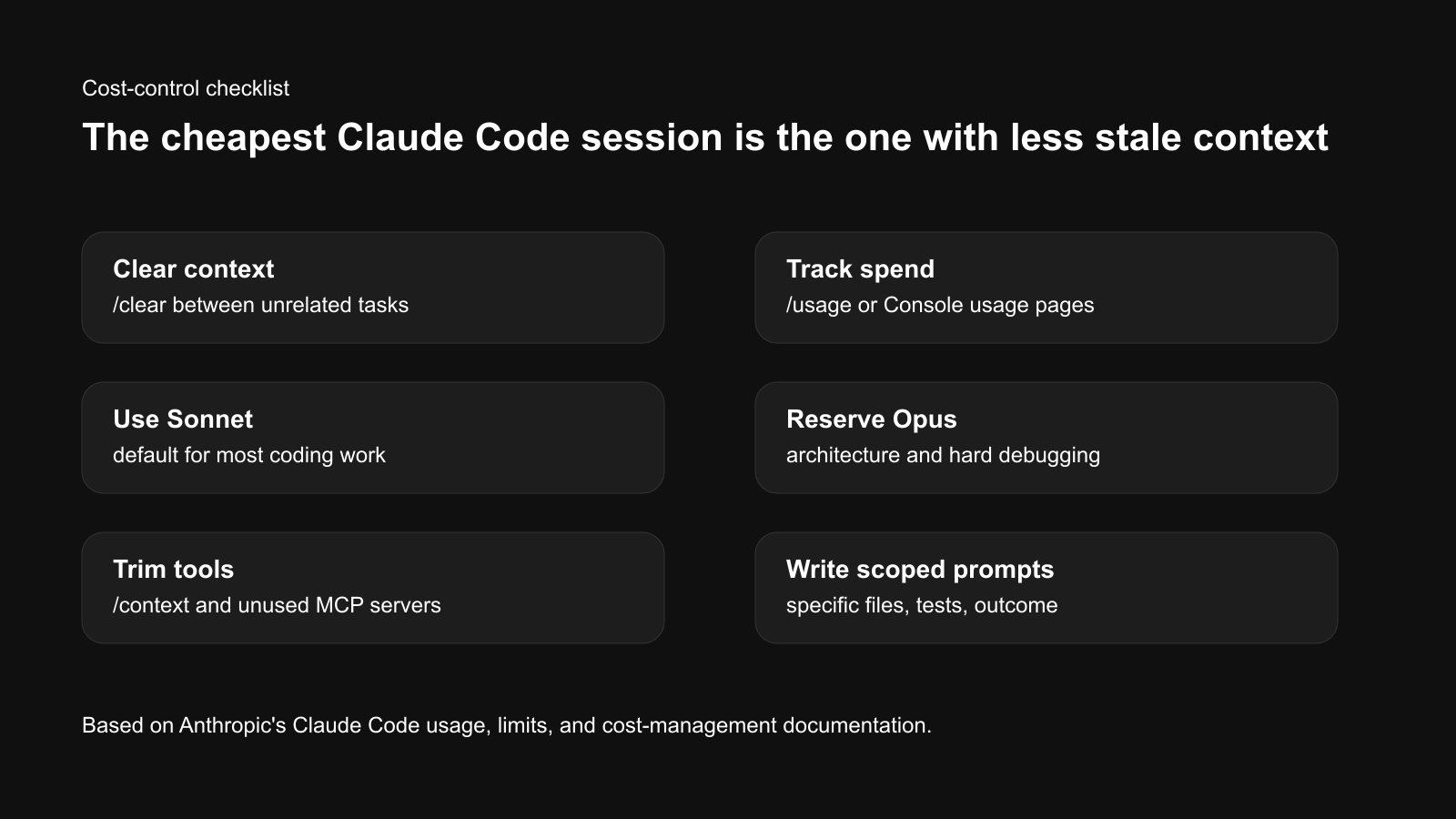
The main cost driver is not just the model. It is context. Anthropic’s help center explains that each turn sends the conversation so far, project context, and your new prompt. Long sessions that have read many files and produced many diffs carry that history forward.
- Use
/clearbetween unrelated tasks. This is the simplest habit for both quality and cost. - Use
/compactwhen continuing a long task. It preserves a summary while freeing context. - Use
/usageto track the session. API users can see running spend estimates; subscription users should watch plan usage bars. - Use
/modelintentionally. Do not leave Opus on for routine edits if Sonnet is enough. - Keep prompts specific. “Fix the login redirect in auth.ts and run npm test” is cheaper than “improve this app.”
- Reduce tool overhead. Use
/contextand disable unused MCP servers when they add unnecessary context.
Common Problems And Fixes
| Problem | Likely cause | Fix |
|---|---|---|
| Claude Code hits usage limits quickly | Long session, too many files, Opus overuse | /clear, use Sonnet, split the task |
| It edits too broadly | Prompt was vague | Name files, tests, and non-goals |
| It loses old details | Context window is too full | /compact or restart with a summary |
| It makes plausible but wrong changes | No verification target | Require tests, screenshots, or expected output |
| Team spend is unpredictable | No spend caps or pilot baseline | Start with a small pilot and set workspace limits |
Who Should Use It
- Solo developers who want help writing tests, fixing bugs, and understanding unfamiliar code.
- Product engineers who can review diffs and run local verification.
- Developer tools teams building repeatable coding workflows.
- AI operators who want to package common engineering tasks as skills, hooks, or CI flows.
Who Should Avoid It For Now
- Non-technical users who cannot inspect code changes or run tests.
- Teams without version control discipline because agentic edits need review and rollback.
- High-risk production environments where no sandbox, logging, or human approval exists.
- Budget-sensitive teams that cannot set spend limits or monitor token use.
Bottom Line
Claude Code is worth testing if you treat it like a coding agent inside an engineering workflow, not a magic app builder. Start small, ask for a plan, use Sonnet by default, track usage, clear context between tasks, and require tests before accepting changes.
The winning habit is boring but effective: one task, one verification target, one reviewed diff. That is how Claude Code becomes useful without becoming expensive or unpredictable.
Source Note
This article was prepared using the Tovren Editorial OS project in ChatGPT Pro Extended mode, then fact-checked against current official Anthropic and Claude sources before publication.
Source Log
- Anthropic product page: Claude Code — supports the product description and intended coding-agent use case.
- Claude Code Docs: Overview — supports installation paths, supported surfaces, and first-use workflow context.
- Claude Help Center: Models, usage, and limits in Claude Code — supports model-choice and context-management guidance.
- Claude Code Docs: Manage costs effectively — supports cost-tracking, token usage, and cost-control guidance.
- Claude Pricing — supports Pro, Max, Team, and Enterprise pricing references checked on May 14, 2026.
FAQ
Is Claude Code worth using in 2026?
It is worth testing for real repository tasks, but only with cost tracking, review gates, and clear task boundaries.
What should a first Claude Code workflow include?
Start with one issue, one repository, explicit instructions, tests, diff review, and a rule that no generated change merges without human approval.
How do you control Claude Code costs?
Limit premium model use to complex work, track requests or token usage, and route simple edits to cheaper tools when possible.