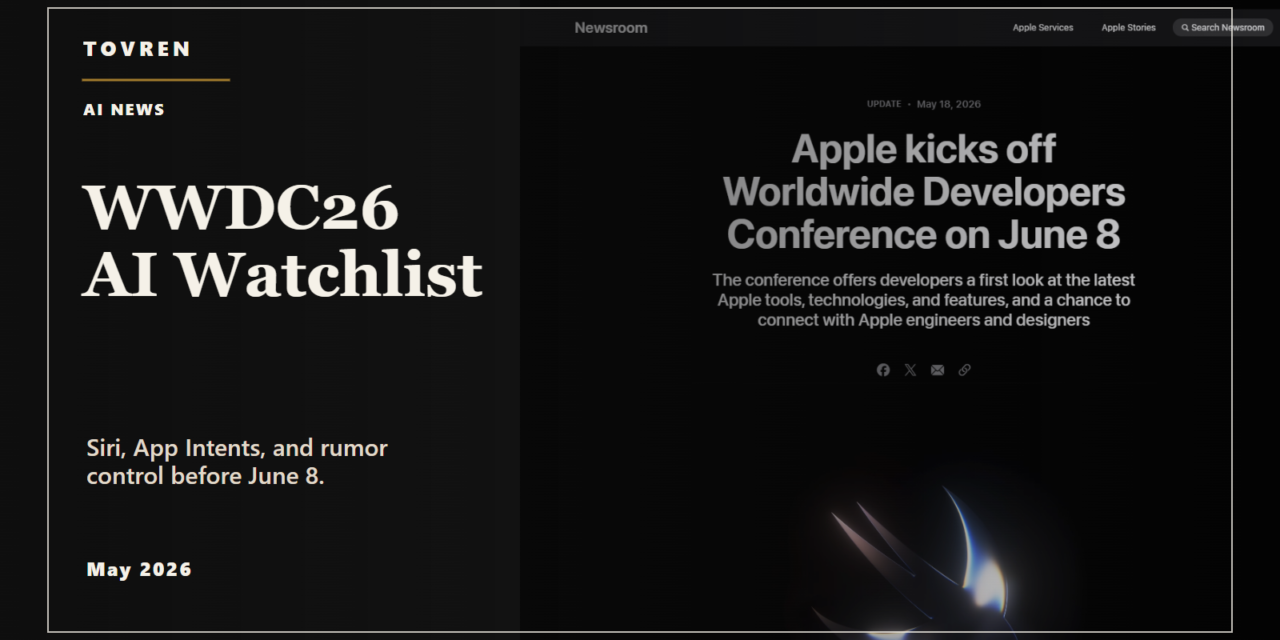
Short answer: The Apple AI question is practical: whether Siri, App Intents, and Apple Intelligence can trigger reliable app actions. Before WWDC, teams should map which user workflows could become voice or agent actions and which need privacy review.
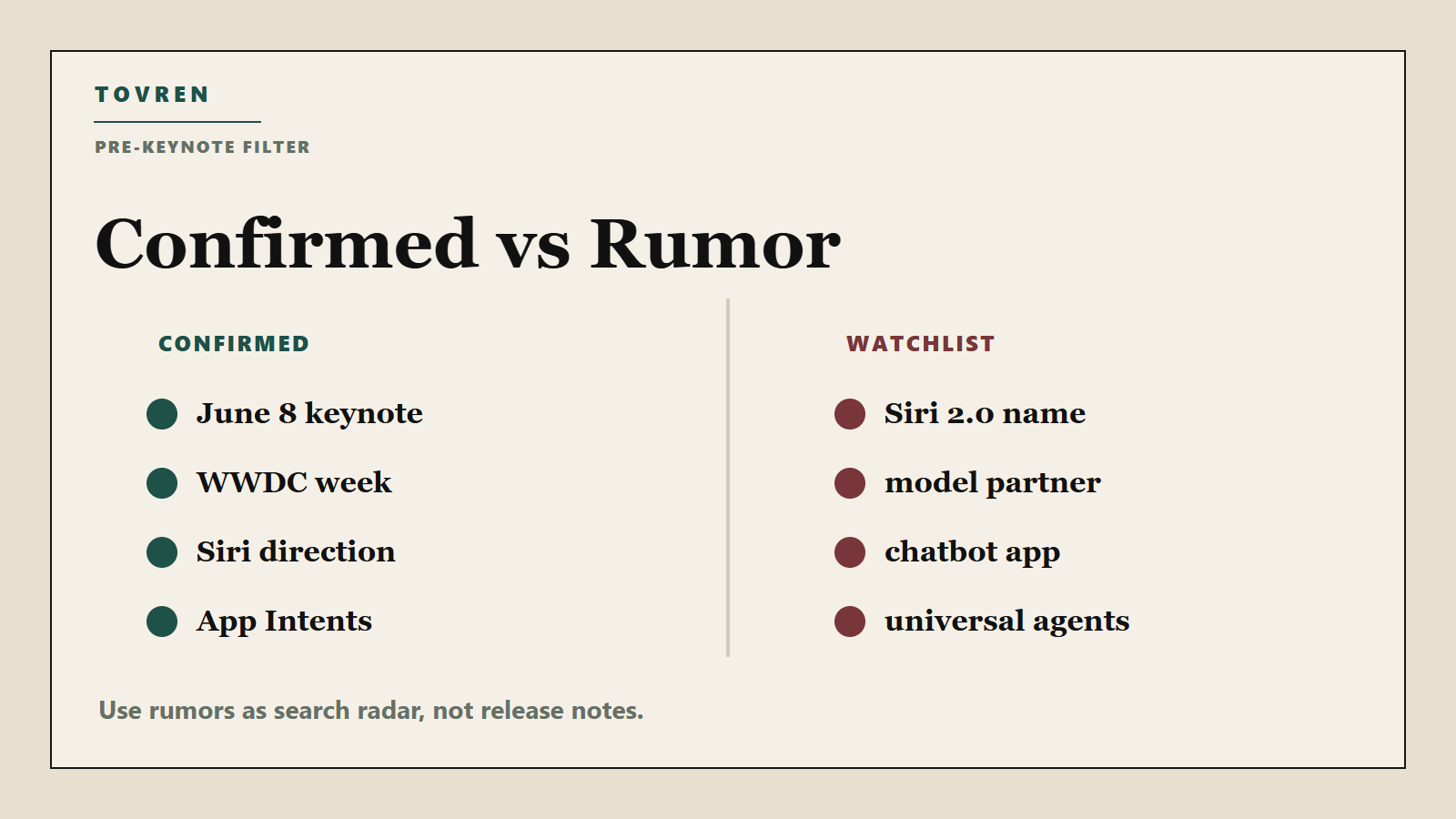
Verdict before the keynote: WWDC26 is officially scheduled, and Apple has already described the direction it wants Siri to take with Apple Intelligence: more personal context, onscreen awareness, and the ability to take action in and across apps. But Apple has not confirmed a “Siri 2.0” product name, a standalone Siri chatbot app, a new external model partnership, or the exact WWDC26 Siri feature list. Treat those as watchlist items until Apple says them on June 8.
This guide is for developers, iPhone and Mac power users, and AI product teams that need to prepare without betting a roadmap on rumor. The practical move is simple: watch the keynote, map your workflows to App Intents, test today’s Shortcuts and Apple Intelligence surfaces, and ignore partnership gossip until it appears in official Apple release notes, developer documentation, or product pages.
What is officially confirmed for WWDC26
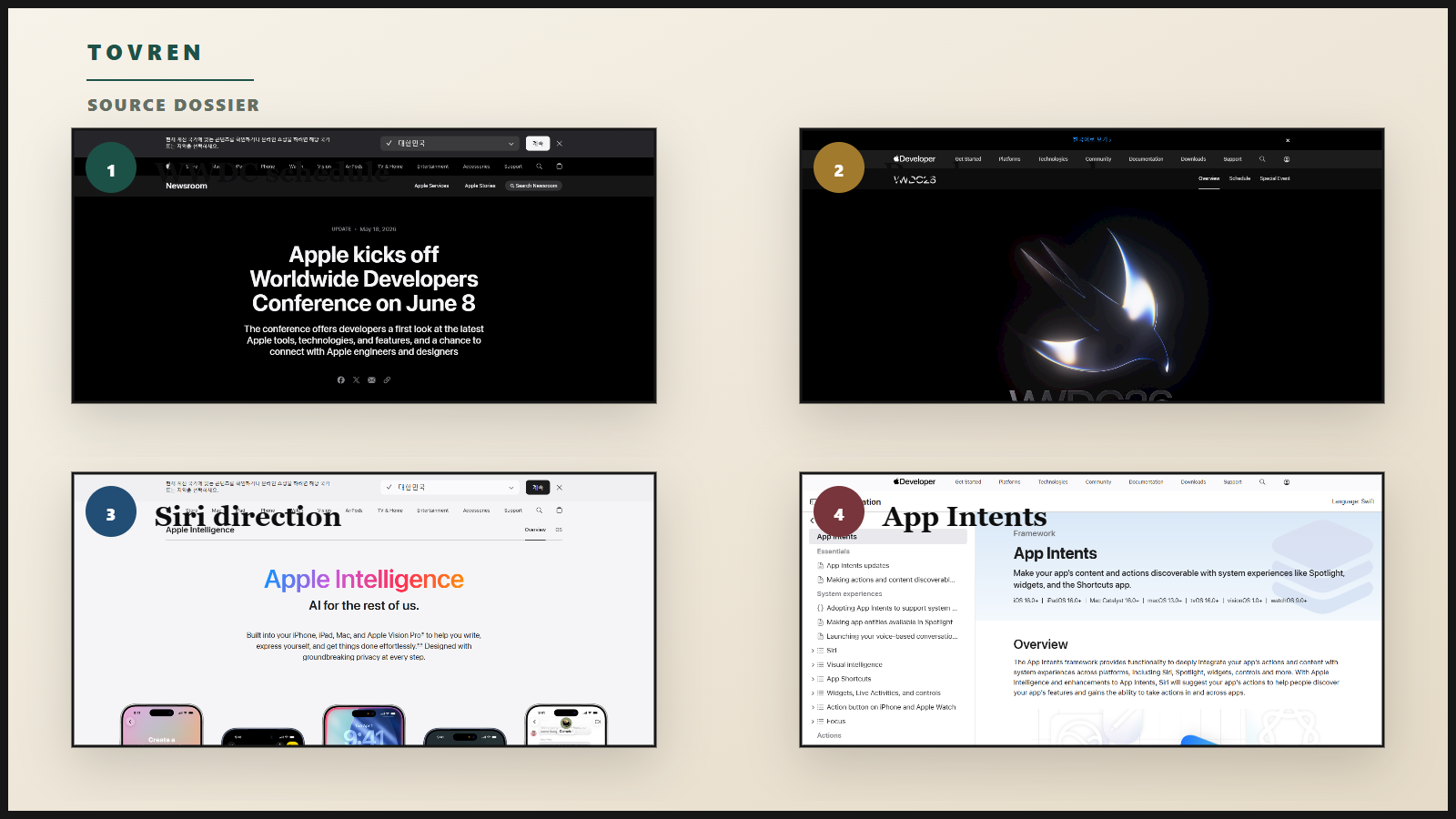
Apple has confirmed that WWDC26 runs online from June 8 to June 12, 2026. The Keynote starts Monday, June 8, at 10 a.m. PT, followed by the Platforms State of the Union at 1 p.m. PT. Apple says developers can watch more than 100 new technical sessions, take part in labs, and use Apple Developer Forums during the week. The official places to start are Apple’s WWDC26
Newsroom post and the Apple Developer WWDC26 page.
| Event | Official timing | What to use it for | Where to watch or follow |
|---|---|---|---|
| WWDC26 Keynote | Monday, June 8, 2026, 10 a.m. PT | Apple’s top-level platform announcements. Watch for what Apple actually names, demos, and dates. | Apple.com, Apple TV app, Apple YouTube channel, and Apple’s WWDC pages. |
| Platforms State of the Union | Monday, June 8, 2026, 1 p.m. PT | The developer-grade session. Watch for APIs, framework changes, SDK requirements, and App Intents details. | Apple Developer app, Apple Developer website, YouTube, and WWDC pages. |
| Sessions and guides | June 8–12, 2026 | Deep dives on tools, technologies, design, machine learning, and Apple Intelligence-related developer work. | Apple Developer app, Apple Developer website, and YouTube. |
| Labs and forums | WWDC week | Ask implementation questions, validate edge cases, and look for Apple’s preferred migration path. | Group Labs and Apple Developer Forums. |
What Apple has already said about Siri and Apple Intelligence
The most important official source before the June 8 keynote is not rumor coverage. It is Apple’s own Apple Intelligence page. Apple publicly describes three Siri directions that matter for AI workflows:
- Onscreen awareness: Siri should be able to understand and act on things visible on the user’s screen. Apple gives the example of adding a texted address to a contact card.
- Personal context: Siri should be able to use information on the user’s device to help find personal information, such as something shared in a note, text, or email, while preserving privacy.
- Actions in and across apps: Siri should be able to understand the app context behind a request and complete cross-app actions, such as enhancing a photo and placing it in a note.
The caution is just as important as the promise: Apple labels these Siri capabilities as in development and says they will be available with a future software update. That means they are official directional claims, not confirmed WWDC26 shipping details. Do not convert them into “Siri 2.0 launches on June 8” headlines unless Apple confirms that on stage.
Why App Intents matter if Siri becomes more agentic
If Siri gains stronger personal context and cross-app action, App Intents become the bridge between a user’s natural-language request and an app’s safe, structured capabilities. Apple’s App Intents documentation describes the framework as a way to expose app actions and content to system experiences such as Siri, Shortcuts, Spotlight, widgets, controls, and Apple Intelligence. Apple’s Siri and Apple Intelligence integration documentation also points developers toward AppIntent, AppEntity, and AppEnum conforming to assistant schemas for enhanced action capabilities.
In plain English: if the system assistant needs to book, edit, send, search, summarize, move, tag, or retrieve something inside your app, it needs a structured way to know what your app can do and what objects your app contains. App Intents are that structured layer. They do not guarantee that every app will become controllable by a future Siri, and they do not prove a general-purpose Apple agent is coming at WWDC26. But they are the most practical developer preparation Apple has already documented.
For AI product teams, this is the same strategic pattern visible across other agent platforms: the agent only becomes useful when it has reliable tool access, permissions, state, and evaluation. Tovren has covered that same governance problem in guides to AI agent evaluations and runtime governance, MCP server and tool-access audits, and Copilot Studio workflow pilots. Apple’s version may be more OS-native, but the operational questions are familiar: What tools can the assistant call? What data can it see? What requires confirmation? How do you know it did the right thing?
Confirmed vs. rumor: what to believe before June 8
| Claim | Status before the keynote | Why it matters | What to do now |
|---|---|---|---|
| WWDC26 runs online June 8–12, 2026. | Confirmed | Sets the official window for developer sessions, labs, and post-keynote documentation. | Block the keynote and Platforms State of the Union. Assign one person to track App Intents and Apple Intelligence sessions. |
| Keynote is June 8 at 10 a.m. PT; Platforms State of the Union is June 8 at 1 p.m. PT. | Confirmed | The keynote gives strategy; the State of the Union gives developer implementation clues. | Do not make decisions from keynote demos alone. Wait for the developer session and docs. |
| Apple has described Siri personal context, onscreen awareness, and actions in/across apps. | Confirmed as Apple’s stated direction | This is the strongest official signal for more capable Siri workflows. | Map your top user workflows to actions, entities, permissions, and confirmation steps. |
| Those Siri features are final WWDC26 shipping features. | Not confirmed | Apple says the features are in development and tied to a future software update. | Prepare, but do not promise users or customers a launch date. |
| App Intents expose app actions and content to Siri, Shortcuts, Spotlight, widgets, controls, and Apple Intelligence. | Confirmed | This is the concrete developer work available before WWDC26. | Audit and implement the 2–5 highest-value intents in your app first. |
Assistant schema conformance with AppIntent, AppEntity, and AppEnum supports enhanced action capabilities. |
Confirmed by Apple documentation | Schema quality may determine whether your app’s actions are understandable and safe for system-level AI. | Use clear names, typed parameters, strong validation, and predictable output states. |
| “Siri 2.0” will be the official product name. | Rumor / shorthand | Useful as a search term, risky as a factual claim. | Use “next Siri” or “reported Siri upgrade” until Apple uses the name. |
| Apple will use Google Gemini, Anthropic Claude, OpenAI, or a selectable model marketplace to power Siri. | Unconfirmed rumor/context | Model provider changes would affect privacy messaging, procurement reviews, and competitive positioning. | Track reports, but do not design product, compliance, or buying decisions around them until Apple confirms. |
| A standalone Siri chatbot app, new Siri UI, or deep chatbot history will be shown at WWDC26. | Rumor/context | Could change user behavior and app discovery if true. | Prepare support and onboarding copy for conversational entry points, but wait for official UI guidance. |
| Apple will make every app automatically controllable by an agent. | Unsupported | This overstates what Apple has confirmed and ignores permissions, schemas, and developer implementation. | Assume explicit integration work is required. |
Developer readiness checklist
Do this before the keynote if you maintain an iOS, iPadOS, macOS, watchOS, or visionOS app with user workflows that Siri could reasonably help complete.
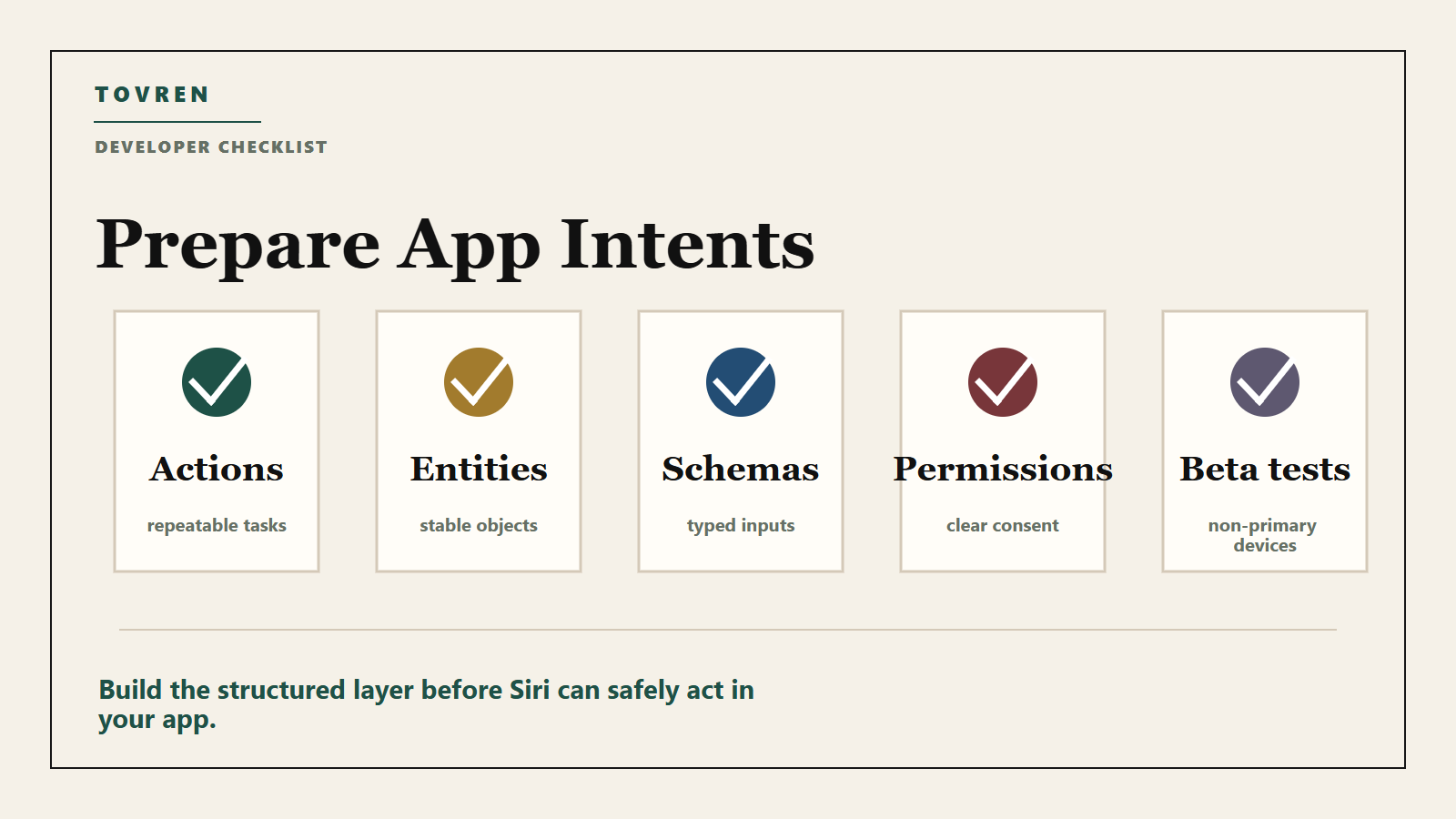
- Inventory your app’s useful actions. Start with actions users already repeat: create a task, find a document, send a draft, log an expense, start a timer, save a clip, tag an item, generate a report, or move content between apps.
- Choose the first 2–5 App Intents. Do not expose everything. Pick actions that are high-frequency, low-risk, easy to explain, and easy to confirm.
- Define entities, not just verbs. If Siri or Shortcuts needs to act on invoices, projects, notes, files, workouts, orders, tickets, or media, model those objects as clear entities with stable identifiers.
- Use assistant schemas where Apple provides them. Align
AppIntent,AppEntity, andAppEnumwork with Apple’s documented assistant schema approach instead of inventing vague parameter names. - Design for confirmation. Any destructive, paid, public, irreversible, or privacy-sensitive action should require a user-visible confirmation step.
- Return useful errors. “Couldn’t complete request” is not enough. Tell the system and user whether the problem is missing permission, ambiguous entity, offline state, locked account, unsupported file type, or required confirmation.
- Test in Shortcuts and Spotlight now. Even before new WWDC26 details, App Intents already matter across current Apple surfaces. A fragile Shortcut action today will not magically become reliable inside a more capable Siri tomorrow.
- Prepare privacy copy. Explain what data your intent reads, writes, shares, or stores. This matters more if Siri can operate across apps using personal context.
- Create beta test devices. After June 8, test developer betas on non-primary devices. Do not use production phones, executive laptops, or customer accounts for first-pass AI workflow testing.
- Write a post-keynote triage plan. Assign owners for docs, SDK changes, QA, App Store copy, support macros, analytics events, and enterprise customer questions.
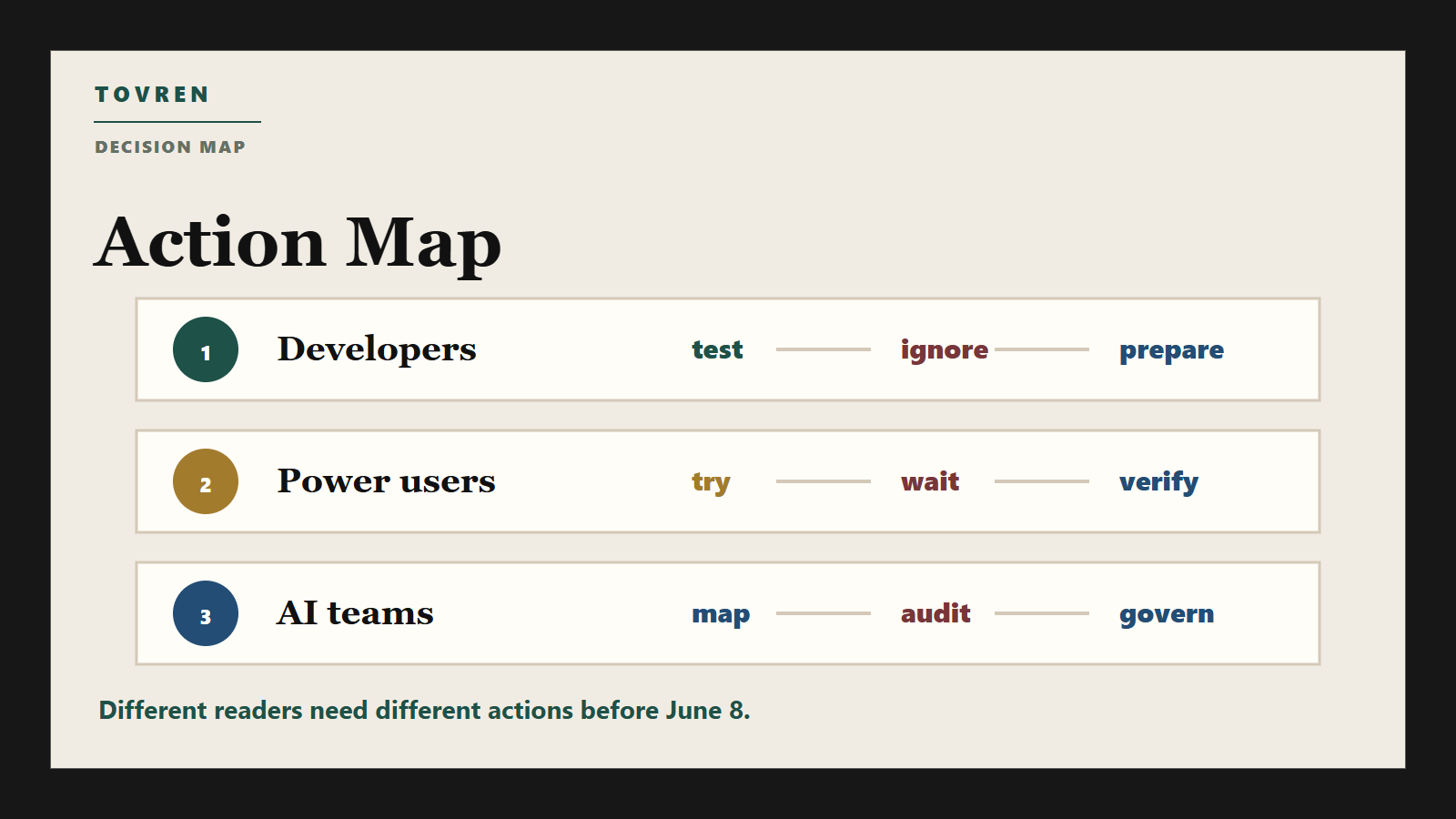
User and business decision table
| Reader | What to do now | What to avoid | Decision after June 8 |
|---|---|---|---|
| iPhone power users | Watch the keynote, update your Shortcuts library, and identify 3–5 daily tasks you would actually trust Siri to do. | Do not buy a new device only because of “Siri 2.0” rumors. | Check Apple’s supported device list, feature availability, and privacy prompts before relying on any new Siri workflow. |
| Mac power users | List workflows that cross Mail, Notes, Calendar, Files, Safari, Photos, and third-party productivity apps. | Do not move sensitive work into beta workflows without a rollback path. | Test whether new Apple Intelligence features improve real work: search, summarization, document handling, and app actions. |
| Independent app developers | Implement the highest-value App Intents and model important app entities cleanly. | Do not rewrite your app around leaked UI claims. | After Platforms State of the Union, update your intent roadmap against Apple’s actual SDK guidance. |
| AI product teams | Prepare an “Apple surface” strategy: what should live in your app, Siri, Shortcuts, widgets, and system search. | Do not assume Apple will expose the same agent model, plugin model, or tool protocol as other platforms. | Compare Apple’s approach with Google and Microsoft agent surfaces, including Tovren’s guides to Gemini Spark and consumer agent safety and Google Search agents and AI Mode shopping agents. |
| Enterprise IT and security teams | Draft a test policy for Apple Intelligence, Siri actions, Shortcuts, app permissions, and data routing. | Do not approve broad use of unreviewed cross-app automation in sensitive departments. | Review Apple’s official release notes, MDM controls, privacy documentation, and vendor commitments before deployment. |
| Procurement and business leaders | Ask vendors whether they support App Intents and what actions are exposed. | Do not treat “AI-ready” claims as evidence. | Add App Intents support, permission controls, auditability, and beta timeline to vendor review checklists. |
What to test, what to ignore, what to prepare
Test now
- Current Shortcuts workflows: Which tasks already work reliably? Which fail because app actions are missing, labels are unclear, or permissions break?
- App Intent naming: Can a normal user understand the action without reading your developer docs?
- Entity disambiguation: What happens when two projects, contacts, files, or notes have similar names?
- Permission boundaries: Can a user tell when data leaves one app context and enters another?
- Recovery paths: If an action fails halfway, does the user know what happened and how to undo it?
Ignore until Apple confirms it
- The exact “Siri 2.0” name.
- Any claim that a specific outside model provider is confirmed for WWDC26 Siri.
- Predictions about a standalone Siri app, dark Siri UI, or chat history as if they are release notes.
- Claims that native MCP support, universal agent tool access, or broad third-party agent control is guaranteed.
- Parameter-count claims or model-comparison charts that are not in official Apple documentation.
Prepare next
- An App Intents roadmap: Prioritize actions by user value, safety risk, and implementation effort.
- A beta-device test matrix: Include iPhone, iPad, Mac, Apple Watch, and Vision Pro only where your app actually supports those platforms.
- A support script: Users will ask whether your app works with “new Siri.” Prepare an honest answer that separates current support from WWDC26-dependent features.
- A governance review: Decide which teams can test cross-app automations and what data is off-limits. Tovren’s agent tool-access audit guide is a useful model even outside MCP environments.
- A measurement plan: Track completion rate, confirmation rate, fallback rate, wrong-entity rate, and user cancellation rate. Agentic features need runtime evaluation, not just launch-day excitement.
Warning on model partnership rumors
There is active news chatter about Apple, Siri, and external AI models. Reuters has reported on Bloomberg-sourced claims that Apple has explored or planned broader use of rival AI services around Siri and Apple Intelligence, including reports involving Google Gemini and other AI providers. Use that as market context only. It is not the same as an Apple keynote announcement, Apple Developer documentation, or Apple support documentation.
The safe editorial line before June 8 is: Any new WWDC26 model-provider arrangement for Siri remains unconfirmed unless Apple announces it. Product teams should not update privacy notices, enterprise sales decks, or vendor claims around Gemini, Claude, OpenAI, or any other provider until Apple publishes official details.
What developers should watch during Platforms State of the Union
The keynote will get the headlines, but the Platforms State of the Union is where developers should look for the useful signals. Watch for these items:
- New or expanded App Intents domains.
- Changes to assistant schemas, entity modeling, and action discovery.
- Examples of Siri completing multi-step or cross-app tasks.
- Privacy and permission UI for personal context and onscreen awareness.
- Debugging tools, simulator support, and test guidance for Apple Intelligence actions.
- Feature availability by platform, language, region, and device class.
- Whether Apple uses “in development,” “beta,” “available today,” “coming later,” or a specific OS release window.
The last bullet is not cosmetic. Apple’s exact availability language should decide your roadmap. “Available in developer beta today” is different from “coming in a future software update,” and both are different from a keynote concept demo.
Bottom line
Before the WWDC26 keynote, the practical position is neither hype nor cynicism. Apple has officially pointed Siri toward personal context, onscreen awareness, and actions in and across apps. Apple has also documented App Intents as the framework that lets developers expose actions and content to Siri, Shortcuts, Spotlight, widgets, controls, and Apple Intelligence. That is enough to prepare.
It is not enough to claim that Siri 2.0, a specific external model partnership, a standalone chatbot app, or broad autonomous agent control is confirmed. The best move is to do the durable work now: clean up App Intents, model app entities, test current Shortcuts, design safe confirmations, and prepare a post-keynote validation plan. The rumor cycle will move fast. Your implementation should move carefully.
Source log and fact-check notes
- Apple Newsroom: “Apple kicks off Worldwide Developers Conference on June 8” — used for official WWDC26 dates, keynote timing, Platforms State of the Union timing, sessions, labs, forums, and viewing locations. Accessed May 28, 2026.
- Apple Developer WWDC26 page — used for online June 8–12 schedule, Keynote at 10 a.m. PT, Platforms State of the Union at 1 p.m. PT, sessions, Group Labs, and forums. Accessed May 28, 2026.
- Apple Intelligence official page — used for Apple’s public Siri direction: personal context, onscreen awareness, and action in/across apps. These are treated as future-update direction, not confirmed WWDC26 release details. Accessed May 28, 2026.
- Apple App Intents documentation — used for the confirmed developer role of App Intents across Siri, Shortcuts, Spotlight, widgets, controls, and Apple Intelligence. Accessed May 28, 2026.
- Apple
: Integrating actions with Siri and Apple Intelligence — used for the documented role ofAppIntent,AppEntity,AppEnum, and assistant schemas. Accessed May 28, 2026. - Reuters report on Bloomberg-sourced Siri rival AI services claims — used only as rumor/context, not as a confirmed Apple fact.
- Reuters report on Bloomberg-sourced Gemini/Siri talks — used only as rumor/context, not as a confirmed Apple fact.
Refresh triggers for editors
- Refresh immediately after the June 8 keynote if Apple names a new Siri product, confirms a model provider, gives dates, or shows device/region availability.
- Refresh after Platforms State of the Union if Apple changes App Intents, assistant schemas, testing tools, or Apple Intelligence developer requirements.
- Refresh when WWDC26 session videos and documentation are live, especially any session focused on App Intents, Siri, Shortcuts, Apple Intelligence, or machine learning.
- Refresh again when public betas or final OS release notes clarify availability, limitations, language support, enterprise controls, or privacy prompts.