Short answer: Copilot Studio is best tested on one contained workflow, not an entire department. Pick a task with clear inputs, clear approvals, and measurable time saved, then expand only after error handling and ownership are proven.
Verdict: pilot Microsoft Copilot Studio’s May 2026 agent stack now if your team already runs on Microsoft 365, Power Platform, Dynamics 365 Contact Center, or governed Power Automate environments. Do not roll it out broadly as a generic agent layer yet. Start with bounded workflow automation where the agent can classify, route, retrieve, draft, update, or hand off work with visible approval gates. Avoid high-value, irreversible, regulated, or emotionally sensitive actions until evaluations, logs, escalation paths, and cost controls are proven.
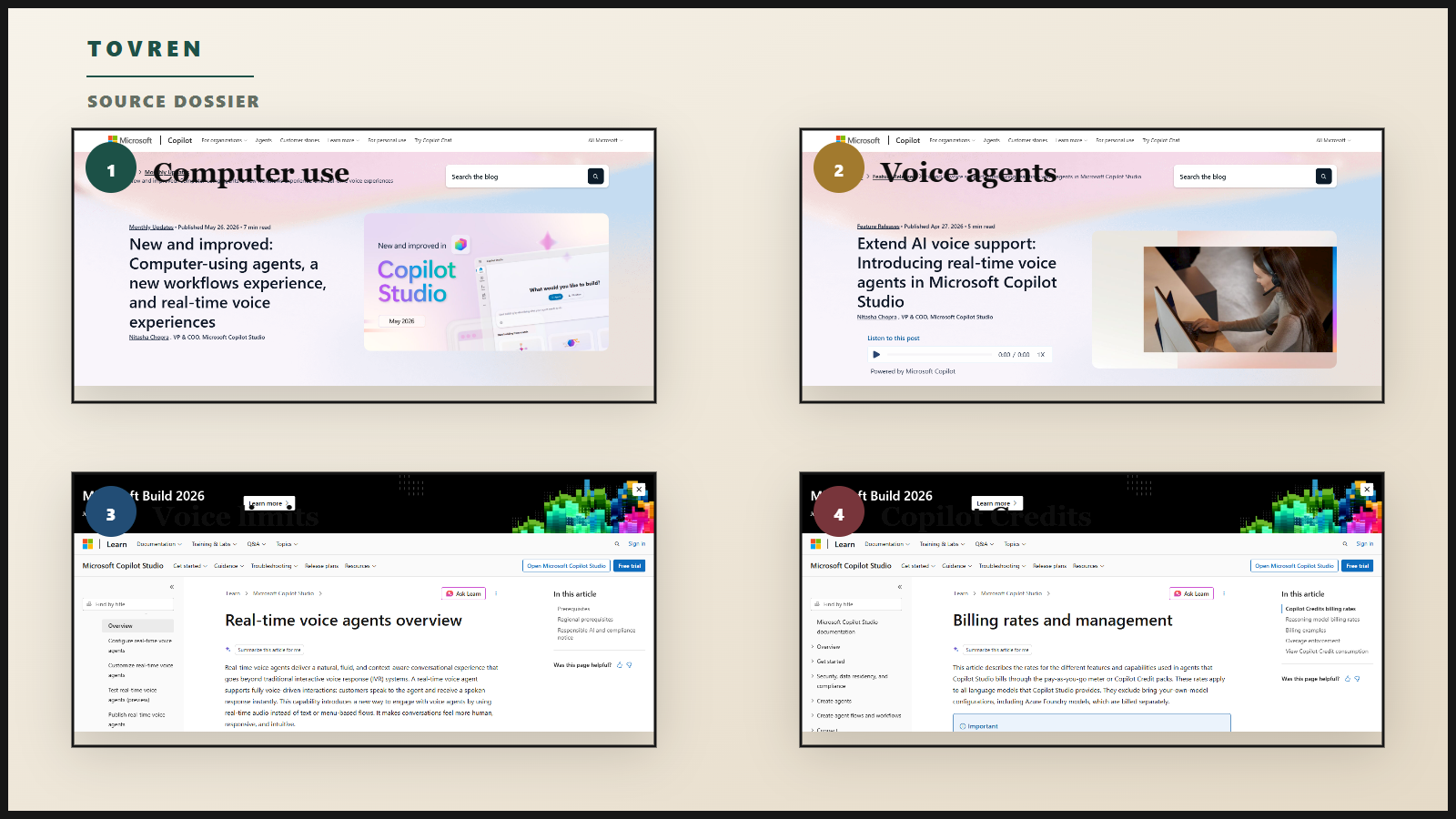
Microsoft’s May 26, 2026 Copilot Studio update is operationally important because computer-using agents are now generally available, the workflows experience has been redesigned, Work IQ interoperability is expanding, and real-time voice agents are now part of customer voice interactions. Microsoft separately said on April 27 that real-time voice agents are generally available in Copilot Studio launching in Dynamics 365 Contact Center.
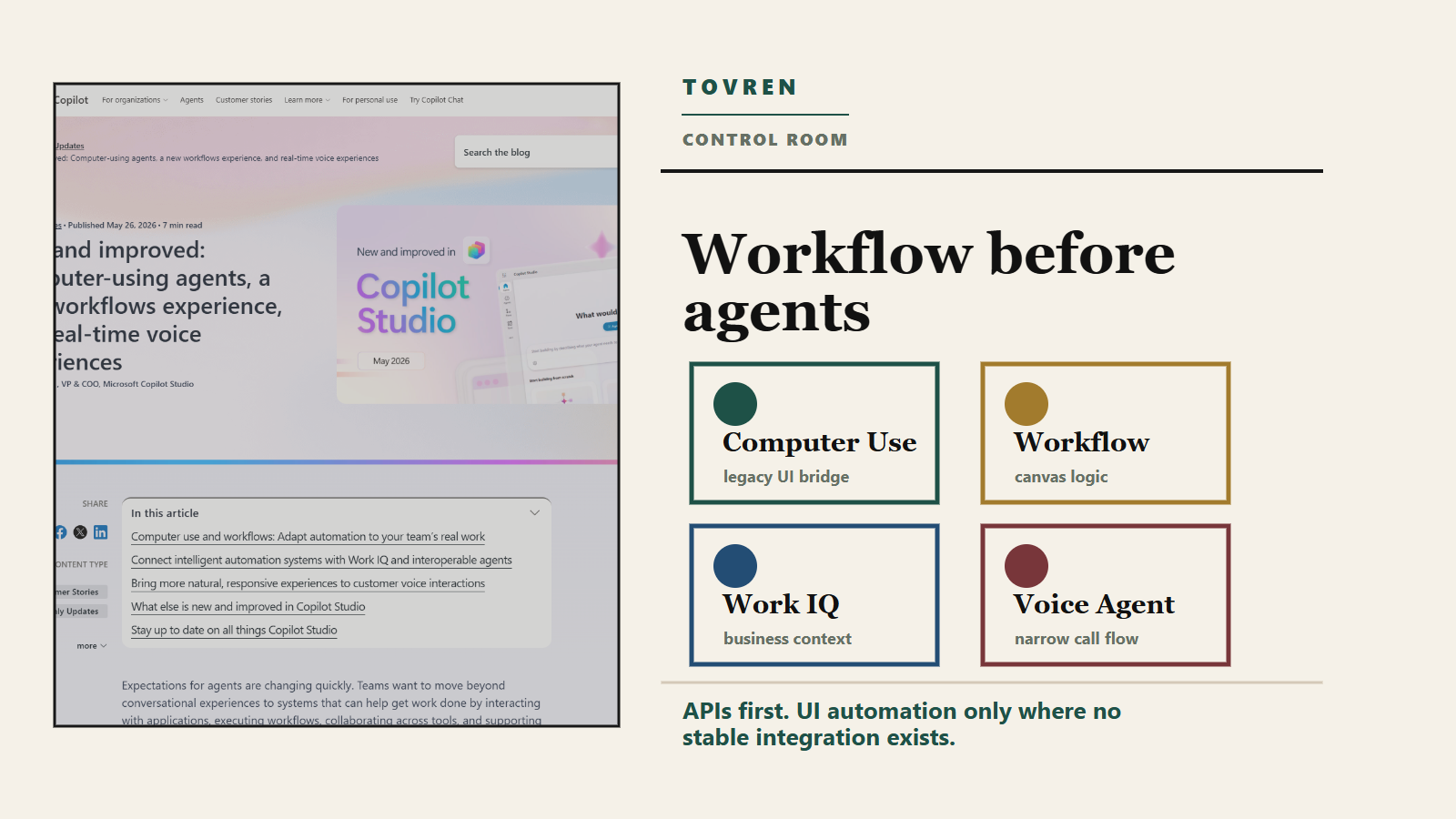
The practical takeaway: Copilot Studio is becoming a place where teams can combine deterministic workflows, API actions, UI automation, agent reasoning, Microsoft 365 context, MCP-style tool access, and voice handoff. That is useful. It is also exactly the kind of system that becomes expensive, brittle, or risky if every department starts building agents before governance catches up.
What changed in May 2026
| Update | What changed | What it means | Pilot advice |
|---|---|---|---|
| Computer-using agents | Microsoft says computer-using agents are generally available in Copilot Studio and can interact with websites and desktop apps through the UI. | Useful when a legacy or vendor system lacks an API. Treat it as a last-mile bridge, not the default integration pattern. | Pilot for low-risk back-office work. |
| Computer use in workflows | Microsoft says embedding computer-using agents into multi-step workflows is moving into preview. | Teams can combine approvals, business logic, API actions, and adaptive UI steps. | Use in controlled pilot environments only. |
| Redesigned workflows | The redesigned experience adds a more visual designer, inline configuration, simpler building blocks, node-level testing, and agent nodes in early release environments. | Better for maintainable agentic workflows than scattered prompts, flows, scripts, and support notes. | Use for new pilots before migrating old automations. |
| Work IQ and interoperability | Microsoft says Work IQ REST API and CLI capabilities, remote MCP server support, and agent-to-agent communication are expanding. | Agents can connect more deeply across tools, but tool access risk also rises. | Use allowlists, logging, and tool ownership. |
| Real-time voice agents | Microsoft says real-time voice agents are generally available in Copilot Studio through Dynamics 365 Contact Center. | Good for narrow service calls with approved knowledge, authentication, escalation, and transcript QA. | Pilot one call type first. |
| Evaluation and lifecycle updates | Microsoft’s 2026 wave 1 plan lists real-time evaluation results for May 2026 and related agent evaluation, suggestion, and connector improvements across the wave. | Agent testing should become part of release management, not a demo ritual. | Require regression tests before expansion. |
The go/no-go adoption checklist
| Decision area | Go | No-go | Owner |
|---|---|---|---|
| Business process | The workflow is repetitive, measurable, documented, and has a clear exception path. | The process changes weekly or depends on undocumented human judgment. | Operations leader |
| Risk level | The agent drafts, classifies, routes, retrieves, summarizes, or updates low-impact records. | The agent can approve refunds, terminate accounts, alter payroll, deny eligibility, or make legal commitments without review. | Risk and compliance |
| Data access | Required sources are mapped, permissioned, labeled, and logged. | The agent needs broad mailbox, SharePoint, CRM, or file access because the team has not scoped the job. | Microsoft 365 admin |
| Integration path | APIs, connectors, Power Automate flows, or approved MCP servers exist. Computer use is limited to UI-only systems. | The team wants UI automation everywhere to bypass integration work. | Automation architect |
| Voice readiness | One call type, one supported region, one validated language, tested transfer, and transcript review. | Broad, emotional, multilingual, regulated, or open-ended calls. | Contact center manager |
| Cost control | The team has estimated Copilot Credits and monitors actions, grounding, flow actions, and voice minutes. | The team assumes every agent conversation has the same cost. | FinOps and platform owner |
| Evaluation | Golden cases, edge cases, adversarial cases, success metrics, and failure labels exist. | The only test is that the demo worked once. | AI workflow team |
Automate these workflows first
The safest first workflows are not the flashiest. They are the ones where the agent removes swivel-chair work around people while staying inside a controlled lane.
| Priority | Workflow | Why it fits | Best pattern | Human control |
|---|---|---|---|---|
| 1 | Internal service request triage | Requests arrive by email, Teams, forms, or tickets. The agent can classify, enrich, route, and draft a response. | Workflow canvas plus agent node plus approved Microsoft 365 grounding. | Approval before external response or record update. |
| 2 | Vendor portal data entry | Computer-using agents are useful where a portal has no API and the task is repetitive. | Deterministic workflow with computer use only for the portal step. | Human review of extracted fields and final submission in the pilot. |
| 3 | Invoice or order exception handling | The redesigned workflow experience supports classification, decision support, node testing, and handoff. | Structured flow for normal cases, agent node for ambiguous cases. | Human approval for exceptions above threshold. |
| 4 | Knowledge-backed employee helpdesk | Good fit for Microsoft 365 admins because data access and identity can be scoped. | Internal Teams or Microsoft 365 Copilot agent with approved SharePoint knowledge. | Escalate when confidence is low or policy is unclear. |
| 5 | Appointment scheduling and status calls | Real-time voice can support conversational service flows when the task is narrow. | Dynamics 365 Contact Center voice agent with deterministic topics and transfer. | Immediate transfer for authentication failure, low confidence, sentiment escalation, or non-standard request. |
| 6 | Contract intake and renewal reminders | The agent can extract dates, classify risk, update a tracker, and draft next steps while humans review legal content. | Workflow plus knowledge source plus approval step. For adjacent patterns, see Tovren’s DocuSign AI agents workflow guide. | Legal review before negotiation, commitment, or signature. |
Do not automate these first
| Workflow to avoid early | Why it is risky | Safer starting point |
|---|---|---|
| High-value refunds, credits, or payment changes | Financial loss, fraud exposure, and customer trust risk. | Let the agent gather facts and draft a recommendation. Keep approval human. |
| Regulated eligibility decisions | Healthcare, finance, telecom, insurance, and public-sector eligibility can trigger legal and audit obligations. | Use the agent to explain required documents or route cases, not decide eligibility. |
| Account closure, suspension, or identity recovery | Irreversible account actions are high-impact and often targeted by attackers. | Automate status checks and evidence collection only. |
| Broad real-time voice support | Voice exposes latency, hallucination, handoff, accent, noise, and escalation failures immediately. | Start with one call type, one region, one language, and live-agent fallback. |
| Unrestricted MCP or connector access | Tool sprawl can create shadow IT, prompt injection paths, and data exfiltration risk. | Use an allowlisted tool catalog and audit agent actions. See Tovren’s guides on MCP server sprawl and agent tool access audits. |
| UI automation against unstable or prohibited surfaces | Pages change, sessions expire, anti-bot controls may apply, and credentials can be mishandled. | Use APIs first. Use computer use only where automation is allowed and failure recovery is explicit. |
Cost control: what to measure
Do not treat every agent interaction as a simple chat. Microsoft now uses Copilot Credits as the common billing unit across Copilot Studio capabilities. Microsoft’s pricing page lists a Copilot Studio pack of 25,000 Copilot Credits at $200.00 per pack per month, with pay-as-you-go also available. Microsoft Learn says consumption varies by feature, design, traffic, and model use. Use Microsoft’s current licensing guide before procurement.
| Cost driver | Microsoft billing signal | Why it matters | Control |
|---|---|---|---|
| Classic answers | Listed at 1 Copilot Credit. | Good for stable policy answers. | Prefer classic answers where wording must be exact. |
| Generative answers | Listed at 2 Copilot Credits. | Useful for synthesis but easy to overuse. | Use only where retrieval and reasoning are needed. |
| Agent actions | Listed at 5 Copilot Credits. Microsoft Learn notes computer-using agents are billed at the agent action rate. | Tool use can make a workflow much more expensive than chat-only support. | Count actions per successful case and failed case. |
| Tenant graph grounding | Listed at 10 Copilot Credits. | Better context can be valuable, but broad grounding increases cost and risk. | Use only for cases that need tenant-wide context and scope sources tightly. |
| Agent flow actions | Listed at 13 Copilot Credits per 100 actions. | High-volume workflows can create steady background consumption. | Forecast monthly run counts before scaling. |
| Real-time voice | Premium Voice – Real-time is listed at 75 Copilot Credits per minute. | Voice minutes can dominate cost quickly. | Set maximum self-service duration, transfer thresholds, and call-type limits. |
Track four numbers daily during the pilot: average Copilot Credits per successful case, average Copilot Credits per failed case, escalation rate, and manual rework rate. A pilot that lowers handle time but increases rework, complaints, or credit burn is not ready for scale.
Risk controls for production service automation
| Risk | Control | Test before launch |
|---|---|---|
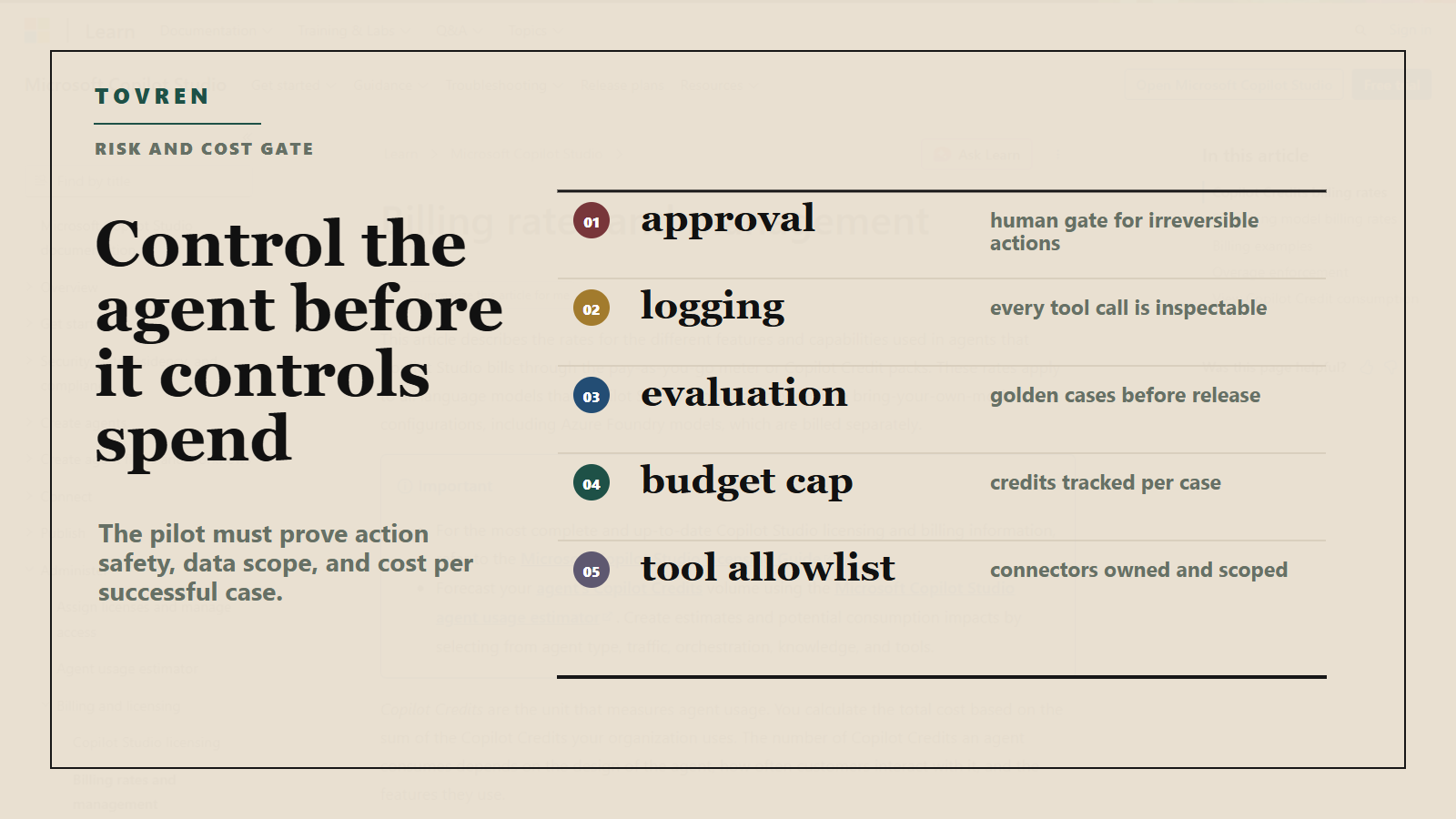
| Wrong action | Use human approval for external messages, payments, account changes, eligibility outcomes, and irreversible updates. | Run 50 to 100 golden cases and verify action logs against expected outcomes. |
| UI drift | For computer use, create page-change monitors, screenshot evidence, retry logic, and fail-closed behavior. | Change field order, hide optional fields, and test expired sessions. |
| Credential misuse | Use dedicated service accounts, least privilege, credential vaulting, conditional access, and separated dev, test, and production environments. | Confirm the agent cannot access unrelated records or admin-only actions. |
| Prompt injection through tools or knowledge | Separate instructions from retrieved content, restrict tools by task, and log tool calls. For a broader runtime model, use Tovren’s agent evaluations and runtime governance pilot guide. | Seed malicious instructions in tickets, attachments, web pages, and CRM notes. |
| Voice handoff failure | Define transfer rules for low confidence, authentication failure, angry caller, regulated issue, repeated misunderstanding, or high-value request. | Confirm the human agent receives summary, intent, collected fields, and transcript context. |
| Unsupported language or region | Use Microsoft’s validated language and regional guidance. Microsoft Learn warns that technical language capability does not equal supported or certified language. | Test real callers, accents, noise, interruptions, and compliance wording. |
| Connector sprawl | Maintain an agent tool registry with owner, purpose, data class, auth method, logs, and expiry date. | Run a monthly access audit and compare requested tools with actual tool-call logs. |
Real-time voice: narrow the first call type
Microsoft Learn’s real-time voice overview lists prerequisites including Dynamics 365 Contact Center with voice channel and call routing, Omnichannel administrator permissions, Copilot Studio, and maker permissions. It also says that as of April 2026 the real-time voice AI model is hosted in North America only; North America customers have full support, customers outside North America must allow cross-geo processing, and EU Data Boundary customers cannot use Real-time Voice. Treat that as a hard deployment constraint.
Microsoft Learn’s voice configuration page says the formally validated languages as of April 2026 are English United States, Spanish United States, Arabic, Portuguese Brazil, Italian Italy, German Germany, Dutch Netherlands, and French Canada. It also warns that languages not fully certified should be thoroughly tested before production.
Start with order status, appointment rescheduling, membership FAQ, or case status. Avoid billing disputes, complaints, collections, medical triage, financial eligibility, and identity recovery until transcript QA, sentiment handling, compliance review, and transfer behavior are proven.
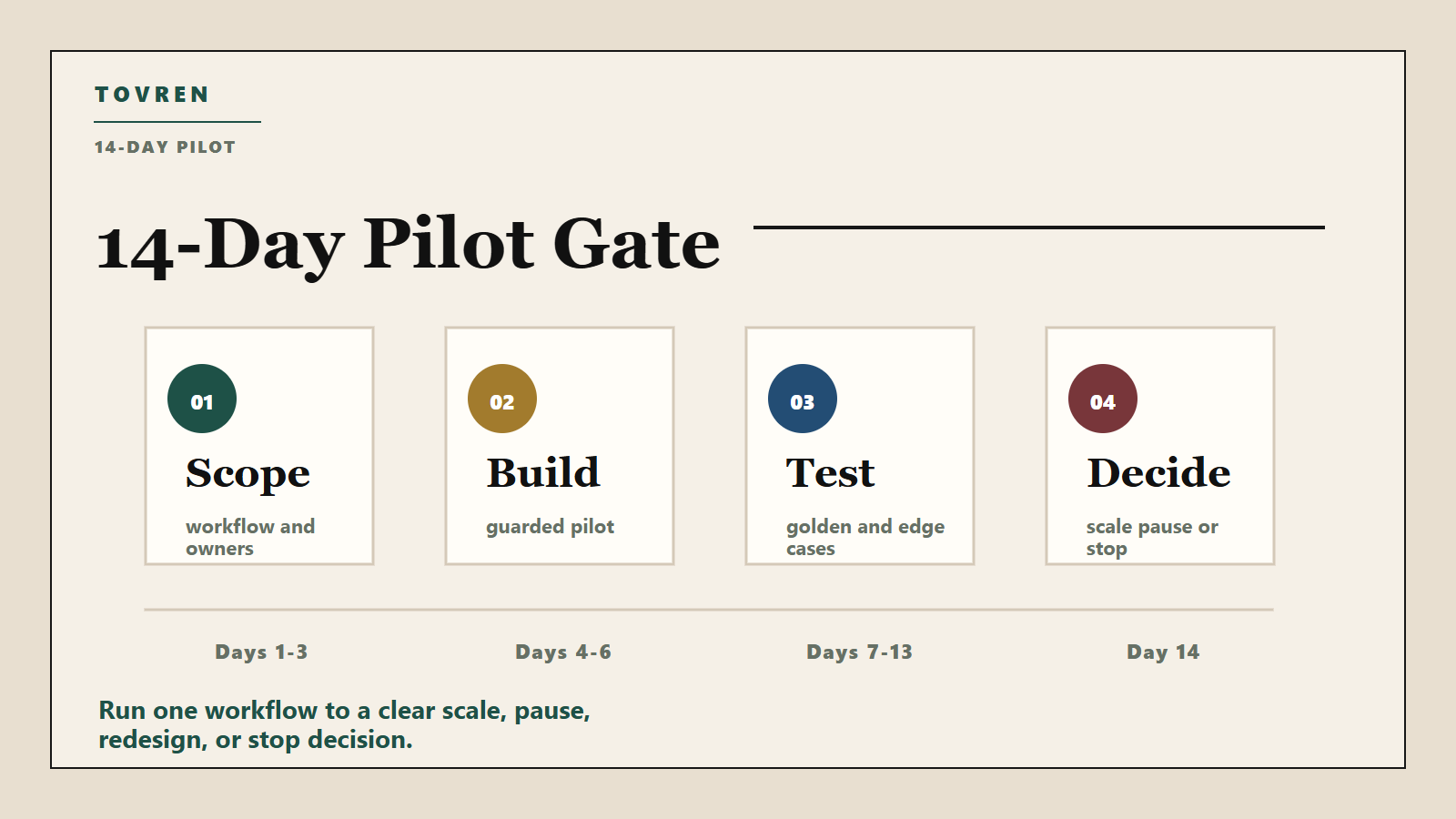
14-day Copilot Studio pilot plan
| Day | Goal | Actions | Exit criteria |
|---|---|---|---|
| 1 | Pick one workflow | Choose a bounded workflow with known volume, owners, and failure paths. | One-page brief approved by ops, IT, and risk. |
| 2 | Map the process | List triggers, inputs, systems, decisions, approvals, exceptions, and handoffs. | No unknown system owner or hidden approval. |
| 3 | Classify data | Label data types, allowed knowledge, service accounts, and delegated access. | Least-privilege model documented. |
| 4 | Select pattern | Use APIs first, workflow for deterministic steps, agent node for reasoning, computer use for UI-only systems, voice for narrow calls. | Architecture reviewed by platform owner. |
| 5 | Build v1 | Create the workflow and add logging and visible handoff states. | Happy path works in test. |
| 6 | Add guardrails | Add approval nodes, retry limits, blocked actions, and fallback messaging. | Agent fails closed. |
| 7 | Create eval set | Build golden, edge, adversarial, stale-knowledge, and permission-boundary cases. | At least 50 internal cases or 100 call simulations. |
| 8 | Forecast cost | Estimate credits by answer type, action count, grounding, flow actions, and voice minutes. | Budget cap and monitoring owner approved. |
| 9 | Run tests | Label failures: wrong answer, wrong action, missing context, tool failure, permission issue, handoff failure, excessive cost. | Critical failures fixed or scope narrowed. |
| 10 | Run shadow mode | Let the agent produce drafts or recommendations while humans continue the real process. | Output matches human decision at agreed threshold. |
| 11 | Limited live pilot | Enable for a small queue, team, call type, or customer segment. | No severity-one incidents. |
| 12 | Review operations | Inspect logs, transcripts, tool calls, approvals, sentiment, failed actions, and credit burn. | Top failure modes ranked and assigned. |
| 13 | Patch and retest | Revise prompts, topics, nodes, permissions, handoff rules, and data sources. | No regression in golden cases. |
| 14 | Decide | Compare baseline to pilot metrics and choose scale, pause, redesign, or stop. | Go/no-go decision recorded with owner and review date. |
Copy-paste agent workflow brief
Agent workflow brief: Copilot Studio May 2026 pilot

Workflow name:
Business owner:
Technical owner:
Risk owner:
Target users or callers:
Pilot dates:
Production decision date:

1. Business outcome
Primary metric:
Baseline:
Target improvement:
Manual work to reduce:

2. Scope
The agent is allowed to:
-
-
-

The agent is not allowed to:
-
-
-

3. Trigger
How the workflow starts:
Allowed channels:
Excluded channels:

4. Inputs
Required fields:
Optional fields:
Sensitive data classes:
Retention requirement:

5. Systems and tools
Approved knowledge sources:
Approved connectors:
Approved Power Automate flows:
Approved MCP servers, if any:
Computer-use target app or site, if any:
Systems explicitly blocked:

6. Identity and permissions
Authentication method:
Service account or delegated user:
Least-privilege roles:
Conditional access requirements:
Credential storage owner:

7. Workflow logic
Deterministic steps:
Agent reasoning steps:
Human approval steps:
Escalation triggers:
Retry limits:
Fail-closed behavior:

8. Voice rules, if applicable
Supported language:
Supported region:
Maximum self-service duration:
Transfer triggers:
Required transcript fields:
Post-call QA sample rate:

9. Evaluation
Golden test cases:
Edge cases:
Adversarial cases:
Minimum pass threshold:
Regression test owner:

10. Cost controls
Estimated Copilot Credits per case:
Estimated daily cases:
Daily pilot budget:
Stop condition:
Dashboard owner:

11. Launch decision
Go criteria:
No-go criteria:
Open risks:
Approvers:
How this fits the wider agent stack
Copilot Studio is not expanding in a vacuum. Service platforms, contract platforms, developer tools, and MCP ecosystems are all moving toward tool-using agents. Compare this pattern with Tovren’s analysis of Zendesk autonomous service workforce and MCP pricing, the DocuSign AI agents and contract workflows guide, and Tovren’s explainer on Microsoft WinUI agent plugins and app-level agents. The common shift is from answering questions to using tools and completing work. That is why governance matters more than clever prompts.
Before scaling Copilot Studio across departments, build the evaluation and access model in Tovren’s AI agent evaluations and runtime governance pilot, then audit tool exposure with the MCP server shadow IT and agent tool access audit.
Bottom line
Copilot Studio’s May 2026 update is a strong signal that Microsoft’s agent strategy is becoming operational, not just conversational. The best first use cases are narrow, measurable workflows where agents orchestrate work across Microsoft 365, Power Platform, Dynamics 365, approved tools, and legacy interfaces. The worst first use cases are broad voice automation, uncontrolled tool access, and UI agents pointed at critical systems without approvals or regression tests.
The right move is a 14-day pilot with one workflow, one owner, one risk model, one cost dashboard, and one scale decision. If the pilot cannot pass that bar, the organization is not ready for wider agent automation. If it can, Copilot Studio’s combination of workflows, computer use, Work IQ, interoperability, and real-time voice is worth a serious production roadmap.
FAQ
Are Copilot Studio computer-using agents generally available?
Microsoft’s May 26, 2026 update says computer-using agents are now generally available. Teams should still distinguish that from preview combinations such as embedding computer use directly into multi-step workflows.
Should we use computer-using agents instead of APIs?
No. Use APIs, connectors, and approved Power Automate flows first. Use computer-using agents for systems that lack reliable APIs or where a vendor portal is unavoidable.
Are real-time voice agents ready for production contact centers?
They can be production candidates for narrow call types in supported environments, especially through Dynamics 365 Contact Center. Start with low-risk calls such as order status, appointment changes, or case status.
How do we stop Copilot Studio agent costs from surprising us?
Estimate Copilot Credits before launch, monitor credits per successful case and failed case, cap pilot usage, and watch expensive drivers such as agent actions, tenant graph grounding, premium AI tools, flow actions, and real-time voice minutes.
Source log
| Source | Publisher | Date | Access date | Claims supported |
|---|---|---|---|---|
| New and improved: Computer-using agents, a new workflows experience, and real-time voice experiences | Microsoft Copilot Blog | May 26, 2026 | May 28, 2026 | Computer-using agents GA, redesigned workflows, Work IQ API and CLI, remote MCP support, A2A communication, real-time voice through Dynamics 365 Contact Center, orchestration and lifecycle updates. |
| Extend AI voice support: Introducing real-time voice agents in Microsoft Copilot Studio | Microsoft Copilot Blog | April 27, 2026 | May 28, 2026 | Real-time voice agents GA in Copilot Studio, launch through Dynamics 365 Contact Center, adaptive service scenarios, North America availability statement. |
| Real-time voice agents overview | Microsoft Learn | Last updated April 27, 2026 | May 28, 2026 | Real-time voice capabilities, prerequisites, North America hosting, cross-geo processing note, EU Data Boundary limitation, responsible AI and compliance notice. |
| Configure real-time voice agents | Microsoft Learn | April 2026 content referenced on page | May 28, 2026 | Validated languages and warning that technical language capability does not equal supported or certified language. |
| What’s new and planned for Microsoft Copilot Studio, 2026 release wave 1 | Microsoft Learn | Last updated May 26, 2026 | May 28, 2026 | 2026 wave 1 items including computer use GA, real-time evaluation results, Microsoft 365 Copilot agent suggestions, MCP-compliant tools in workflows, and connector-related improvements. |
| Billing rates and management | Microsoft Learn | May 2026 page state | May 28, 2026 | Copilot Credit billing rates for classic answers, generative answers, agent actions, tenant graph grounding, agent flow actions, AI tools, and real-time voice. |
| Microsoft Copilot Studio pricing | Microsoft | Current pricing page accessed May 28, 2026 | May 28, 2026 | Pre-purchase plan, pay-as-you-go availability, Azure subscription requirement, and 25,000 Copilot Credits at $200.00 per pack per month. |
| Microsoft Expands Copilot Studio with Agent Automation and Voice Features | ADTmag | May 26, 2026 | May 28, 2026 | Third-party coverage confirming the broad framing of Microsoft’s update. Used as secondary context, not primary product proof. |
| Reddit community threads in r/copilotstudio, r/MicrosoftFlow, and r/microsoft_365_copilot | Reddit community discussions | Community signal reviewed May 2026 | May 28, 2026 | Practical interest and concern around workflow debugging, admin approval, licensing, and agent action costs. Used only as social context, not product proof. |