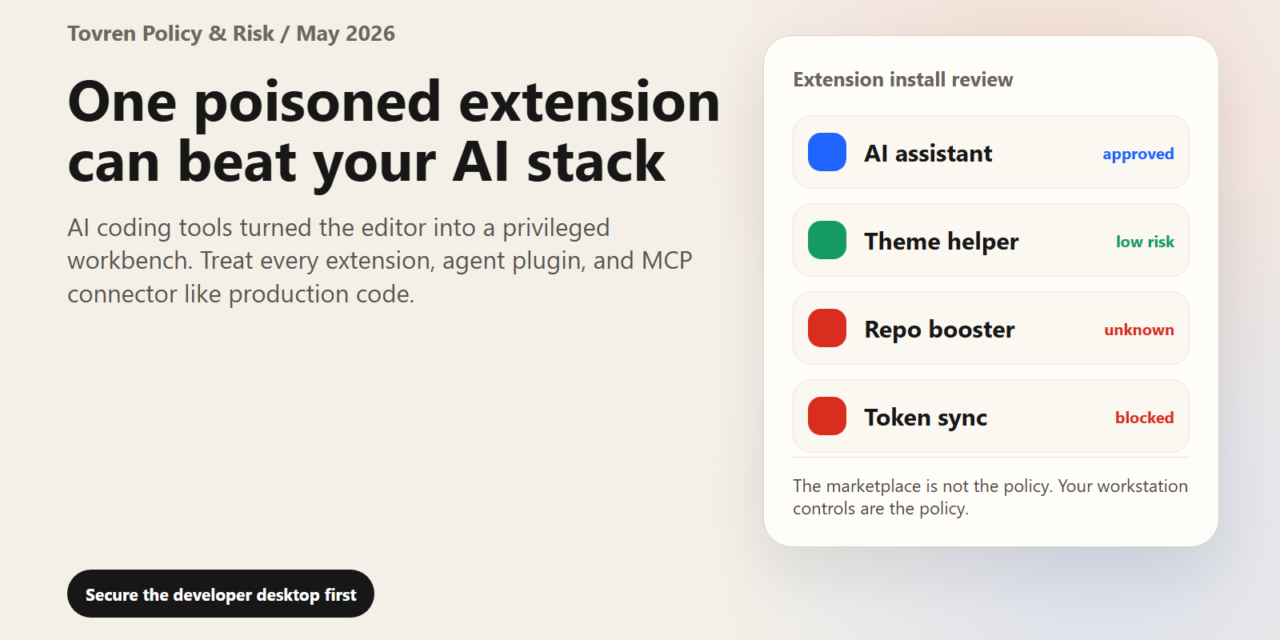
Short answer: AI coding tools inherit VS Code extension risk. Before installing an extension, check publisher trust, permissions, network behavior, update history, and whether it can read secrets or modify code without review.
Verdict first: the editor is now a privileged attack surface. For developers using AI coding assistants, agent plugins, MCP servers, terminal automation, and workflow extensions, VS Code is no longer just where code is written. It is where repositories, credentials, cloud CLIs, package managers, model API keys, and automated tools meet. That makes extension security a board-level software supply chain issue, not a personal productivity preference.
GitHub has confirmed that an employee device was compromised after installation of a malicious third-party Visual Studio Code extension, and that GitHub-owned internal repositories were accessed. Current reports attribute the activity to TeamPCP, which claimed access to roughly 3,800 repositories and reportedly sought $50,000. Those attacker claims should be treated as claims unless confirmed by GitHub, affected customers, or law enforcement. The practical lesson is already clear: one poisoned extension can bypass many controls by operating from inside a trusted developer environment.
Facts vs Claims vs Tovren Analysis
| Confirmed facts | Attacker or media claims | Tovren analysis |
|---|---|---|
| GitHub confirmed unauthorized access to GitHub-owned internal repositories after a compromised employee endpoint involving a malicious VS Code extension. | TeamPCP claimed access to about 3,800 internal repositories and reportedly attempted to sell access or data for $50,000. | The exact criminal claim matters less than the verified path: a developer extension became the route into sensitive code. |
| GitHub said critical secrets were rotated and that its investigation and log analysis continued. | Some coverage framed the event as part of a broader poisoned developer-tool supply chain pattern. | Teams should assume exposed endpoints may have touched repositories, secrets, package tokens, AI API keys, and cloud sessions. |
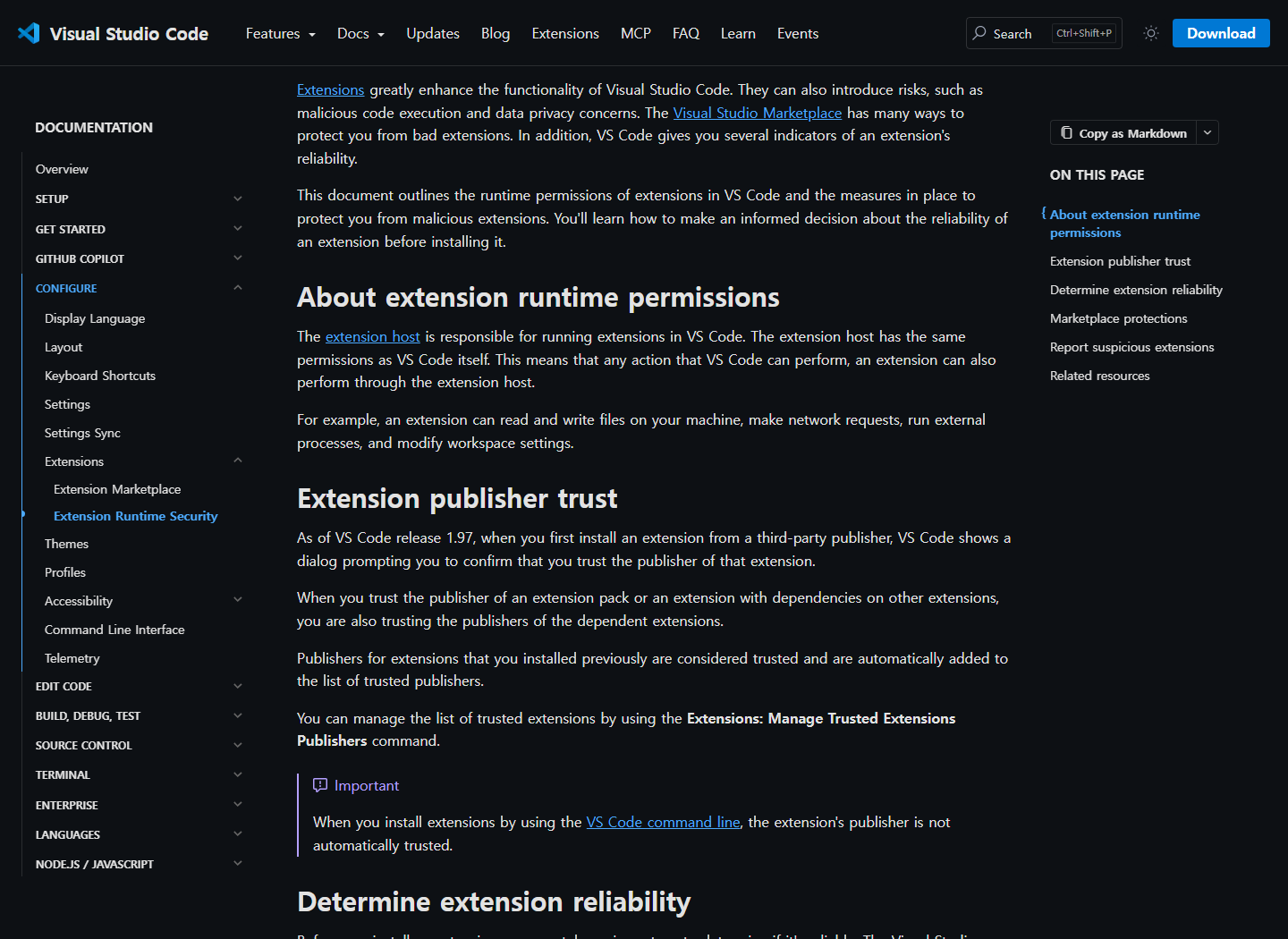
| Microsoft’s VS Code security documentation says extensions can introduce malicious code execution and privacy risks. | Separate reporting has alleged malicious AI-themed VS Code extensions with more than 1.5 million combined installs. | AI coding tools make the old extension problem sharper because agents can read, write, run, call, and retry at scale. |
Why AI Coding Assistants Change the Risk Model
VS Code extensions run inside the extension host and can have broad practical power. Microsoft’s own documentation warns that extensions can introduce malicious code execution and privacy risks. Depending on their capabilities, extensions may read or write workspace files, execute processes, make network requests, modify settings, and interact with developer workflows.
That was already sensitive before AI. Now add coding assistants, autonomous agents, MCP tools, browser integrations, terminals, deployment helpers, test runners, and repository-aware automation. A helpful extension may be able to inspect your whole codebase, summarize secrets by accident, call an external endpoint, install dependencies, or run shell commands. When that extension is malicious, compromised, or impersonated, the editor becomes a launchpad.
The safe framing is not “VS Code is unsafe.” Microsoft has Marketplace defenses, including publisher trust signals, malware scanning, signature verification, name-squatting protections, blocklists, and other security checks. Those controls reduce ecosystem risk. They do not replace enterprise controls, because teams still choose what to install, whether to auto-update, where secrets live, which agents can run commands, and how quickly a bad extension can be removed.
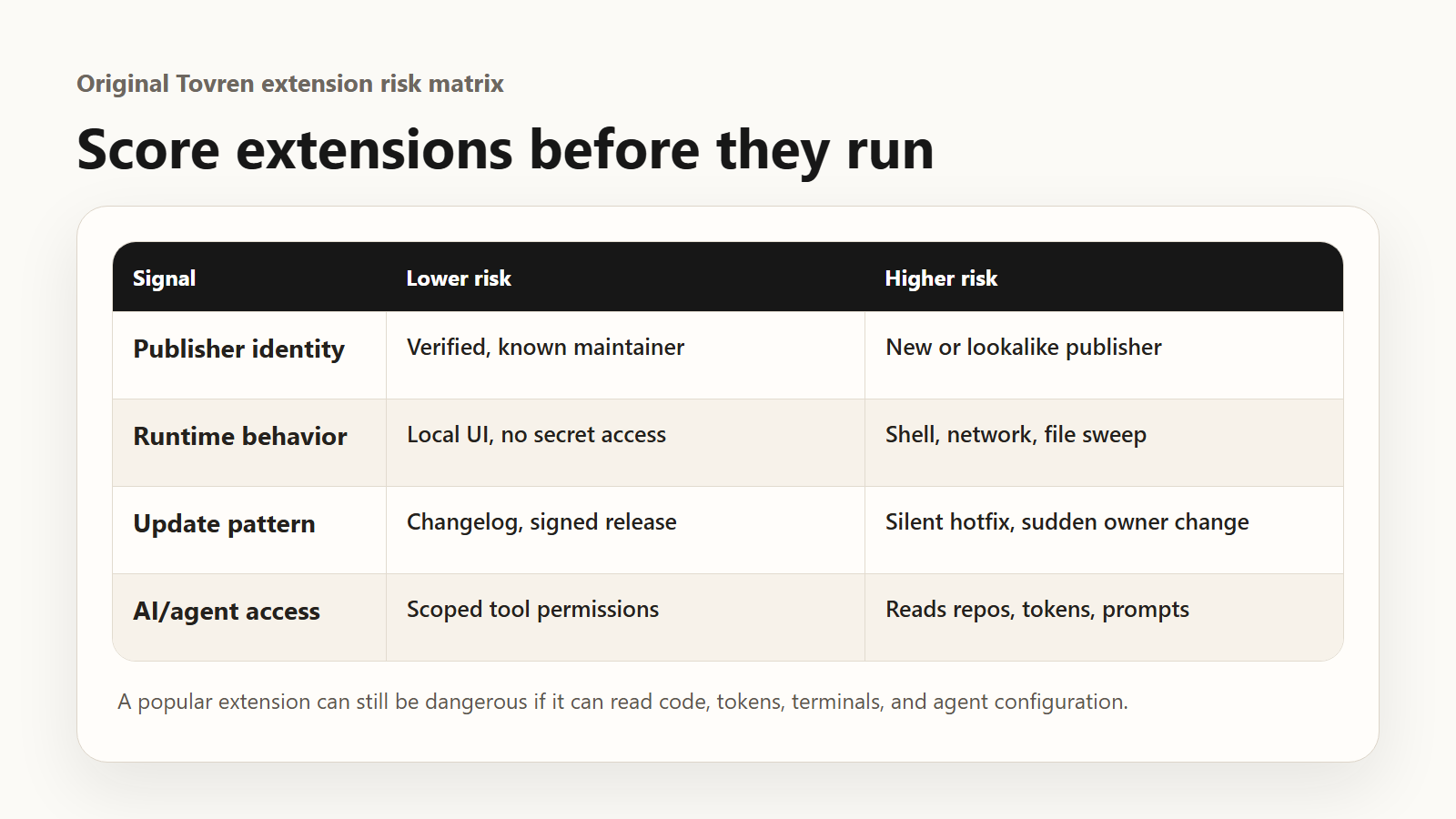
Extension Risk Scoring Matrix
| Risk factor | Low risk | Medium risk | High risk |
|---|---|---|---|
| Publisher trust | Verified publisher, known vendor, stable history | Small vendor with some public history | Unknown publisher, copied branding, recent name change |
| Runtime behavior | Theme, icon pack, syntax highlighting | Reads workspace files or adds commands | Runs processes, opens terminals, calls external services |
| AI or agent capability | No autonomous behavior | Reads files with user approval | Auto-executes tools, MCP calls, shell commands, or edits |
| Data exposure | No sensitive repos or secrets | Internal application code | Production systems, customer data, credentials, security tooling |
| Update model | Pinned version reviewed before update | Auto-update for trusted publishers | Auto-update for unreviewed public extensions |
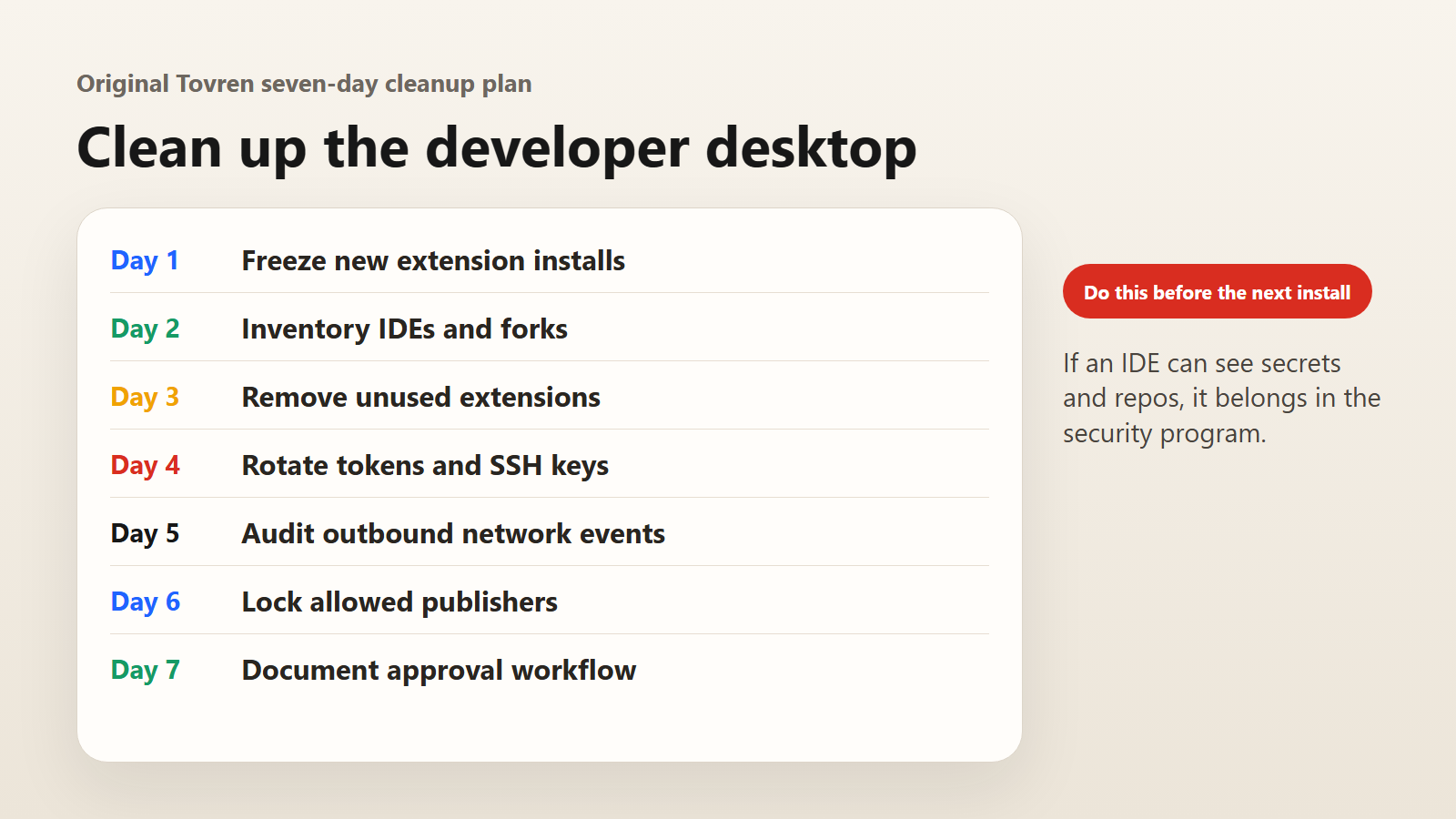
Seven-Day Cleanup Plan
Day 1: Inventory every editor and extension
List installed extensions across VS Code, VS Code forks, remote containers, cloud workstations, CI images, and developer laptops. Capture extension ID, publisher, version, install source, update status, and user count.
Day 2: Identify privileged extensions
Flag extensions that run commands, invoke terminals, connect to external APIs, access credentials, use webviews, manage cloud resources, handle Git operations, or provide AI agent features.
Day 3: Remove unknown or unnecessary extensions
Disable tools with unclear ownership, suspicious branding, missing changelogs, weak publisher identity, or no clear business need. Start with machines that access production, customer data, or security systems.
Day 4: Rotate reachable secrets
Rotate GitHub tokens, SSH keys, cloud CLI sessions, package registry tokens, model API keys, database credentials, CI/CD secrets, and service-account keys that could be reached from affected developer environments.
Day 5: Enforce an allowlist
Move from “developers install what they like” to approved extensions by publisher, extension ID, version, and environment. Higher-risk teams should use managed policies or private extension marketplaces.
Day 6: Restrict agent autonomy
Disable broad auto-approval for terminal commands, file edits, MCP tools, dependency installation, and external calls. Require confirmation for actions that modify code, touch secrets, or transmit workspace content.
Day 7: Rehearse the incident
Run a tabletop exercise: “A popular AI extension is compromised.” Confirm who blocks the extension, isolates devices, rotates secrets, reviews logs, communicates risk, and approves developer return to service.
Install Policy for Extensions, AI Assistants, and MCP Tools
- Default deny for sensitive environments: no unapproved extensions on machines with production, customer, security, or privileged repository access.
- Named owner: every approved extension must have a technical owner and a business justification.
- Publisher review: require verified or clearly attributable publishers for high-use tools.
- Version control: pin or stage updates for privileged extensions instead of allowing silent fleet-wide changes.
- MCP review: treat MCP servers as software integrations, not harmless configuration snippets.
- Secrets hygiene: avoid long-lived tokens on developer endpoints; prefer short-lived credentials and scoped permissions.
- Network visibility: monitor unexpected outbound traffic from editor, extension host, terminal, and agent processes.
Incident Response Checklist
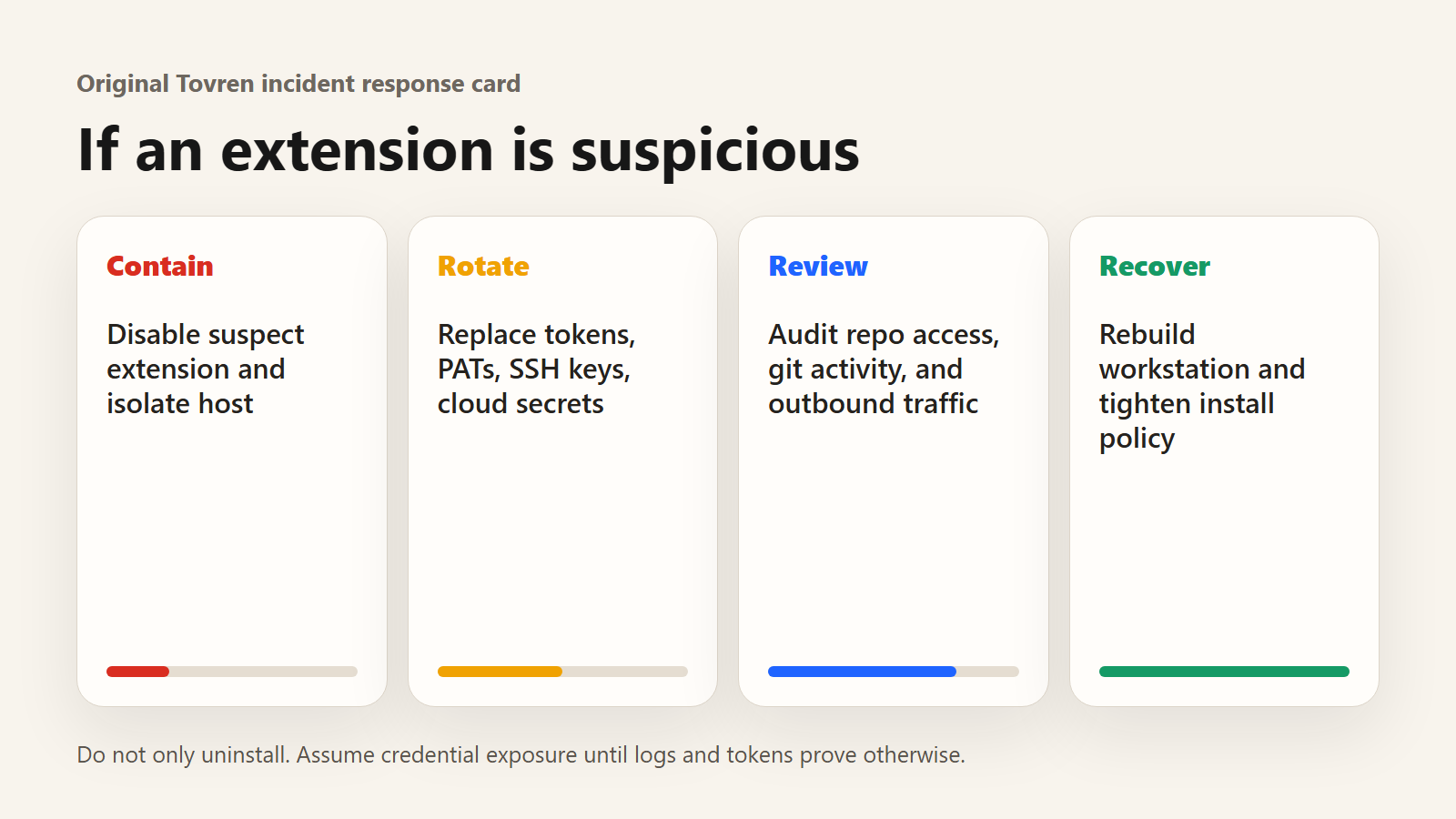
- Disable or block the suspected extension version across managed devices.
- Isolate affected endpoints while preserving logs and disk evidence.
- Identify repositories, credentials, package registries, cloud accounts, and AI services accessed from those endpoints.
- Rotate secrets in priority order: production, source control, CI/CD, cloud, package registries, AI APIs.
- Review GitHub, cloud, CI, package manager, and endpoint telemetry for suspicious access.
- Check whether agent logs or prompts contained customer data, support excerpts, or proprietary code.
- Prepare customer, regulator, and internal communications only after scope is supported by evidence.
- Document the extension ID, version, install path, exposure window, affected users, rotated credentials, and permanent controls.
Red Flags Before Installing a VS Code Extension
- The extension imitates a known AI tool, vendor, or package name.
- The publisher is new, unverifiable, or inconsistent across Marketplace, GitHub, and documentation.
- The extension requests broad workspace access for a narrow feature.
- It adds terminal, MCP, network, or webview behavior without a clear reason.
- Reviews look inflated, generic, or suddenly positive after a recent release.
- The repository link is missing, stale, private, or unrelated to the Marketplace package.
- The tool is “AI-powered” but does not clearly explain what data leaves the editor.
FAQ
Should developers stop using VS Code extensions?
No. Extensions are central to modern development. The right response is inventory, approval, least privilege, update control, monitoring, and fast removal.
Are Marketplace protections enough?
No. Microsoft’s Marketplace protections are important, but they cannot guarantee that every extension update, publisher, or developer installation path is safe for your environment.
Should AI coding assistants be banned?
Usually not. They should be governed like privileged software. Require approved tools, clear data-handling rules, restricted autonomy, and auditability.
What is the biggest mistake after this incident?
Treating extensions as harmless UI add-ons. In an AI-enabled workflow, an extension may have access to code, secrets, terminals, agents, and external APIs.
Source Log
- GitHub Blog: Investigating unauthorized access to GitHub-owned repositories — GitHub, May 20, 2026. Used for confirmed incident scope, endpoint compromise, repository access, and response details.
- Tom’s Hardware: Hacker group hits 3,800 internal GitHub repositories via poisoned developer plugin — May 20, 2026. Used for TeamPCP claim context and reported $50,000 figure.
- The Register: GitHub says internal repos exfiltrated after poisoned VS Code extension attack — May 20, 2026. Used for independent coverage and cautious framing of attacker claims.
- Microsoft VS Code documentation: Extension runtime security — accessed May 21, 2026. Used for extension execution, malicious code, privacy, and Marketplace security facts.
- Microsoft VS Code documentation: Extension Marketplace — accessed May 21, 2026. Used for extension installation, Marketplace, and update context.
- Microsoft Developer Blog: Security and Trust in Visual Studio Marketplace — June 11, 2025. Used for Marketplace scanning, trust, publisher, and protection context.
- TechRadar: Malicious Microsoft VS Code AI extensions might have hit over 1.5 million users — January 26, 2026. Used for broader AI-extension risk context.
Refresh Triggers
- GitHub publishes a fuller incident report or changes the confirmed scope.
- GitHub confirms customer impact, affected repositories, or exposed data types.
- Microsoft updates VS Code Marketplace scanning, signature, publisher, or enterprise policy controls.
- The malicious extension name, version, or distribution path is publicly verified.
- New malicious AI assistant, MCP, or IDE extension campaigns are disclosed.