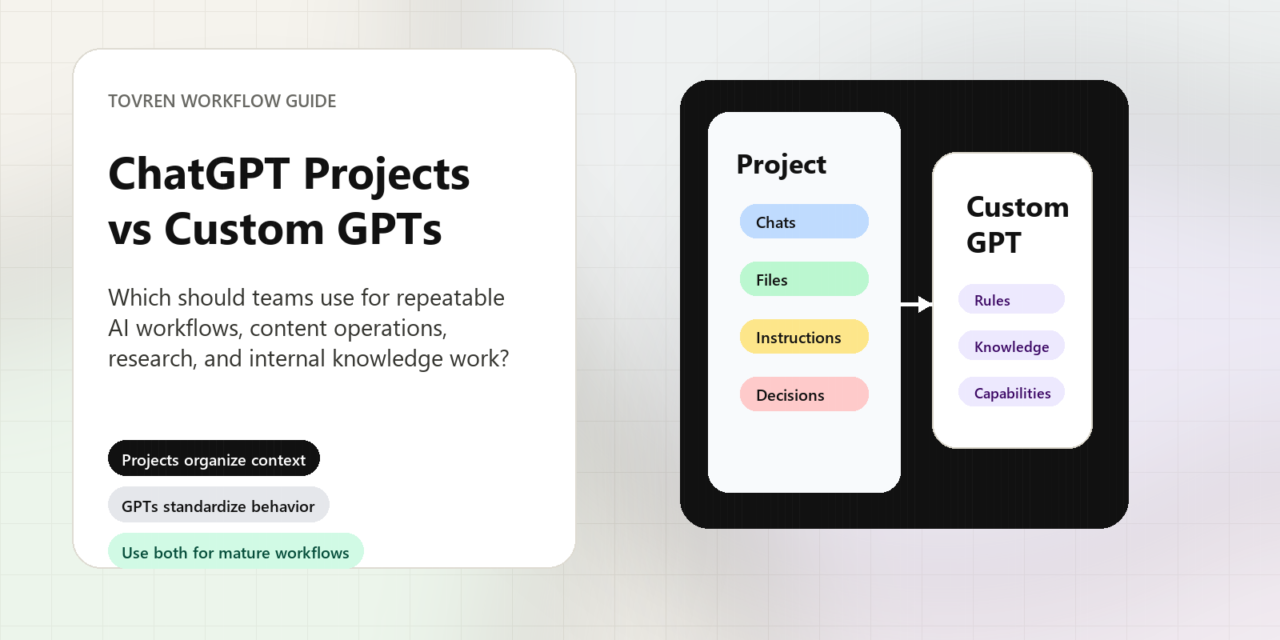
Short answer: Use ChatGPT Projects when a team needs persistent files, context, and repeated workflows. Use Custom GPTs when you need a reusable assistant interface or packaged instructions for a specific audience.
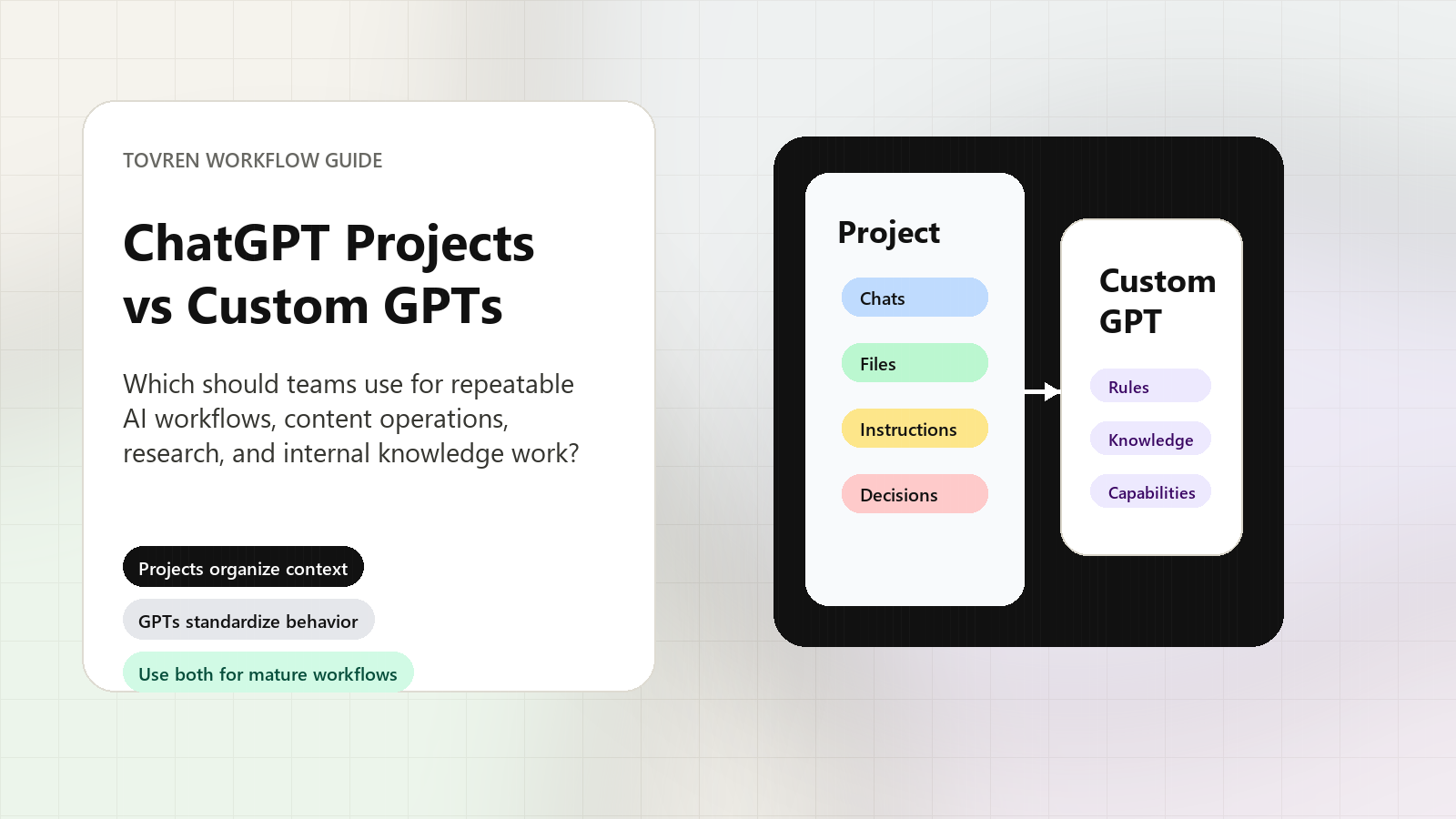
Updated May 18, 2026, Asia/Seoul. Use ChatGPT Projects when your team needs a shared, evolving workroom for ongoing work. Use a Custom GPT when your team needs a packaged assistant that follows the same instructions, uses the same reference material, and produces a repeatable output. Use both when a stable assistant needs to operate inside a live project context.
For content operations, research, and internal knowledge work, the practical rule is simple: Projects organize the work; Custom GPTs standardize the behavior. A Project is where the context accumulates. A Custom GPT is the reusable operator you bring to the work.
OpenAI-stated facts
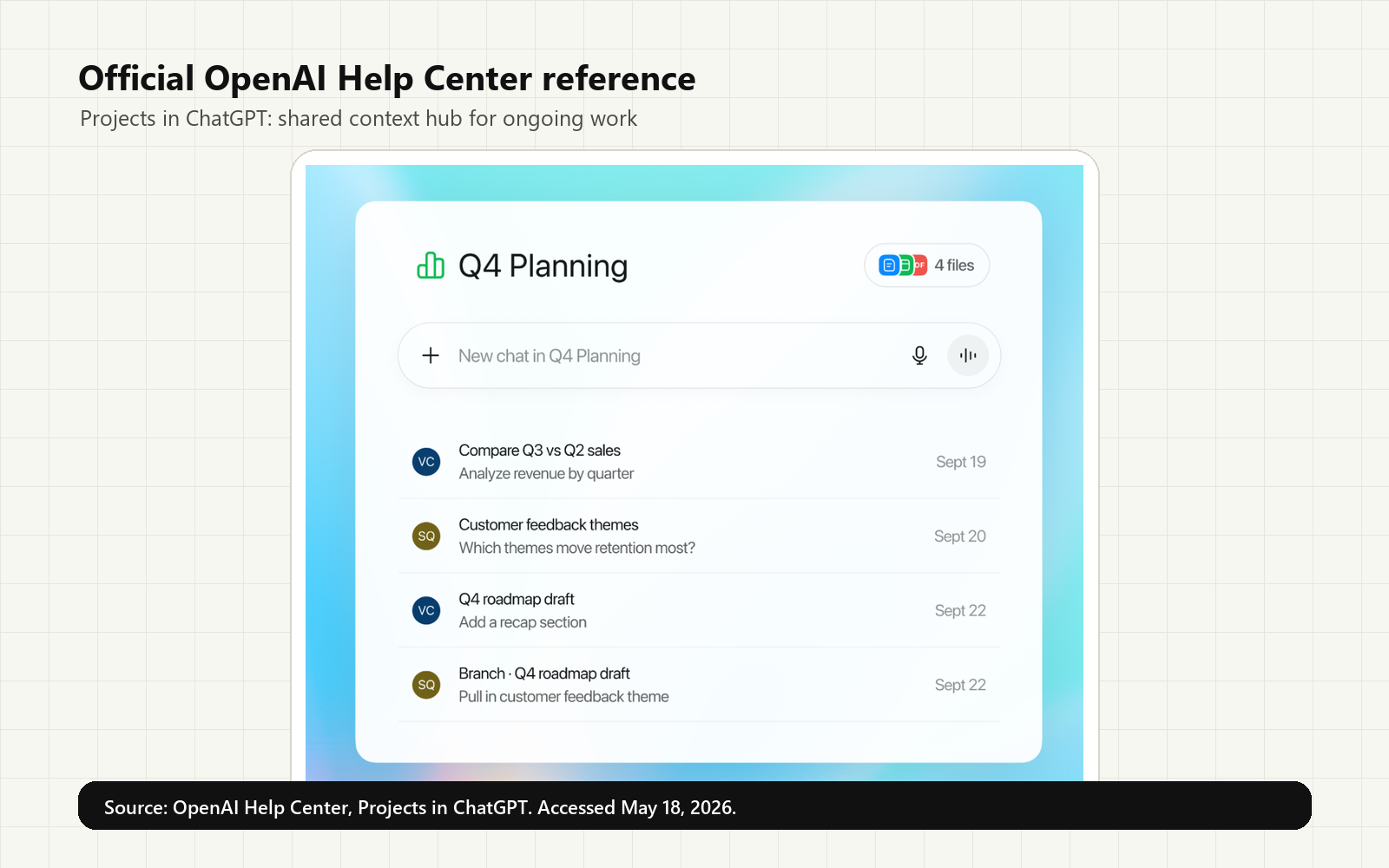
OpenAI describes Projects as workspaces that keep related chats, uploaded files, and custom instructions in one place. The Projects help page positions them for long-running or recurring work such as writing, research, planning, and repeated workflows. Shared projects can become live context hubs where teammates work from shared chats, files, and instructions.
OpenAI describes GPTs, also called Custom GPTs, as versions of ChatGPT configured for a specific purpose. A GPT can include instructions, conversation starters, uploaded knowledge, selected capabilities, apps, or actions, depending on account and workspace settings. OpenAI Academy frames Custom GPTs as useful when teams keep reusing the same prompt, files, or instructions.
Tovren recommendation: do not treat Projects and Custom GPTs as interchangeable. They solve different operating problems.
The decision matrix
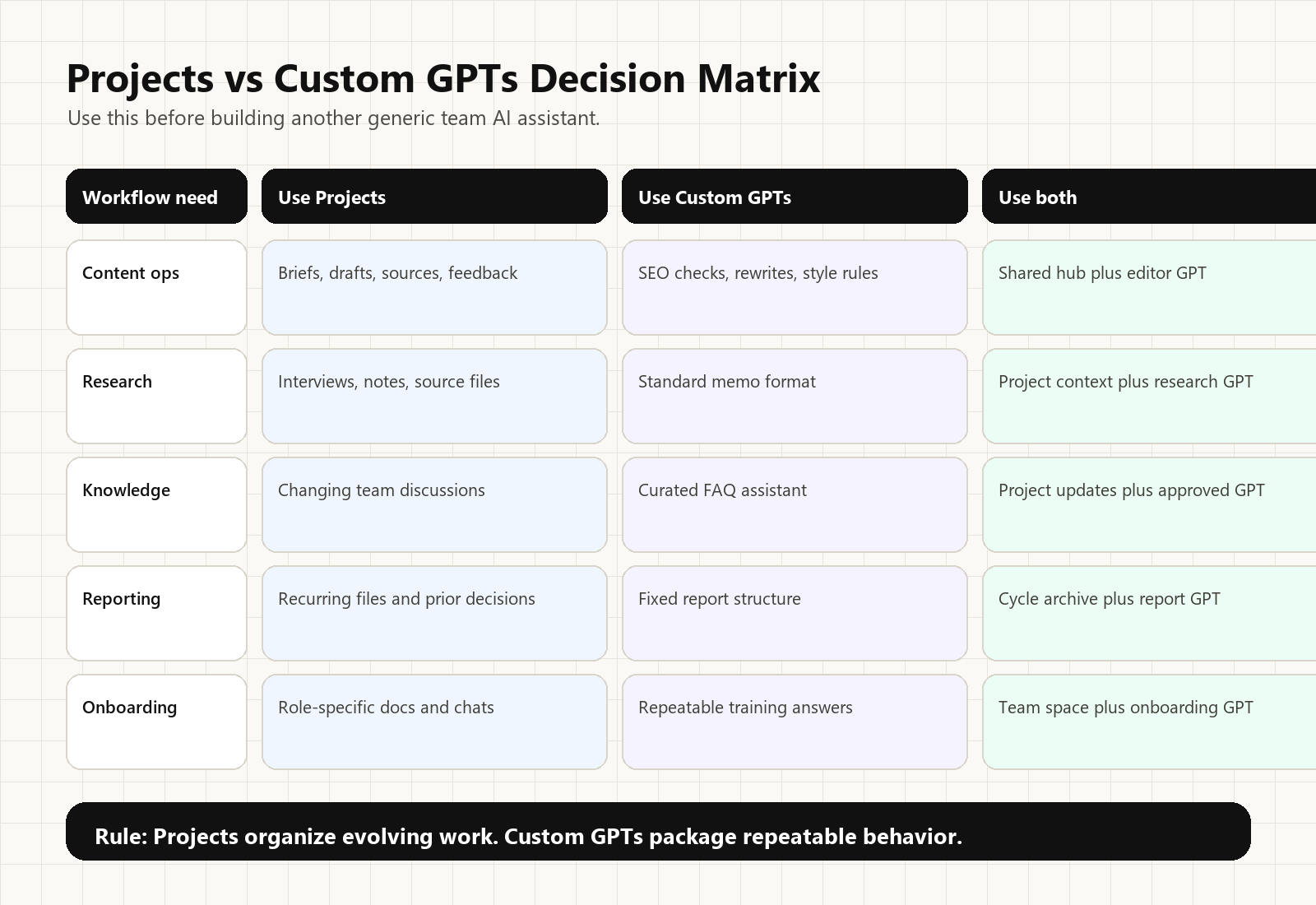
| Team need | Use Projects when… | Use Custom GPTs when… | Use both when… |
|---|---|---|---|
| Content operations | You need a living hub for briefs, drafts, source notes, brand rules, and editor feedback. | You need a repeatable assistant for SEO checks, rewrites, or style enforcement. | Your editorial team needs one shared article hub plus a reusable editor assistant. |
| Research | You are collecting transcripts, source files, market notes, and ongoing hypotheses. | You need the same research brief format every time. | A research Project stores evolving context while a GPT applies the same summary rules. |
| Internal knowledge | The knowledge changes through team discussion, meeting notes, and new uploads. | The knowledge base is curated and users need a consistent FAQ-style assistant. | A department Project captures new work while a GPT answers common questions from approved references. |
| Repeatable reporting | Reports depend on recurring files, prior analysis, and team decisions. | The report format, tone, and checks should be consistent. | The Project stores each cycle; the GPT generates the same structure every week or month. |
When to choose ChatGPT Projects
Choose Projects when the context matters more than the assistant persona. A Project is the better default for messy, evolving work: a quarterly planning hub, a publication calendar, an AI tool evaluation, a policy research folder, or a client-specific content workspace.
Projects are especially useful when multiple chats, files, and decisions need to stay connected. Instead of asking teammates to paste the same background again, the Project becomes the context container. This makes Projects a strong fit for teams that need to keep source material, draft history, instructions, and review notes together.
Use Projects for:
- ongoing editorial calendars and article pipelines;
- market research that grows over several weeks;
- shared team spaces for documents, notes, and decisions;
- client, product, or campaign-specific work;
- internal knowledge work where context is still changing.
Avoid using only Projects when the real problem is inconsistent behavior. If each teammate asks for an SEO brief in a different way, a Project alone will not fully standardize the output. That is where a Custom GPT helps.
When to choose a Custom GPT
Choose a Custom GPT when the task has a stable pattern. The strongest Custom GPT use cases are not vague “AI assistant” ideas. They are narrow, repeatable workflows: turn this source packet into an article brief, rewrite this draft in our house style, classify support questions using our escalation rules, or turn meeting notes into a weekly status update.
A Custom GPT is useful when the team needs the same behavior every time: the same tone, format, checklist, refusal rules, source-handling standards, and output sections. OpenAI’s GPT configuration model supports this pattern because the builder can define instructions, add knowledge, provide conversation starters, and enable selected capabilities.
Use Custom GPTs for:
- repeatable content briefs, rewrites, and quality checks;
- internal FAQ assistants based on curated reference files;
- research brief generators with a fixed output format;
- data or reporting assistants that follow the same structure;
- team-wide assistants that should be shared and reused.
Avoid using only a Custom GPT when the task depends on live, accumulating team context. A GPT can have knowledge files and instructions, but it is not the same as a shared workroom where teammates keep adding chats, files, and decisions over time.
When teams should use both
Most serious team workflows should eventually use both. The Project holds the work. The Custom GPT performs a repeatable role inside that work.
For example, a content team could create a Project called “AI Tools Coverage.” That Project holds source logs, editorial rules, article drafts, keyword notes, and previous decisions. The team could then build a Custom GPT called “Article Brief Builder” that always outputs the same brief structure: search intent, reader outcome, sources, comparison table, risks, visual plan, and refresh triggers.
The same pattern works for research. A market research Project can hold interview notes, survey files, competitor pages, and open questions. A Custom GPT can turn that material into a standard research memo with sections for findings, confidence, contradictions, and next actions.
There is one workflow caveat to document. OpenAI’s Projects help page says a Custom GPT can be used for messages in an existing project chat, but if the first message uses a Custom GPT, the conversation starts as a chat with that GPT and appears outside the project. For teams, the practical rule is clear: start inside the Project first when the conversation must remain part of the Project.
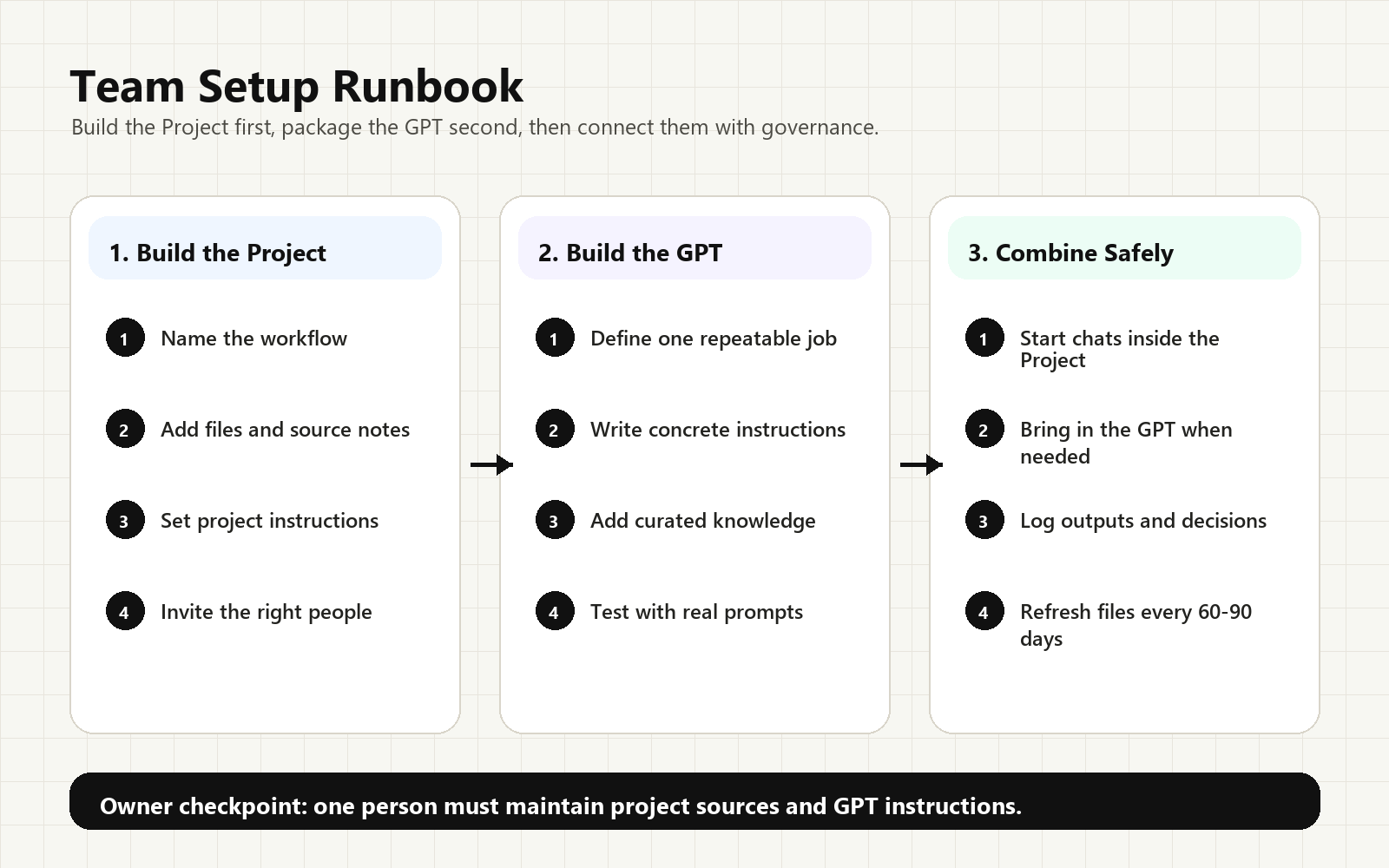
A practical setup runbook
- Name the workflow. Do not create generic spaces like “AI Work.” Use names such as “Weekly AI Tools Newsletter,” “Customer Research Q2,” or “Internal Policy FAQ.”
- Create the Project first. Add project-level instructions, key files, source notes, and existing chats that belong to the work.
- Decide what should be standardized. If the team repeats the same prompt, format, or checklist, turn that behavior into a Custom GPT.
- Build the Custom GPT narrowly. Give it a clear name, description, instructions, conversation starters, and only the knowledge files it needs.
- Test with real examples. Use representative tasks. Check whether the GPT follows structure, cites sources correctly, asks for missing inputs, and refuses unsupported claims.
- Share deliberately. Share the Project with people who need the working context. Share the GPT with people who need the repeatable assistant.
- Assign an owner. Projects need source hygiene. GPTs need instruction and knowledge maintenance. Without an owner, both decay.
Common mistakes
- Building a GPT before the workflow is clear. Start with a Project if the team is still discovering the right process.
- Putting rules in files instead of instructions. Use GPT instructions for behavior. Use knowledge files for reference material.
- Letting every team member invent their own output format. If output consistency matters, package the behavior as a GPT.
- No refresh owner. A Project with stale sources and a GPT with outdated instructions both create hidden quality risk.
FAQ
Are ChatGPT Projects and Custom GPTs the same thing?
No. Projects are workspaces for keeping related chats, files, and instructions together. GPTs are custom versions of ChatGPT configured for a specific purpose with instructions, knowledge, and selected capabilities.
Which should a content team use first?
Start with a Project if the team is still collecting sources, drafts, decisions, and editorial context. Add a Custom GPT once the team has a repeated task worth standardizing, such as briefs, rewrites, or SEO checks.
Can teams use a Custom GPT inside a Project?
Yes, but start the conversation inside the Project when the chat must remain part of that Project. OpenAI notes that starting with a GPT first creates a GPT chat outside the project.
What is the biggest mistake teams make with Custom GPTs?
Building one too broadly. A Custom GPT should package a specific repeatable behavior, not become a vague company assistant. Use clear instructions, representative test prompts, and curated knowledge files.
Bottom line
Use Projects for shared context and ongoing work. Use Custom GPTs for packaged repeatable behavior, instructions, knowledge, capabilities, and sharing. Use both when a team needs a reliable assistant operating inside a living work hub.
For most teams, the first move should be a Project. It gives the team one place to gather context and reduce repeated setup. The second move should be a Custom GPT, but only after the team can identify the recurring behavior worth packaging. That sequence prevents the common mistake: building a polished GPT before the workflow itself is clear.
Source note
This article package was generated through the Tovren Editorial OS project in ChatGPT Pro Extended mode, then checked against current official OpenAI sources before publication.
Source log
- OpenAI Help Center: Projects in ChatGPT – Projects, sharing, memory, tools, context, file limits, and Project/GPT workflow distinction.
- OpenAI Help Center: GPTs in ChatGPT – Custom GPT definition, instructions, knowledge, capabilities, apps/actions, sharing, and privacy notes.
- OpenAI Help Center: Creating and editing GPTs – GPT builder workflow, web-only editing, configuration fields, knowledge, capabilities, testing, and versioning.
- OpenAI Academy: Using custom GPTs – practical Custom GPT use cases, setup pattern, and testing guidance.
Refresh triggers
- OpenAI changes Project sharing, memory, file limits, or project-only memory behavior.
- OpenAI changes GPT creation/editing availability, mobile support, knowledge limits, apps/actions behavior, or sharing options.
- OpenAI updates guidance on using Custom GPTs inside Projects.
- OpenAI changes ChatGPT plan names, access rules, workspace admin controls, or GPT Store eligibility.
- Refresh every 60-90 days because the official OpenAI pages are actively updated.