Short answer: Most teams should not pick one AI vendor for everything. Use ChatGPT for broad reasoning, Copilot for Microsoft work, Claude for writing and analysis, and Gemini where Google Workspace or Search context matters.
Most companies should not start their AI rollout by asking which model is “best.” The better question is: where does your work already live, and which AI platform can safely operate there every day?
This guide compares four practical business AI routes in May 2026: ChatGPT Business and Enterprise, Microsoft 365 Copilot, Claude Team and Enterprise, and Google Workspace Gemini. The point is not to crown one universal winner. It is to help founders, IT admins, and department leads choose the first platform to pilot without wasting budget or creating data-governance problems.
Demand Snapshot
| Search angle | What the reader wants | Article answer |
|---|---|---|
| business AI tools 2026 | A current shortlist for company adoption | Four major stacks and a practical decision path |
| ChatGPT Business vs Copilot | Which paid assistant fits work teams | Choose by workflow location, not model hype |
| Microsoft 365 Copilot pricing | Cost and licensing clarity | Business, Chat, license prerequisites, and hidden costs |
| Claude Team pricing | Seat cost and enterprise fit | Team, Premium seats, Enterprise usage model, and connectors |
| Gemini Workspace AI | Whether AI is included in Google Workspace | Gemini in Workspace apps, NotebookLM context, and Enterprise limits |
The Short Answer
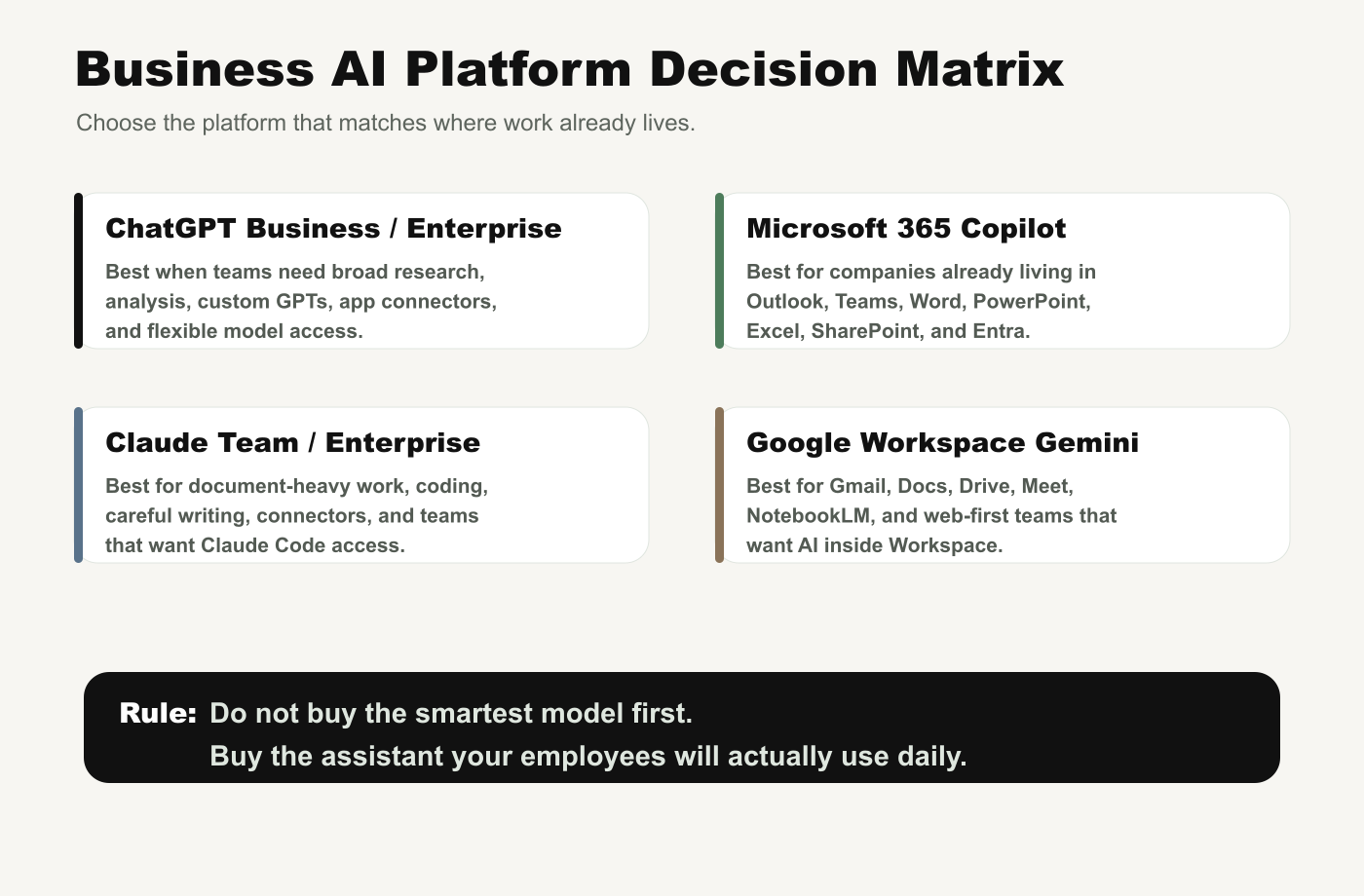
Choose ChatGPT Business if your team needs a flexible, general-purpose AI workspace for research, analysis, files, shared projects, custom GPTs, and connectors across many apps.
Choose Microsoft 365 Copilot if your company already runs on Outlook, Teams, Word, PowerPoint, Excel, SharePoint, and Entra. Its main advantage is not a standalone chat window. It is work-context grounding inside the Microsoft stack.
Choose Claude Team if your work is document-heavy, coding-heavy, or needs careful writing, long context, connectors, Claude Code, and predictable team seats. Claude Enterprise becomes more relevant when you need SCIM, audit logs, custom retention, spend controls, and deeper governance.
Choose Google Workspace Gemini if your company lives in Gmail, Docs, Drive, Meet, Sheets, Slides, and NotebookLM. For web-first teams, AI inside Workspace may beat a stronger standalone chatbot that employees forget to use.
Official Pricing Signals Checked
Prices and plan rules move quickly, so check the official pages before purchasing. These were the important signals visible from official sources on May 14, 2026:
- Microsoft 365 Copilot Business is shown on Microsoft’s pricing page with promotional annual pricing starting from $18/user/month, originally $21/user/month, paid yearly. The same page shows a monthly commitment at $25.20/user/month. Microsoft notes that a separate qualifying Microsoft 365 plan is required and that the Business version is for up to 300 users.
- Microsoft 365 Copilot Chat is listed as included for eligible Microsoft 365 customers, with agent usage priced separately or requiring Azure/Copilot Studio capacity depending on the scenario.
- ChatGPT Business is listed as a secure collaborative workspace with 2+ users, annual billing, app connectors, shared projects, custom workspace GPTs, SAML SSO/MFA, no training on your data, and compliance alignment including SOC 2 Type 2. Enterprise is custom pricing with deeper controls such as SCIM, EKM, analytics, domain verification, and data residency.
- Claude Team is listed for teams of 5 to 150. Standard seats are $20/seat/month billed annually, or $25 monthly. Premium seats are $100/seat/month billed annually, or $125 monthly. Claude Enterprise is listed as seat price plus usage at API rates.
- Google Workspace pricing varies by country and plan page locale, but Google’s Workspace pricing page shows Gemini features across business tiers and Enterprise contact-sales pricing. Google’s Workspace announcement says generative AI capabilities were added to Business and Enterprise plans without needing separate Gemini add-ons.
Do Not Buy on Sticker Price Alone
The visible monthly price is only the first cost. For business AI, the real budget includes training, data preparation, permission cleanup, connector governance, agent usage, usage credits, support, compliance review, and workflow redesign.
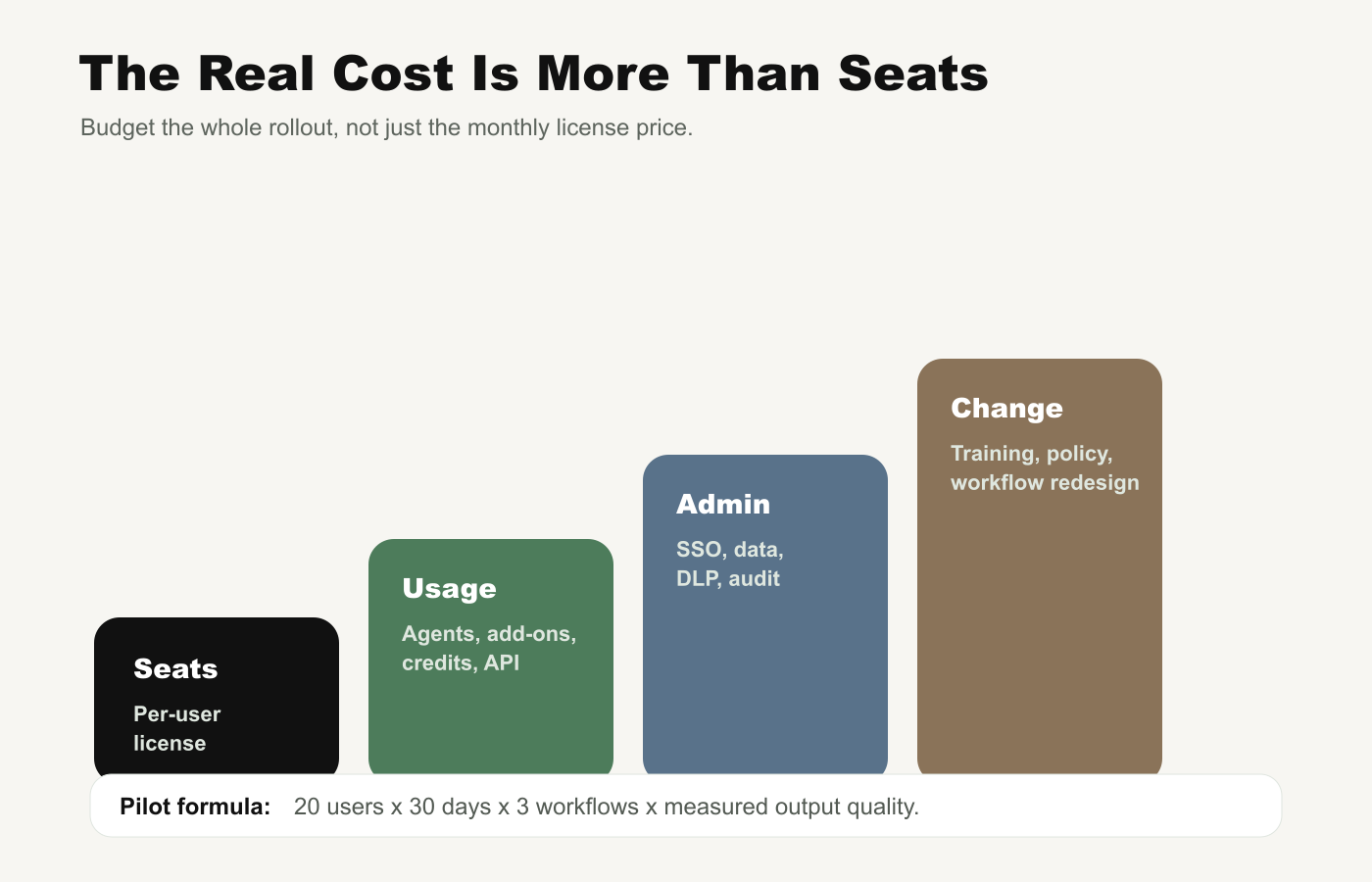
A small team can burn money by buying too many seats too early. A large team can create risk by giving AI access to messy SharePoint folders, unmanaged Google Drive files, Slack exports, customer records, or source code without a permission model. The cheapest rollout is often the one that starts narrower and measures outcomes.
How to Choose by Company Type
| Company situation | Best first pilot | Why |
|---|---|---|
| Microsoft-first SMB | Microsoft 365 Copilot Business | Native fit for Outlook, Teams, Office files, and Entra identity |
| Mixed SaaS startup | ChatGPT Business | Broad app connectors, custom GPTs, shared projects, and flexible use cases |
| Document-heavy consulting or legal ops | Claude Team or Enterprise | Strong fit for long documents, careful drafting, coding, and connector-controlled work |
| Google Workspace company | Workspace Gemini | AI directly inside Gmail, Docs, Drive, Meet, Sheets, Slides, and NotebookLM |
| Regulated enterprise | Enterprise plan from the vendor that owns your data layer | Prioritize SSO, SCIM, audit logs, retention, data residency, and legal terms |
| Engineering-heavy team | ChatGPT Business/Codex or Claude Team/Claude Code | Compare real coding workflows, not marketing demos |
Security Questions Before Buying
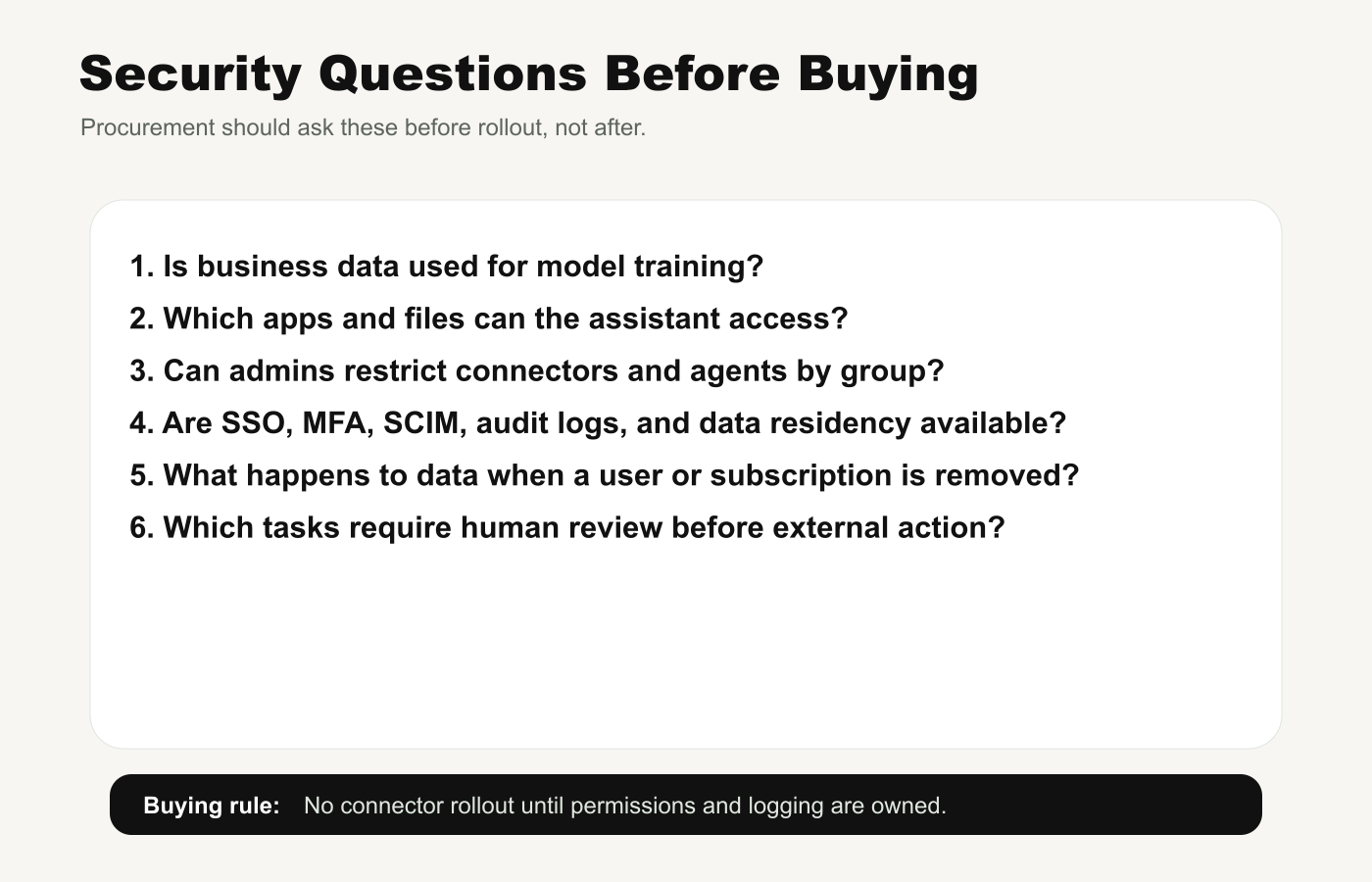
Before connecting company data, ask these questions in writing:
- Is customer or employee data used for model training by default?
- Which apps, folders, repositories, messages, and records can the assistant access?
- Can admins restrict connectors, agents, and file access by group?
- Are SSO, MFA, SCIM, audit logs, data residency, and retention controls available on the chosen tier?
- Who owns AI policy: IT, security, legal, operations, or each department?
- Which AI actions require human review before sending, publishing, deleting, or modifying external systems?
Do not let the pilot become a shadow-IT rollout. If employees are already using personal AI accounts for sensitive work, the correct response is not only a ban. It is a safer approved workspace with logging, admin controls, and clear rules.
A 30-Day Pilot Plan
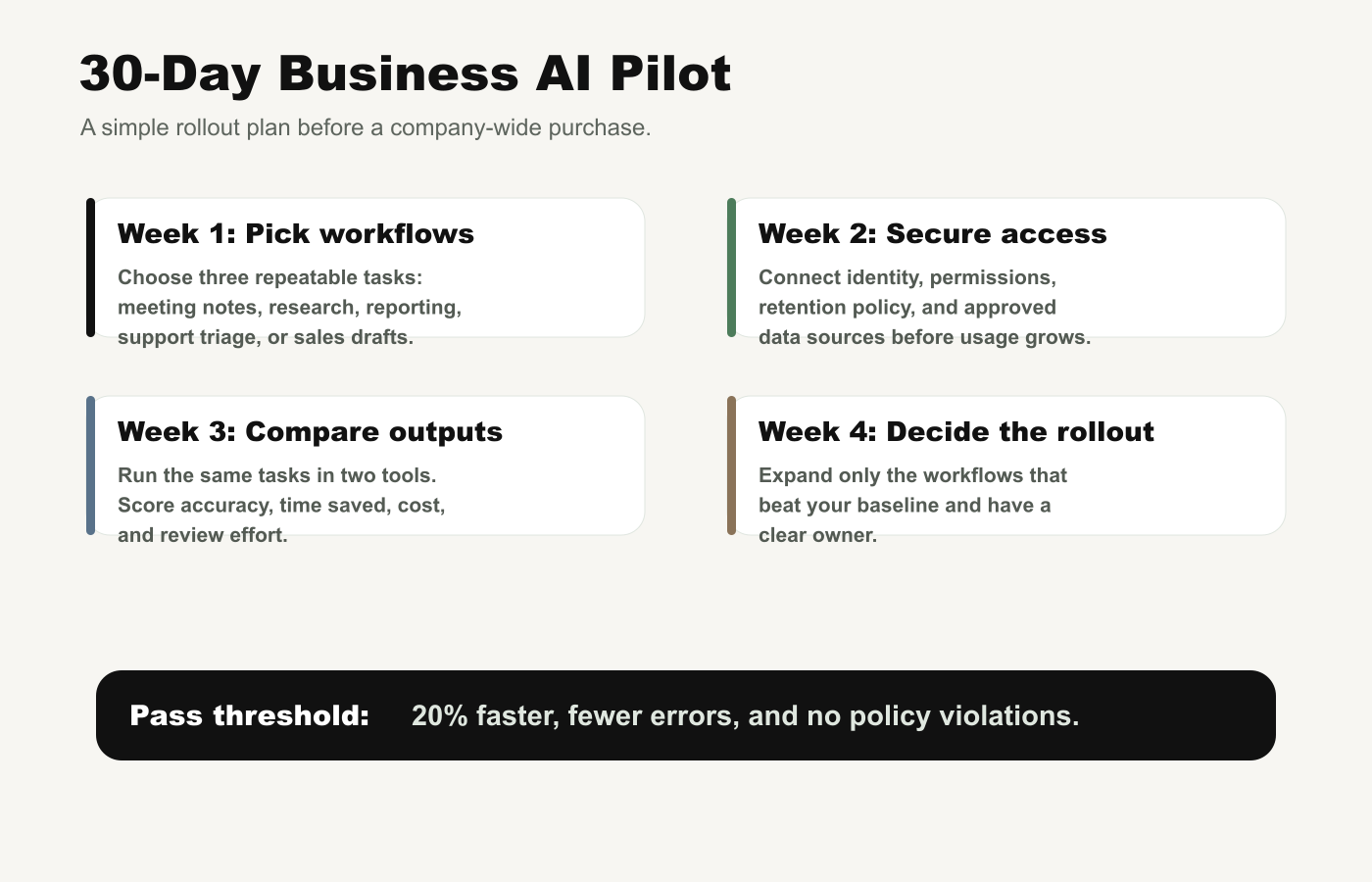
Week 1: Pick Three Workflows
Choose repeatable work with measurable outputs. Good pilots include weekly report creation, meeting summary to task list, sales email drafting, customer-support triage, spreadsheet analysis, research memo creation, contract review support, or internal knowledge search.
Week 2: Secure Access
Set identity, groups, data sources, retention policy, and connector rules before the pilot expands. Do not connect every app on day one. Start with the minimum sources needed for the three workflows.
Week 3: Compare Outputs
Run the same workflows in two candidate platforms if possible. Score time saved, factual accuracy, formatting quality, employee satisfaction, review burden, cost, and policy violations. A tool that feels magical but creates review debt is not winning.
Week 4: Decide the Rollout
Expand only the workflows that beat the baseline. A simple pass threshold is: 20% faster completion, fewer errors, no policy violations, and a clear owner for maintaining prompts, templates, connectors, and training.
Common Buying Mistakes
- Buying every employee a license too early. Start with power users and workflows where AI can be measured.
- Ignoring the data layer. AI quality depends on clean permissions, current files, and trustworthy knowledge sources.
- Choosing the benchmark winner instead of the workflow winner. A better model in isolation may lose if it is disconnected from the apps employees use.
- Letting agents act before logging is ready. Any AI that can modify files, records, code, calendars, or customer messages needs auditability.
- Skipping training. The productivity gain comes from changing workflows, not just adding a chat box.
Bottom Line
If your company is Microsoft-first, pilot Copilot first. If your team works across many apps and needs a flexible AI workspace, pilot ChatGPT Business. If your work is long-document, writing, coding, or careful analysis-heavy, pilot Claude Team. If your company is already built around Google Workspace, pilot Gemini in Workspace before adding another standalone layer.
The winning Business AI stack in 2026 will not be the one with the loudest demo. It will be the one your employees use safely every week, inside the workflows that already make money or save time.
Source Note
This article was prepared through the Tovren Editorial OS project in ChatGPT Pro Extended mode and then fact-checked against current official vendor sources before publication.
Source Log
- ChatGPT pricing – Business and Enterprise plan structure, connectors, workspace features, security controls, and custom Enterprise pricing.
- OpenAI Business – enterprise privacy, security, admin controls, no customer data or metadata in the training pipeline for business/API customers, SSO, encryption, and compliance references.
- Microsoft 365 Copilot pricing – Copilot Chat inclusion, Copilot Business pricing, app coverage, agents, Work IQ, and qualifying-license notes.
- Microsoft Learn: Copilot licensing – qualifying Microsoft 365 plans and Copilot Chat distinctions.
- Claude pricing – Team and Enterprise seats, Claude Code/Cowork, connectors, SSO, admin controls, model-training defaults, and API-rate usage structure.
- Google Workspace pricing – Workspace business tiers, Gemini app features, NotebookLM access, Enterprise contact-sales pricing, and 300-user business-plan limit.
- Google Workspace generative AI announcement – Gemini features added to Workspace Business and Enterprise plans without separate add-ons.
FAQ
Should a business standardize on one AI tool?
Usually no. Most teams need a small approved stack because each vendor is strongest in different workflows and ecosystems.
Which AI tool should a business start with?
Start with the tool that matches the existing work surface: Copilot for Microsoft-heavy teams, Gemini for Google-heavy teams, ChatGPT for broad reasoning, and Claude for writing or analysis-heavy work.
What matters more than model hype?
Governance, data access, workflow fit, measurable time saved, user adoption, and review controls matter more than a benchmark headline.